
Respond to each notification type
Open the bell or the Notifications page.
Identify the lead and notification type.
Click Answer if the call is still active.
Click Call back to return a missed call immediately.
Click View SMS to open the correct conversation.
Click Mark as read when the notification is handled.
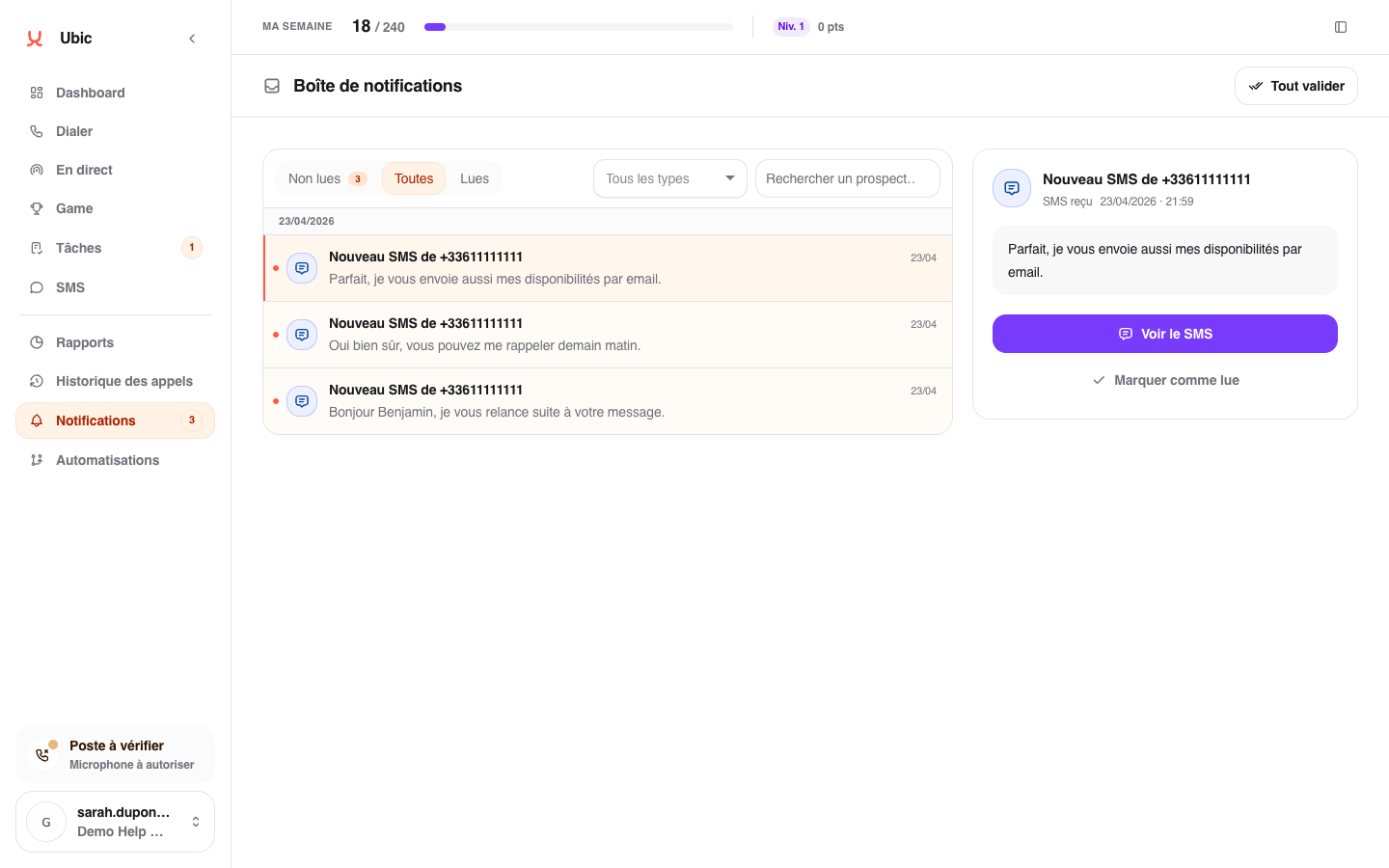
You can filter the page by state, type, or search. Times use the workspace timezone.
Retry a CRM sync
A CRM sync failed notification means the call qualification is saved in Ubic, but its copy to the CRM did not complete. Select the notification and click Retry. The button disappears while the new attempt is in progress; a new error appears if it fails.
When the notification asks you to check the CRM, first look for the note or activity on the contact. Click Retry only if it is missing, to avoid a duplicate. Reading or marking a notification as read does not retry the sync.
Troubleshooting
Answer disappears when the call is no longer active.
Call back starts an immediate call but does not create a task. Create a task if the callback should happen later.
If an expected message is missing, also check the SMS inbox.