
Open and reply
Click the notification, then View SMS, or open SMS directly.
Check the lead and review the previous messages.
Type your reply at the bottom of the conversation.
Click Send.
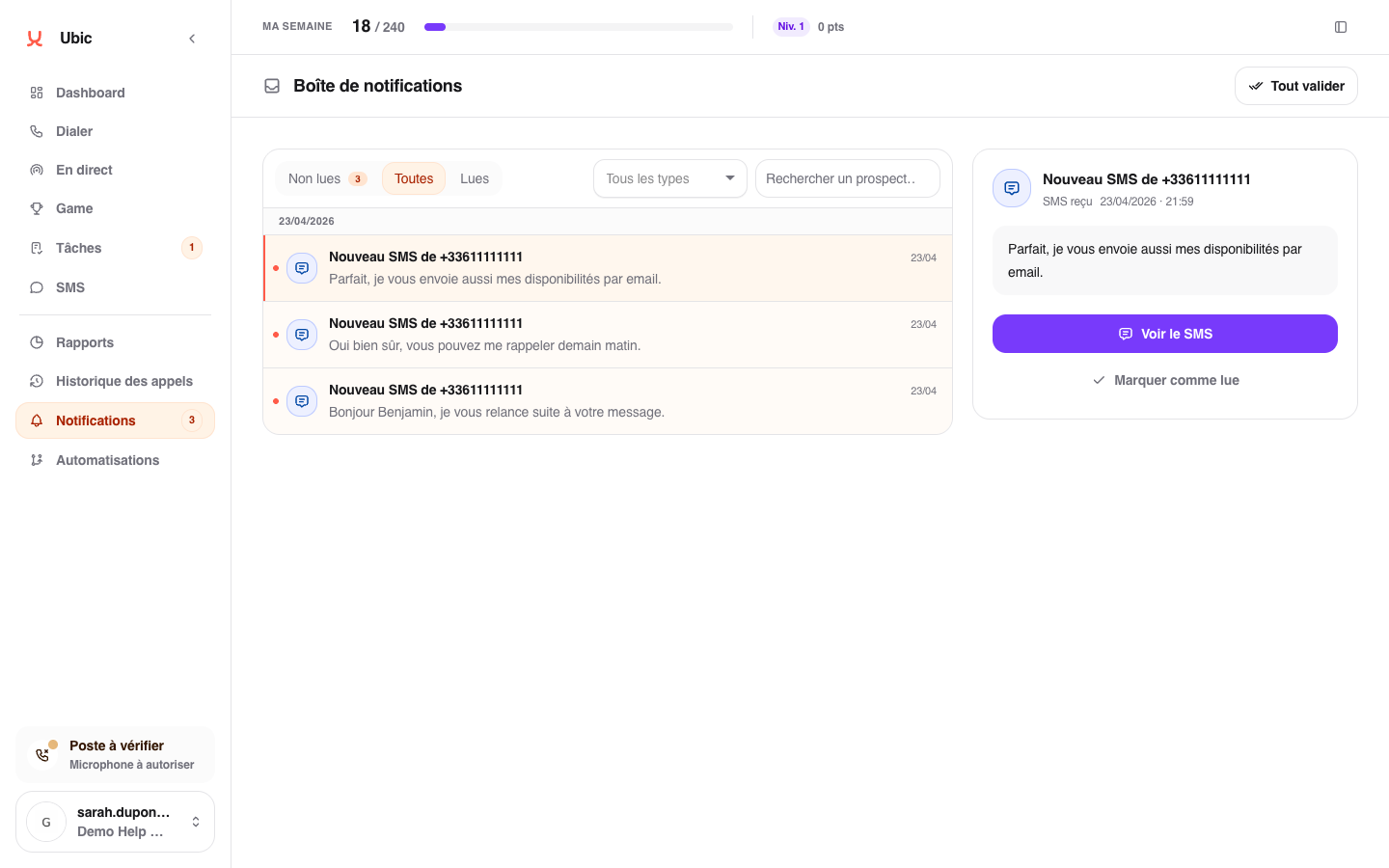
The reply is sent from the Ubic number that received the message, so the lead keeps the same thread on their phone.
If the message does not arrive
The number may not be configured to receive SMS, or the lead may have replied from another number. Ask an administrator to check the Ubic number if the expected message remains missing.
Incoming texts with explicit sexual content are filtered before they appear in conversations or notifications. If a legitimate message seems to have been filtered, send its date and phone number to Ubic support.