
Schedule the follow-up
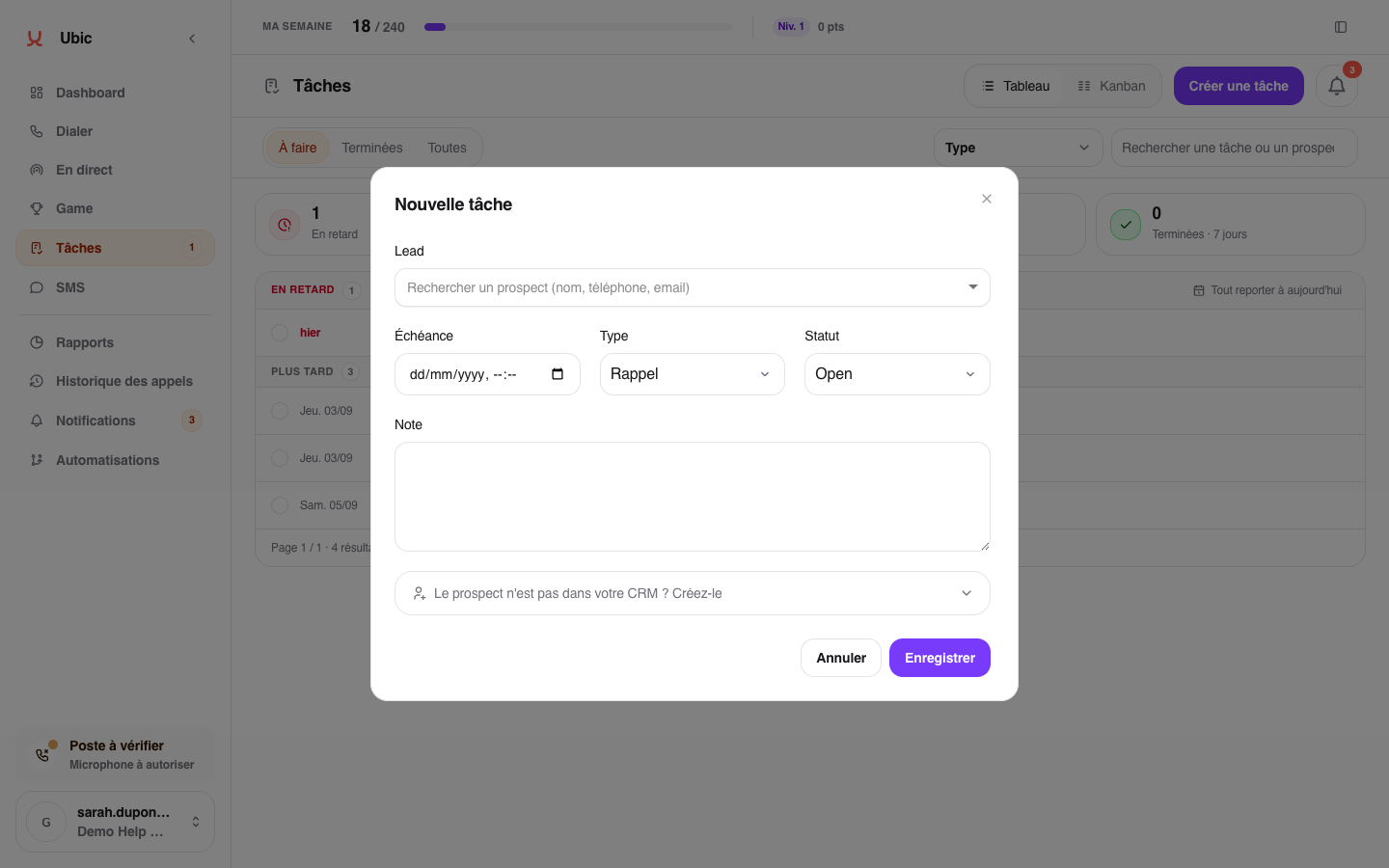
From the lead record or the post-call follow-up, click Create a task.
Choose the type that describes the action, such as Call back, Follow up, or To do, depending on your team's options.
Set the date and time when you want to handle it.
Add a note explaining why you need to make contact again and what the follow-up should achieve.
Click Save.
The task is assigned to you and automatically joins Overdue, Today, or Later based on its due date.
Good to know
A task remains linked to the relevant lead. The Call back button on a missed-call notification starts a call immediately; it does not create a task.