
Resume your work
Open Dashboard.
In the main card, click the suggested list to resume calling.
Check Today to handle overdue tasks and anything planned for today.
Open All tasks if you want to prepare the coming days.
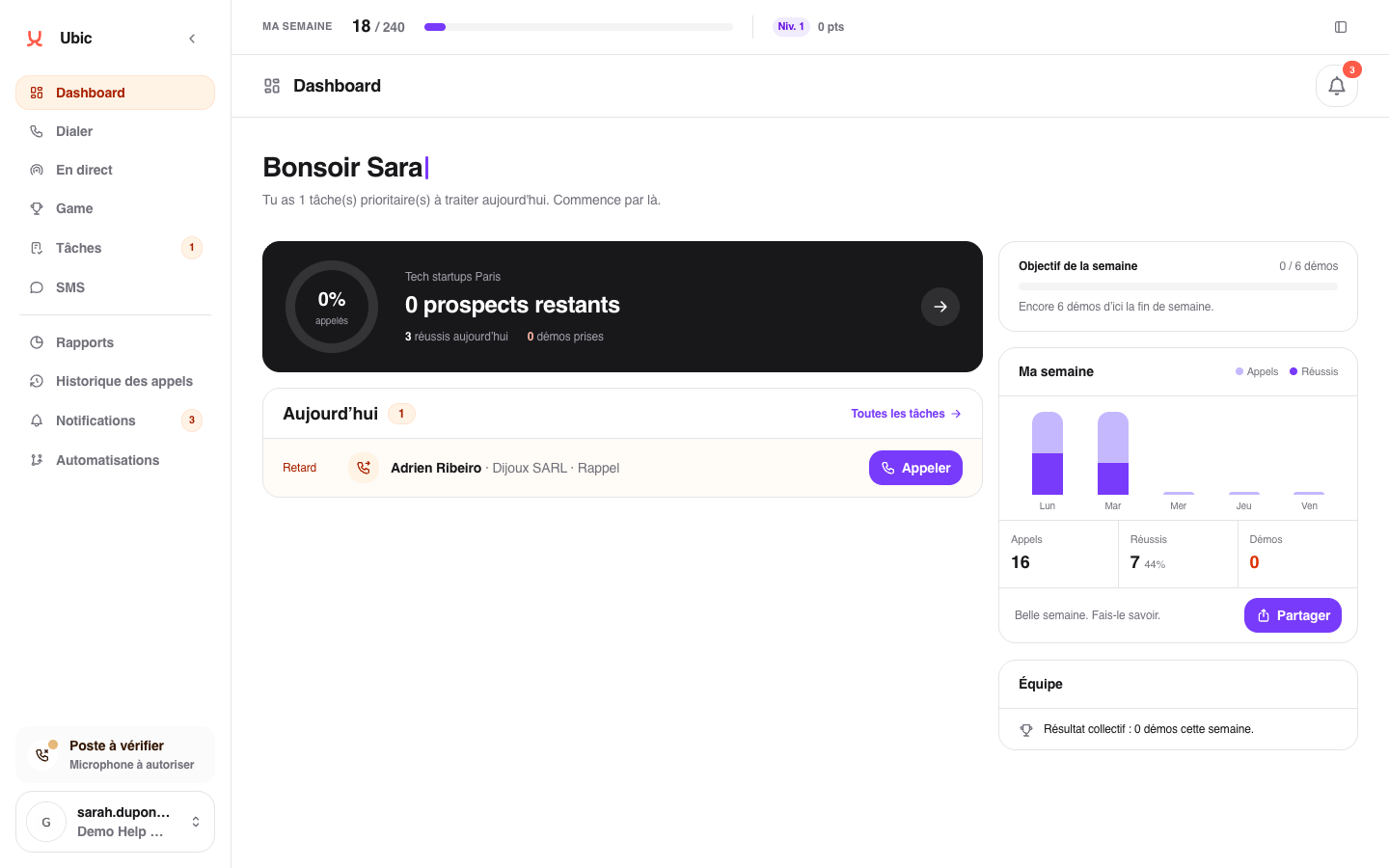
The resume card shows the list's progress and the number of leads still available, among other information.
Track your week
Weekly goal shows your personal progress. My week summarizes your calls, conversations, and conversions day by day. To analyze another period or a specific list, open Reports.
If no list or goal appears, ask an administrator to check your assignments and goals.