
Choose the figures to export
Open Reports.
Choose the view, period, list, and people to include.
Before exporting, confirm the period, lists, and sales reps shown at the top of the report.
Click Export.
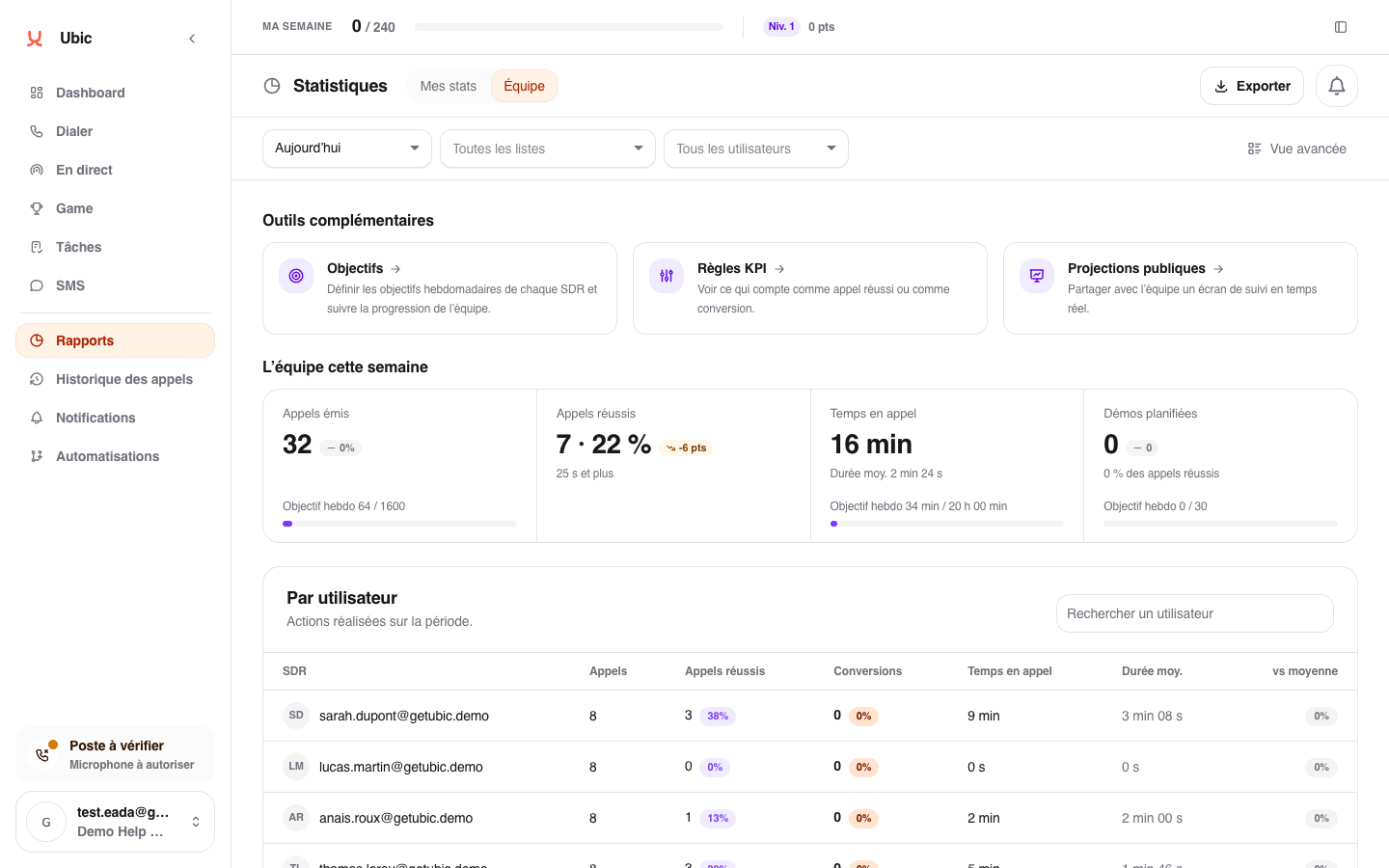
The downloaded file uses the visible scope: filters, metrics, results by person and list, statuses, and available conversions.
Before sharing the file
The export respects your viewing permissions but becomes a file outside Ubic. Check its recipients and the selected period before sharing it.