
Choose the period and list to analyze
Open Reports, then stay in My stats to view your own activity.
Choose a quick period or custom dates.
Filter by list to analyze a specific campaign.
Read the metrics and their change using the same filters.
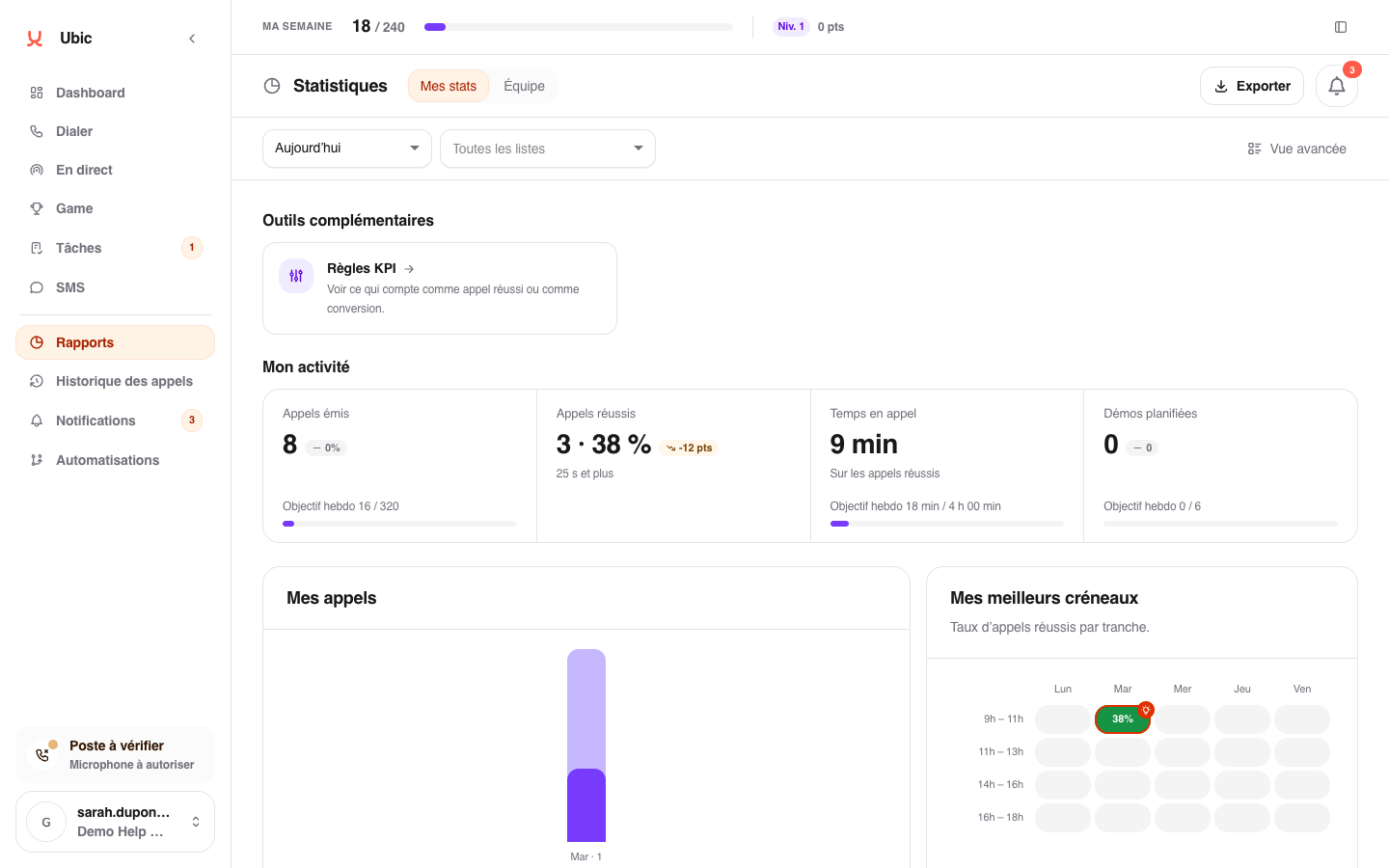
Enable Advanced view to break down statuses, channels, and lead movements. Disable it to return to the essential metrics.
When does a conversion count?
A conversion counts when a prospect moves from a non-conversion status to a conversion status selected by the administrator. It is attributed to the date of the change and the person who recorded it. Each transition counts, even if the same prospect already converted within the selected period.
Calling a prospect again while keeping the same status does not add a conversion. For example, a demo booked on September 4 followed by another call on September 8 counts as one demo on the 4th and none on the 8th. Moving between two statuses that both count as conversions does not add a conversion either.
If a prospect moves from Demo Booked to Voicemail, then back to Demo Booked, this counts as two conversions, even on the same day. Each conversion is attributed to the date of the transition and the person who recorded it.
Understand a difference
Figures depend on the period, selected lists, and conversions chosen by the administrator. If you can view team data, the Team tab also lets you compare collective results.
For older prospects, conversions rely on status changes recorded in Ubic. The current status and call history alone cannot establish when a past demo was booked.