
Create your account
Open the sign-in page and click Create an account.
Enter your first and last name, workspace name, phone number, and professional email address.
Accept the terms, complete the security check if it appears, then click Send me a code.
Copy the six-digit code sent by email.
Enter the code in Ubic to create and open your workspace.
Your account and workspace are created after you verify your email. If you received an invitation, use Sign in with the invited email address.
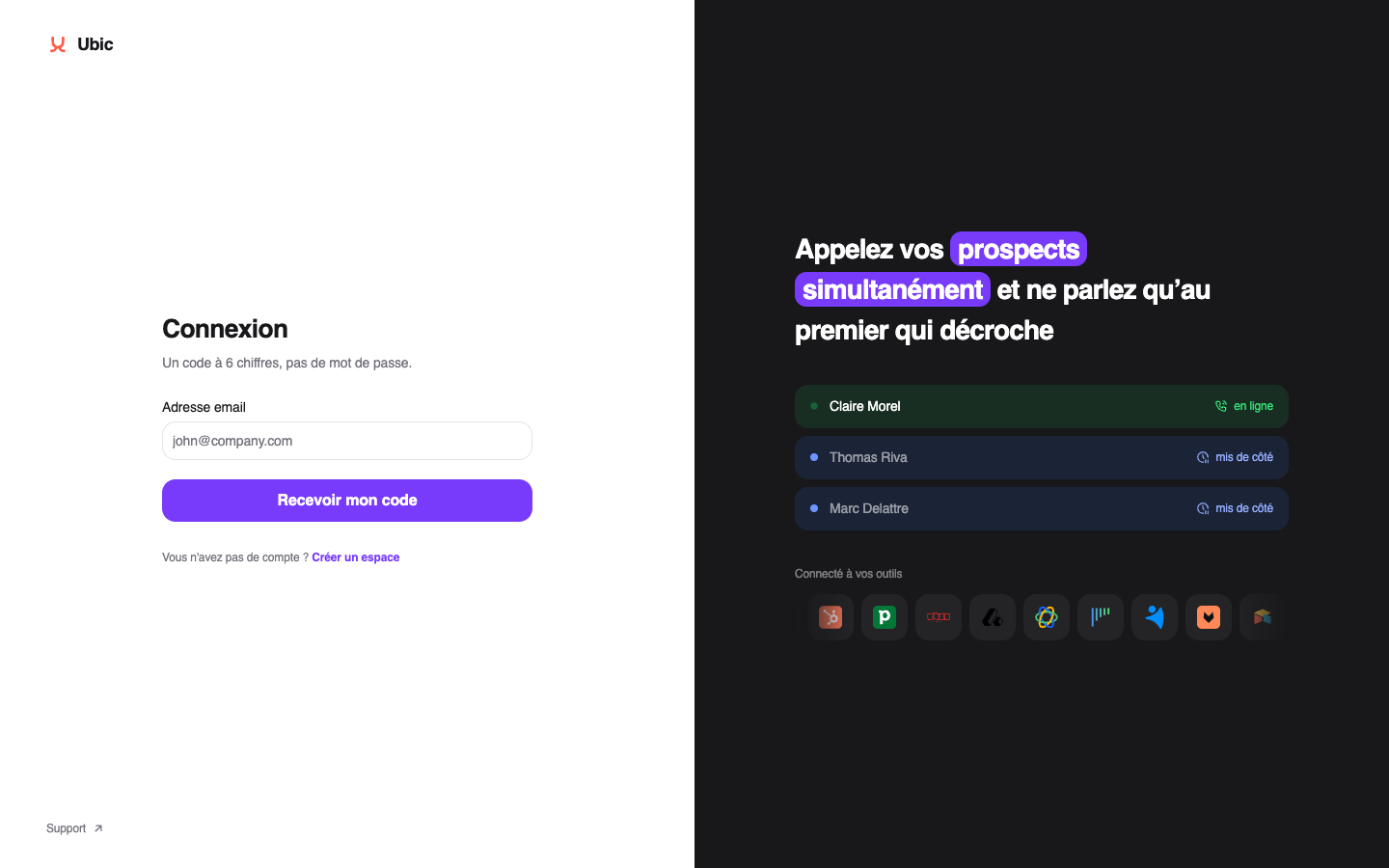
Sign in again
Enter the email address linked to your account.
Click Send me a code.
Enter the new code sent by email.
Each code can only be used once. After sign-in, Ubic opens the page you were trying to reach or the Dialer by default.
Your sign-in is set to last 24 hours. If it is due to expire between 9 am and 7 pm, Ubic moves the expiry to 7 pm to avoid signing you out during the working day. This uses your workspace's time zone when you sign in, or Paris time if no workspace is selected.
An ongoing call can finish, and you then have 15 minutes to save its outcome. Browsing pages does not extend the expiry. If your sign-in has already expired before you return in the morning, you still need a new code.
Troubleshooting
Check your spam folder if the email does not arrive.
Codes expire after 15 minutes. Click Resend to receive a new code; only the latest code remains valid.
Wait at least one minute between requests. If Ubic reports too many requests, wait before trying again.
After five incorrect codes during registration, restart registration. Resending does not reset this counter.
If the security check fails, reload the form and try again. Contact support if it remains unavailable.
If Ubic does not recognize your address, ask your administrator to check your invitation or create an account if you are starting a new workspace.