
Update your profile
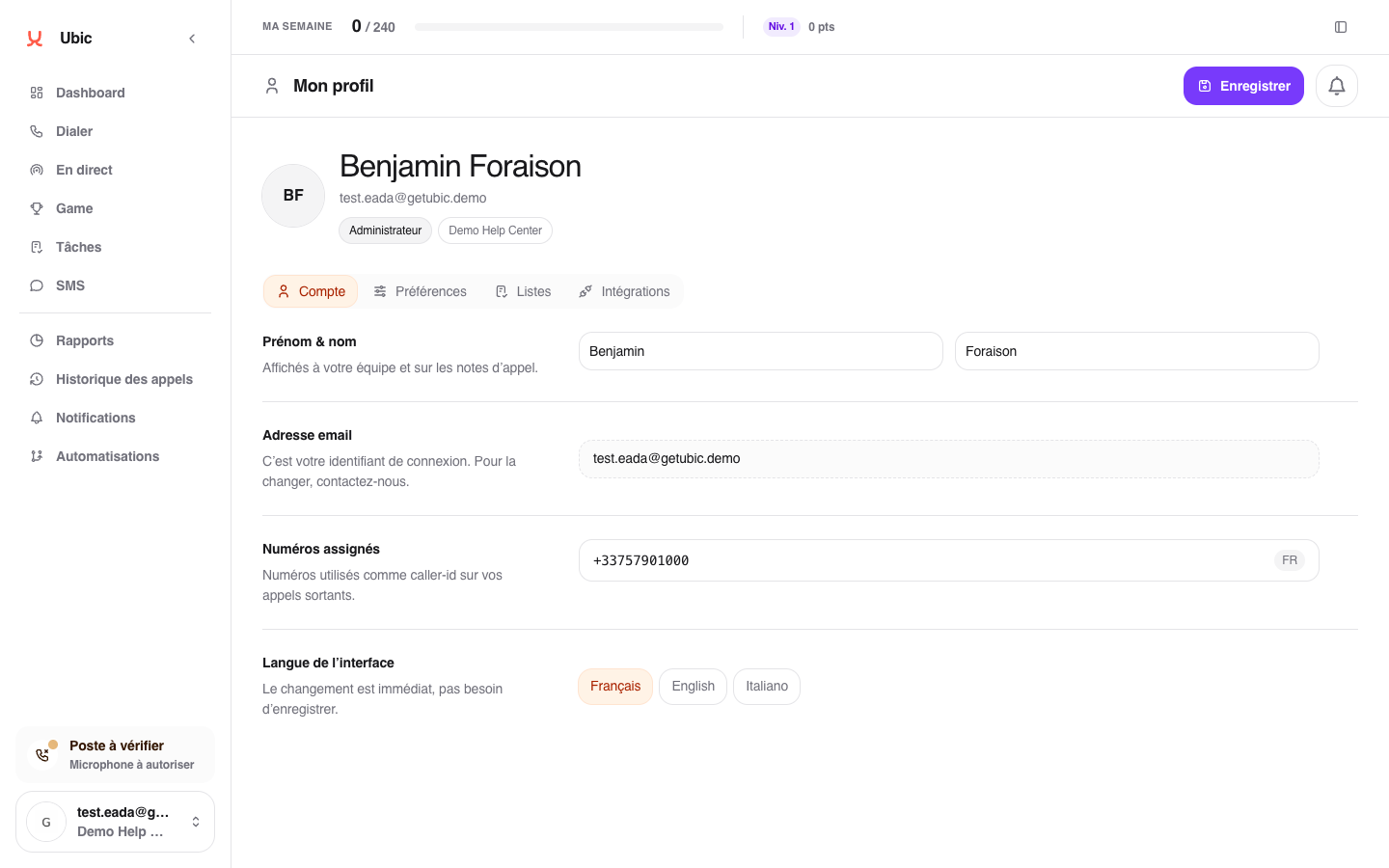
Open your account menu at the bottom of the sidebar.
Click Profile.
Under Information, update your first or last name.
Click Save.
Your email address is used to sign in and cannot be changed from this page.
Change the language
Open the Preferences tab.
Choose Français or English.
Let Ubic reload the interface in the new language.
The choice is kept for future sign-ins and also applies to emails sent by Ubic.
Troubleshooting
If your email address must change, contact your workspace administrator or Ubic support. If the language does not change immediately, reload the page.