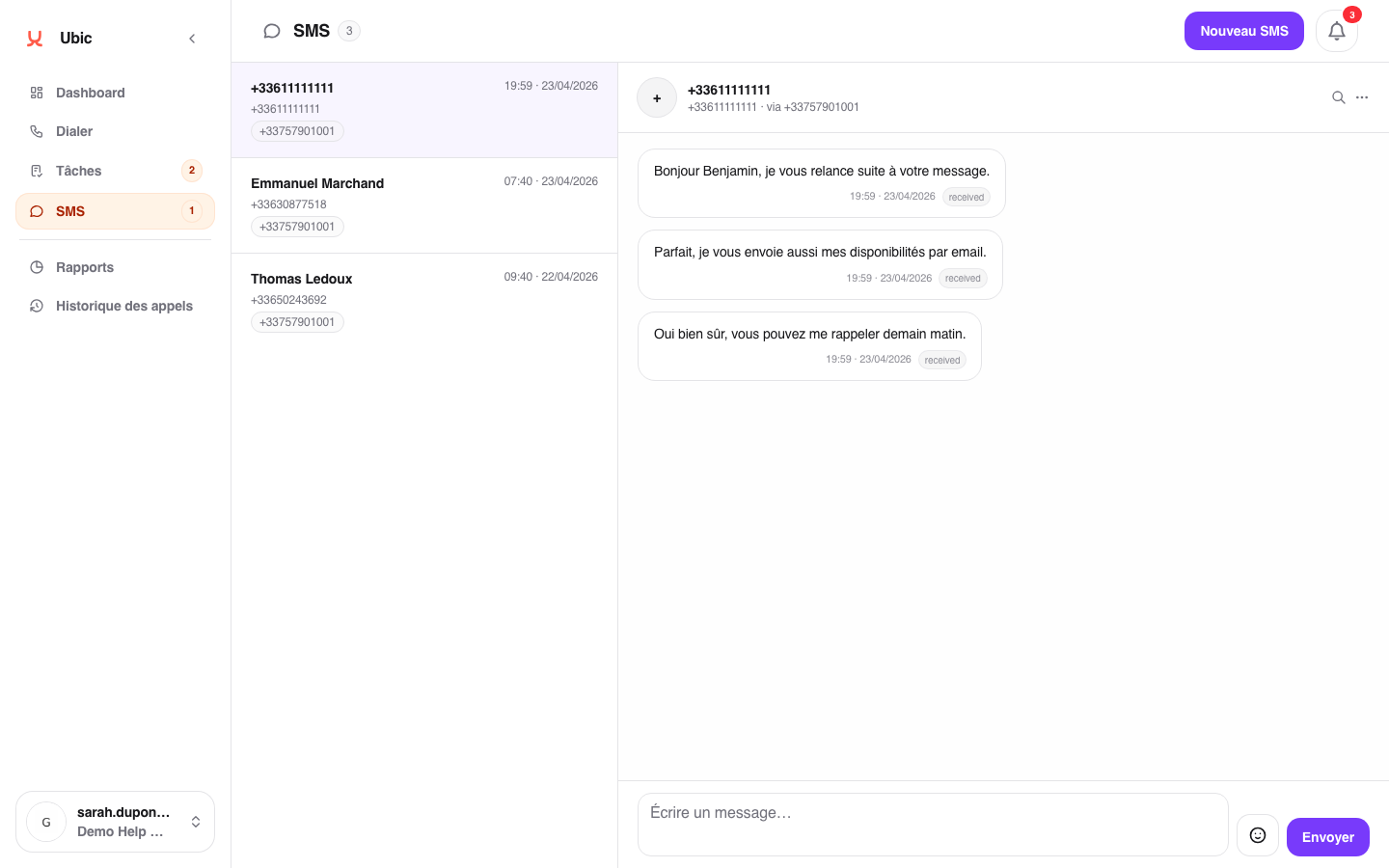
An incoming SMS appears in SMS. Ubic records the sender number, which belongs to the lead, and the recipient number, which is your Ubic number. The message content appears immediately.
Ubic also creates a notification in the notification bell. It shows the sender and a message preview. Click View SMS to open the correct conversation.
Open the relevant conversation from the SMS inbox.
Enter your reply in the field at the bottom of the thread.
Click Send.
The reply is sent from the Ubic number used for the original message, so the conversation stays in the same thread for the recipient.
If you expect an incoming SMS but it does not appear in the inbox, check these two possibilities:
The Ubic number is not configured to receive messages because it has no active Twilio webhook.
The sender replied from a different number than the one Ubic called, for example after forwarding from a mobile phone.
Twilio reports the delivery status in real time. A failed message is marked as failed in the conversation, with the carrier's reason when available.
Incoming SMS messages remain visible on the Notifications page until they are read or acknowledged.
