The bell in the top-right corner shows the number of unread notifications. It opens automatically when an incoming call arrives.
The bell shows useful context without opening a new page: the lead, notification type, time, and primary action when available.
Answer only appears while the call is still ringing.
Call back appears for a missed call.
View SMS appears for an incoming SMS.
Clicking a notification opens the Notifications page with that notification selected.
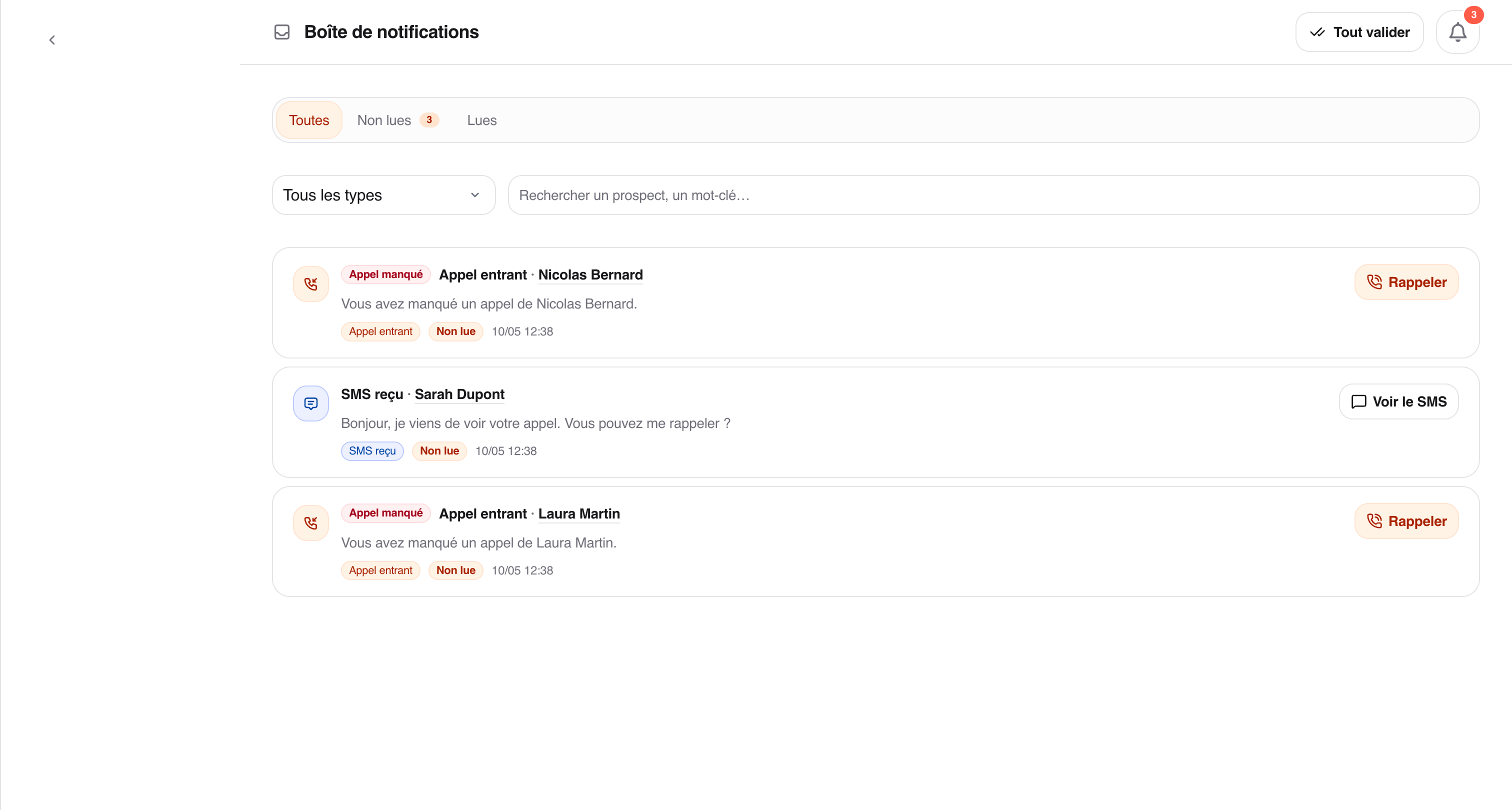
The Notifications page shows unread notifications by default. You can filter by all notifications, read notifications, type, or a text search.
The lead name is underlined. Click it to open the lead details.
Depending on the notification:
Answer accepts the active incoming call.
Call back starts a direct call to the lead from Ubic.
View SMS opens the relevant SMS conversation.
Mark as read marks the notification as read.
Displayed times use your workspace timezone.
If an incoming call is no longer active, Answer disappears. Ubic keeps the missed-call notification so you can call back.
The Call back button in a notification does not create a task. To schedule a call for later, create a separate callback task.
