Click SMS in the sidebar.
The left panel lists conversations by most recent sent or received message.
Click a conversation to read and reply.
When several numbers are active in the workspace, use the filter to display conversations for a specific number only.
This is useful for an admin reviewing the whole team's messages or for a member who uses several numbers.
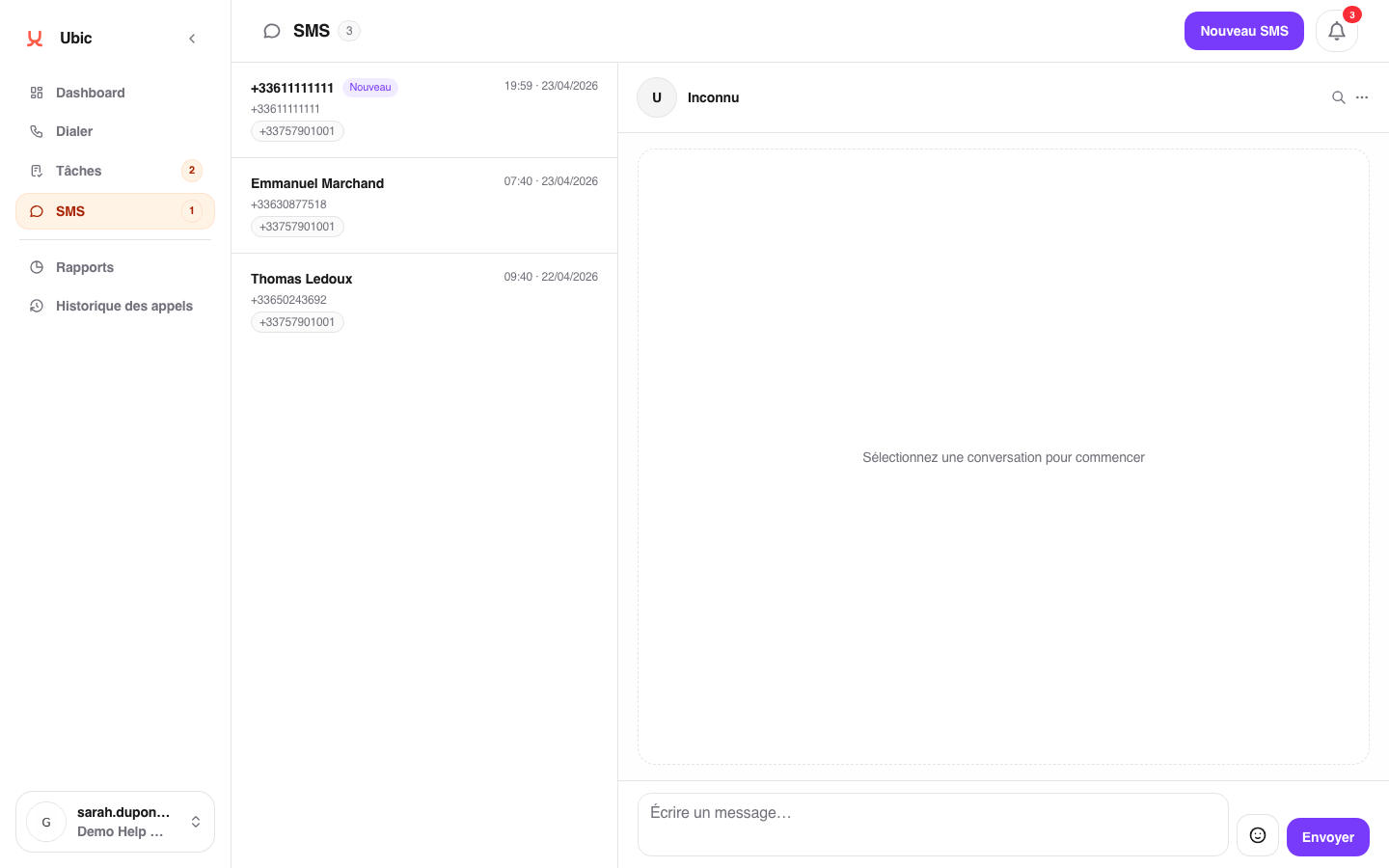
Opening a conversation automatically marks received messages as read. Unread conversations are highlighted in the list.
Only the conversation owner, meaning the user assigned to the sender number, can reply. Members who are not assigned to the number can only read the conversation.
Messages cannot be deleted individually. An admin must delete the entire conversation if cleanup is needed.
