
Complete or reschedule
Open the task from Tasks or from the lead record.
Click Complete if the planned action has been carried out.
Change the date or move the task to another column if it should be postponed.
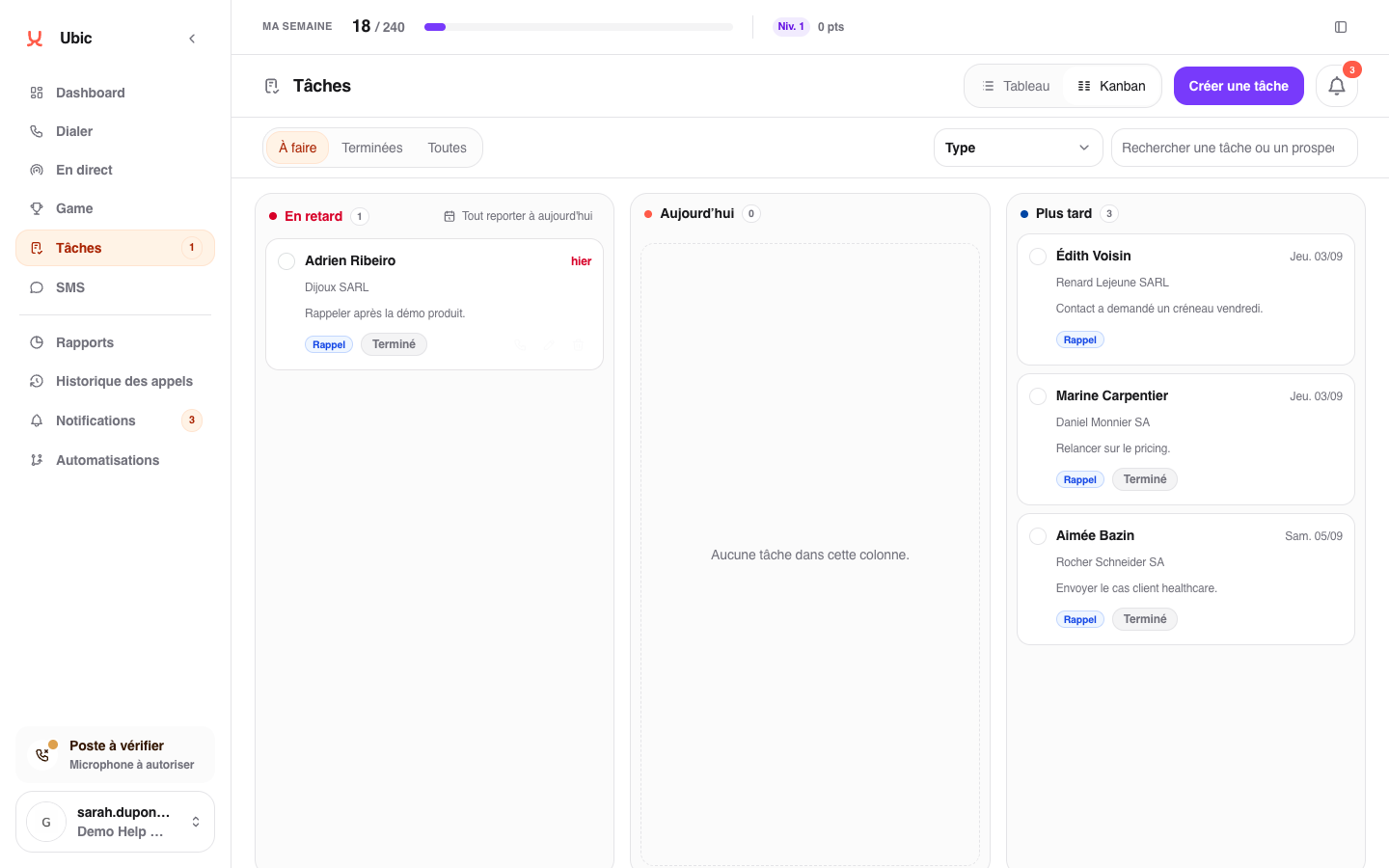
A completed task leaves your daily list but remains in the lead history.
Correct a mistake
If you completed a task by mistake, find it from the lead record or filters, then click Reopen. Its note and context are preserved.