Create a task from a lead record during a call, after qualifying the call, or from the detailed record later.
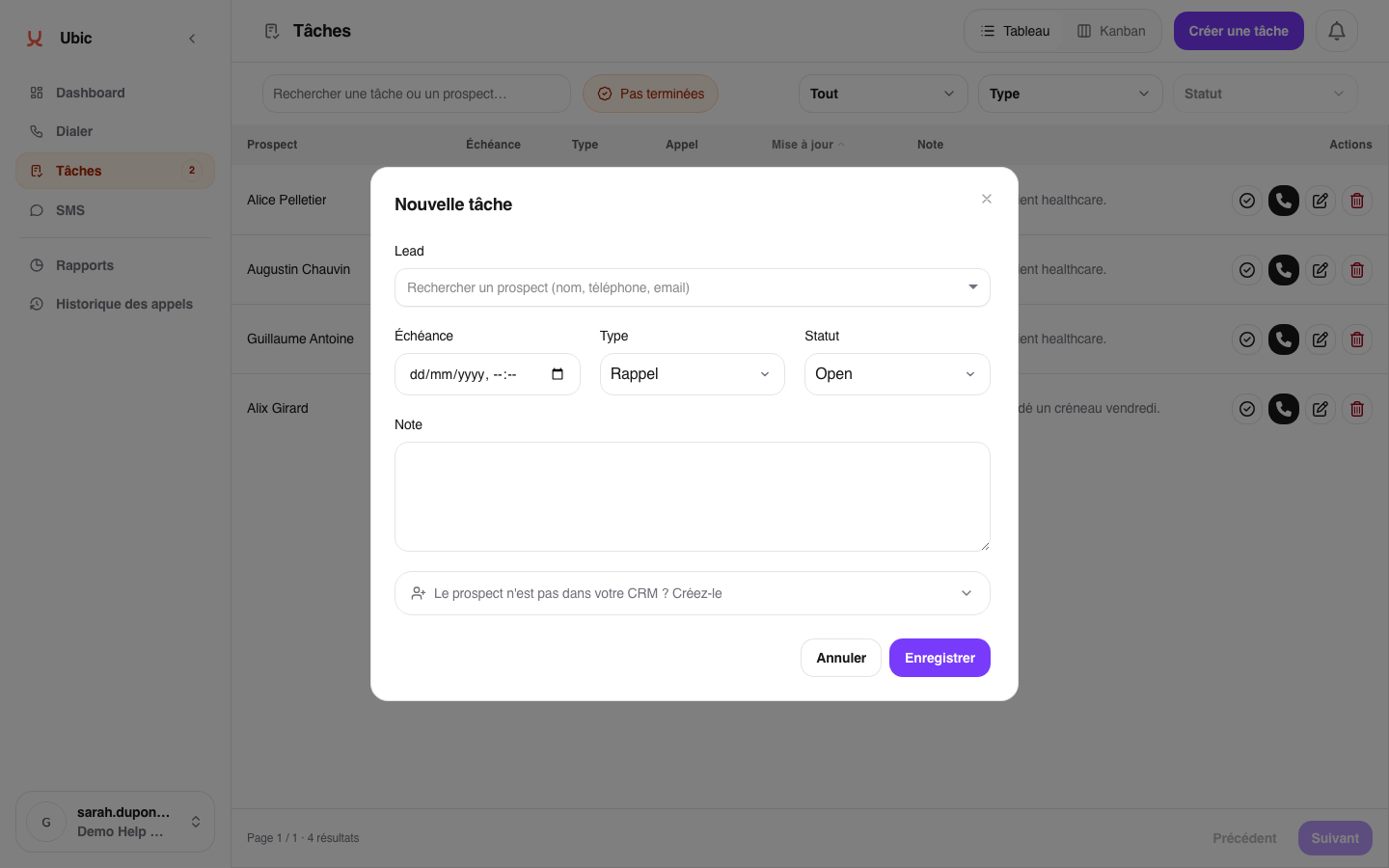
Click Create task.
Choose the type (Callback, Follow-up, or To-do).
Set the due date and time.
Add a note if you need to keep useful context visible.
Save the task.
The task appears immediately in Tasks, in the right bucket (Overdue, Today, or Later) based on its due date.
The Call back button on a missed-call notification starts a direct call. It does not create a callback task.
A task created from your account is assigned to you by default. Other team members cannot see it in their task view.
A task is always linked to a specific lead. Deleting the lead or its list also deletes the related tasks.
To follow up with a lead by SMS when the task is due, create the task and use the SMS inbox at that time. Ubic does not send an SMS automatically when a task becomes due.
