The demo call is useful just after creating your account, before assigning a real number or importing a lead list. It shows you the lead profile, qualification buttons, and end-of-call screen.
Open Demo call from the onboarding flow or use the dedicated URL.
Follow the scenario shown on screen.
Click Done to open the end-of-call screen.
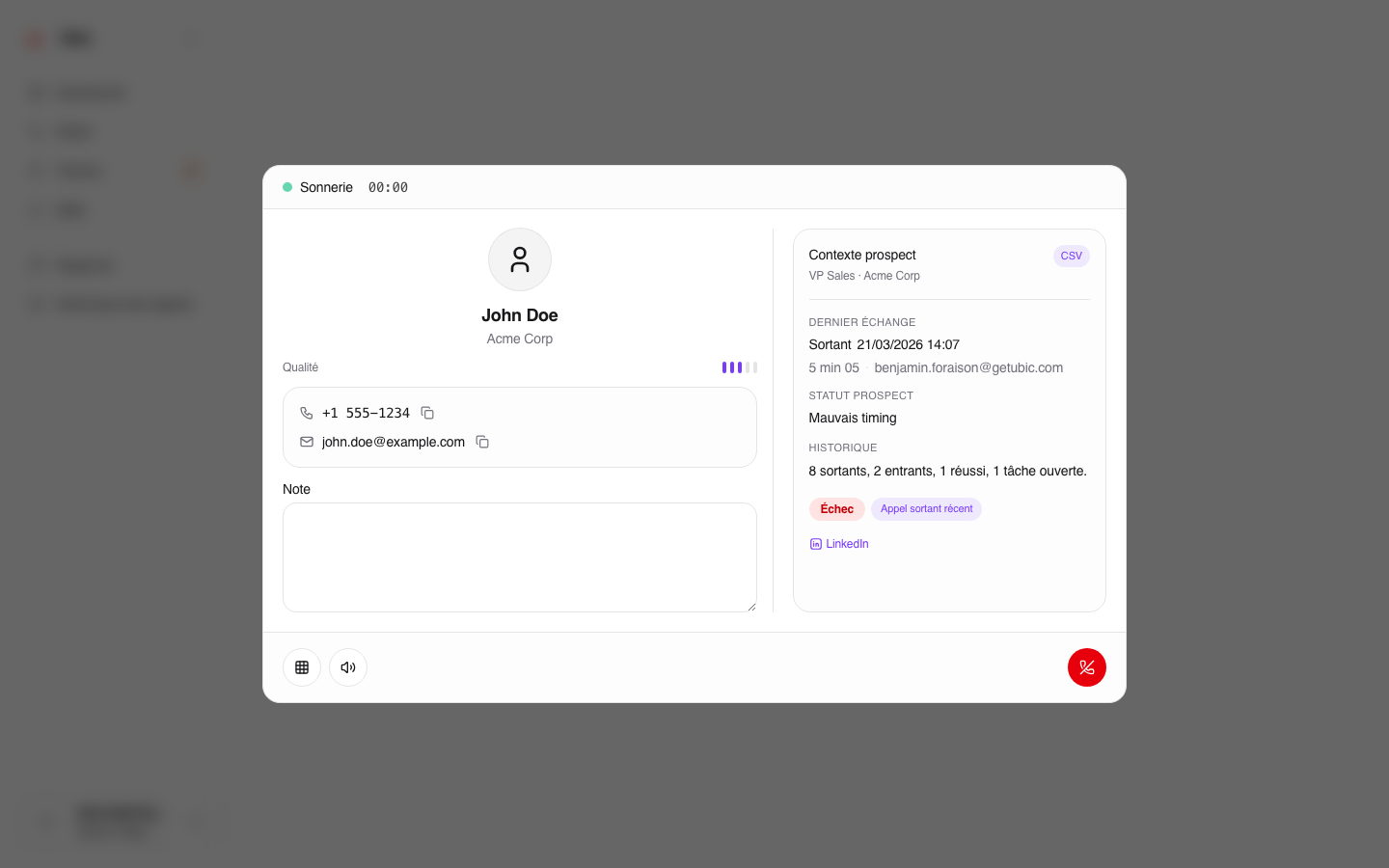
No lead data is created in your workspace.
No real call is made. No number is dialed, no call license is used, and no entry appears in the call history.
The demo call does not use connected CRM integrations. It is a sandbox designed only to help you become familiar with the interface.
