Looking for the sales rep workflow? Read Complete the information specific to your business to see where the team views and completes these fields.
Create a field when the team needs to view or complete data about the lead.
Create an Action button when they only need to open a service, such as a booking page.
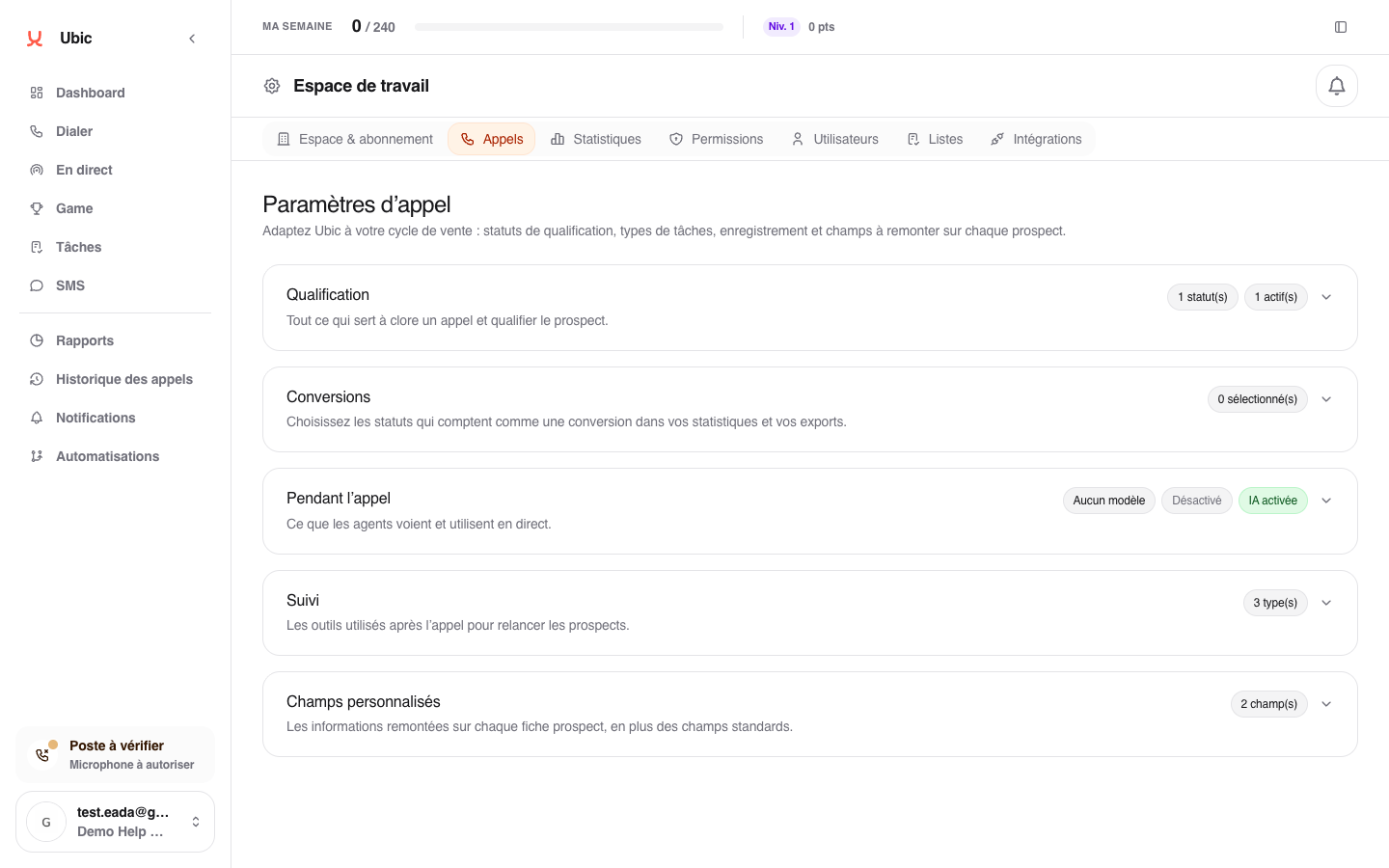
Open Settings > Calls > Custom fields.
Click Add a field and give it a name sales reps will understand.
Choose its format: text, link, yes/no, choice list, date, or action button.
Decide whether it appears during calls, on the lead record, or in both places.
Add the required choices or the button's https:// address.
Make a field required only when a call genuinely cannot be saved without that information.
Save.
To retrieve or send this information in a CSV or CRM, match it with the correct column when configuring each list.
Check its visibility and the list mapping. A field that is already in use cannot be deleted while its values or mapping are still present.
