
During or after a call
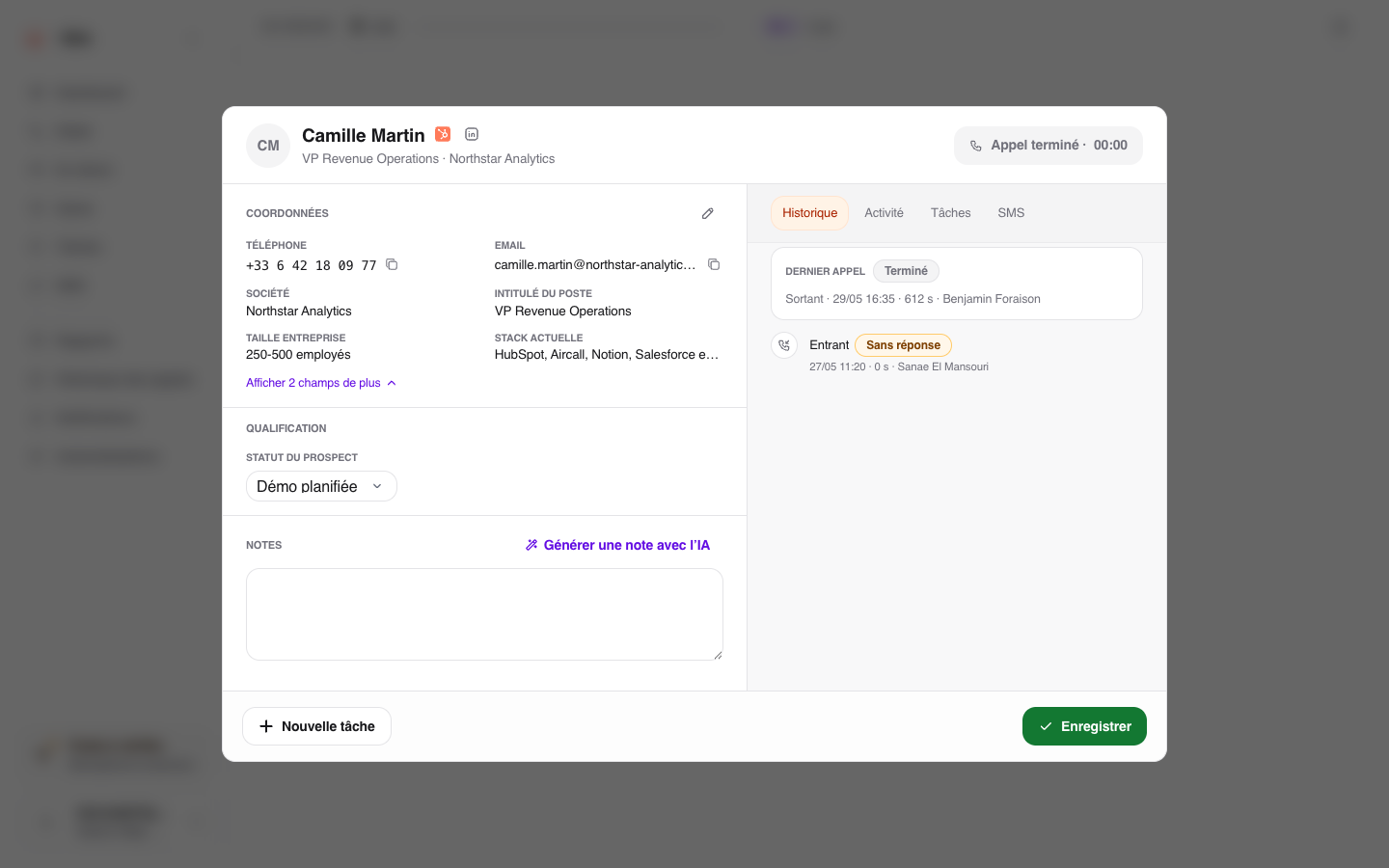
Find the information shown in the call window or on the lead record.
Enter information gathered during the conversation, such as industry, budget, or callback date. A required field must be completed before you can save.
For a choice list, select the value that matches the lead.
For a date, choose the expected day in the calendar.
Click Save and continue with the rest of the post-call follow-up, or Save from the lead record.
An action button may also open a service used by your team, such as a booking page. It does not automatically change the lead record.
If information is missing
An administrator chooses which information is visible and editable. If you configure the workspace, read how to add or change this information. Otherwise, tell your administrator the name of the missing field and where you need it: during the call, on the lead record, or in both places.