
Use the inbox
Click SMS in the navigation.
Choose a conversation in the left column.
Read the full thread on the right, then reply when the lead is waiting for confirmation or a next step.
If you use several numbers, apply the filter to show only conversations for the relevant number.
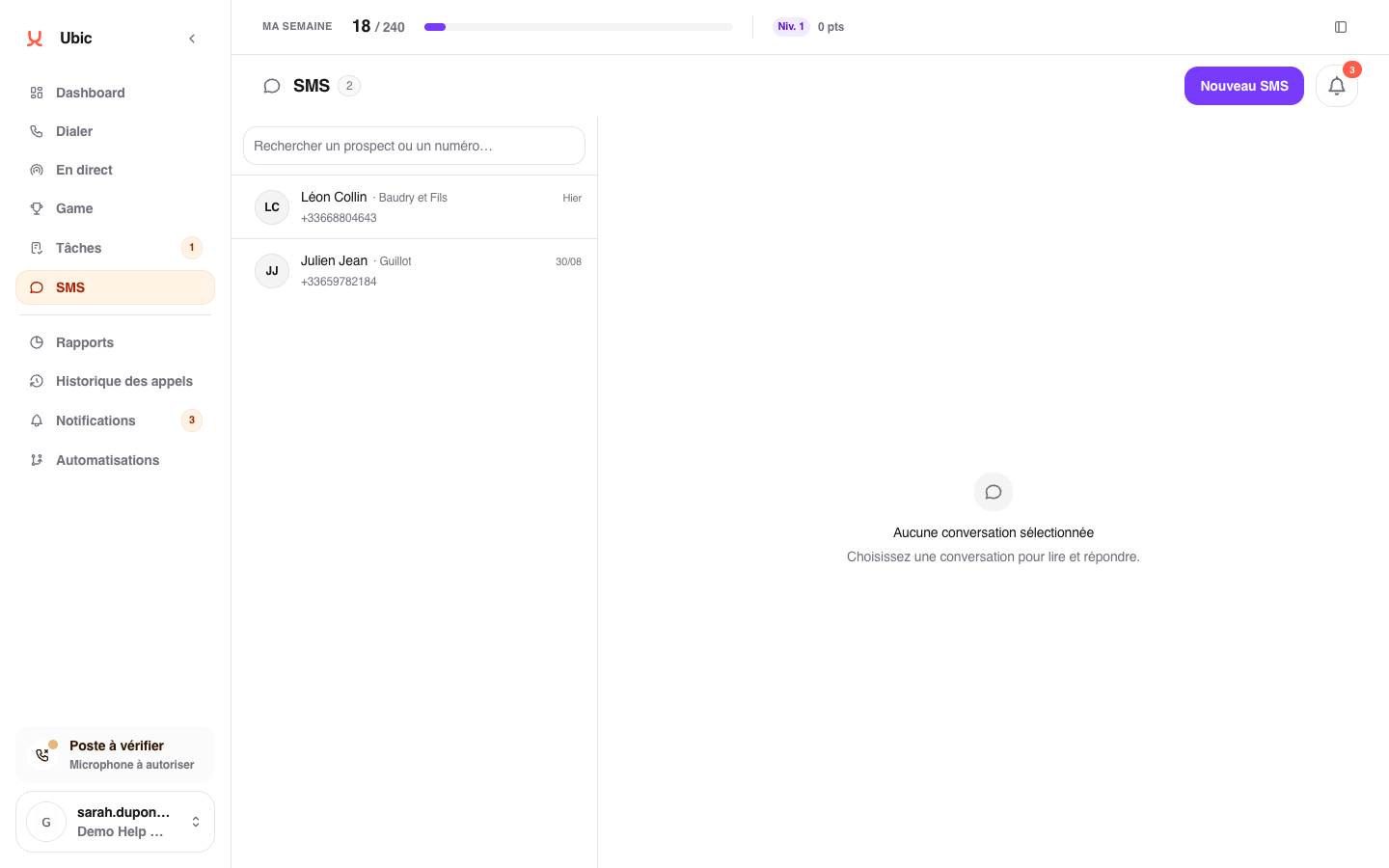
Opening a conversation marks new messages as read. A conversation that does not use one of your numbers may be visible as read-only.
Your Ubic lines use a stable label, such as Number 🇫🇷 #12345678. The same label appears in the filter, conversation, and your profile.
If a conversation is missing
Check the number filter and open Notifications to find a recently received message. If the issue continues, ask an administrator to check the number being used.