
Send the message
Open the lead record.
Click the SMS action.
If several numbers are available, choose the one used to send.
Write a clear message, then click Send.
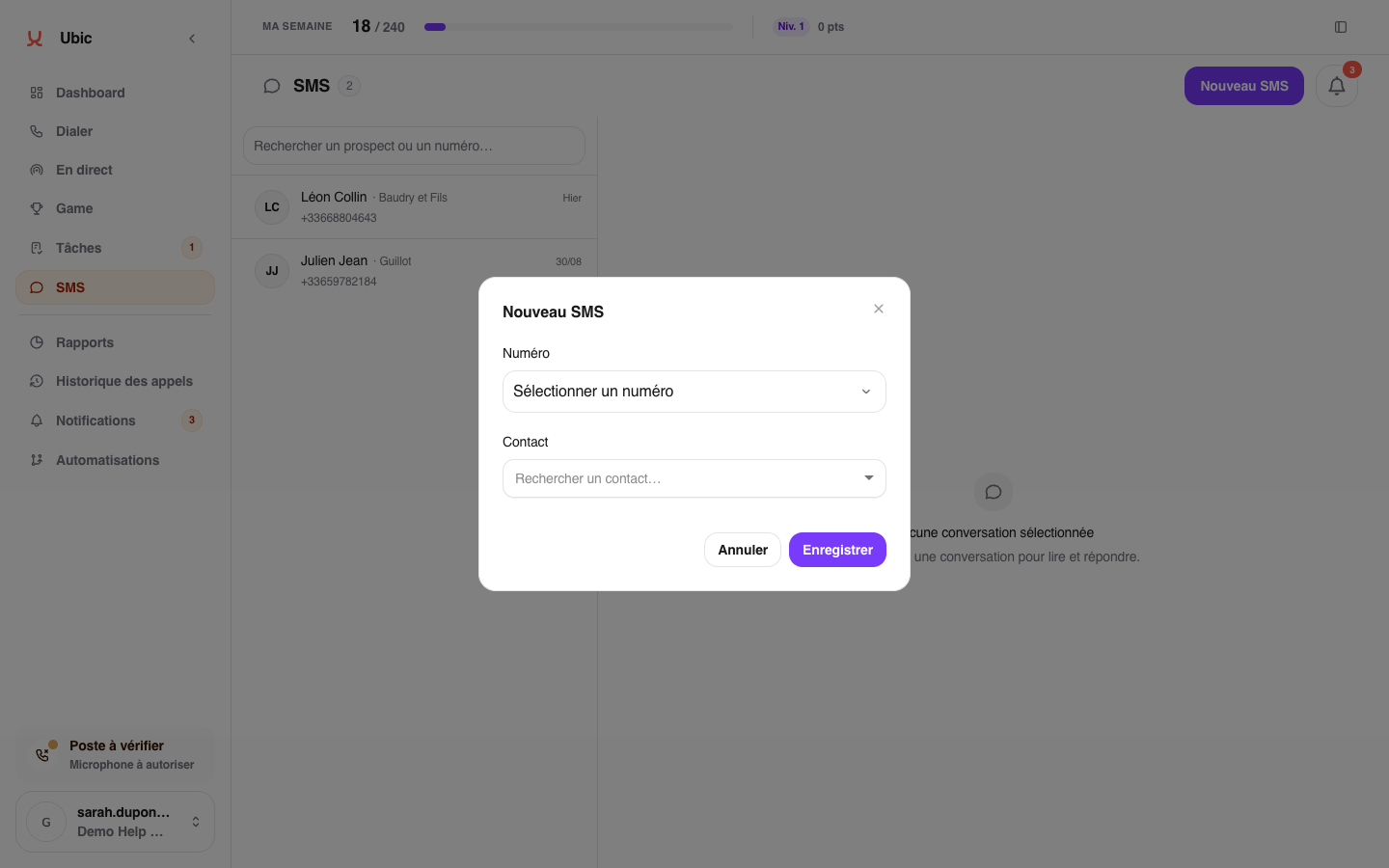
The conversation is created with the first message. Replies from the lead arrive in the same thread, and delivery status remains visible.
If sending is unavailable
Your account must have a number that supports SMS. Ask an administrator to check the number assignment if no sending option appears.
Ubic also blocks messages with explicit sexual content. You will see a warning and no text is sent. Edit the message before trying again.