
Start the demo
In the Getting started guide, at the top right next to the bell, open the Try a demo call step, then click Start the demo.
The bubbles show the demo list, then the Strategy menu: number of parallel calls, automatic follow-on calling, voicemail.
Click Call: three prospects ring at the same time. The first one to pick up is put through to you; the other calls stop.
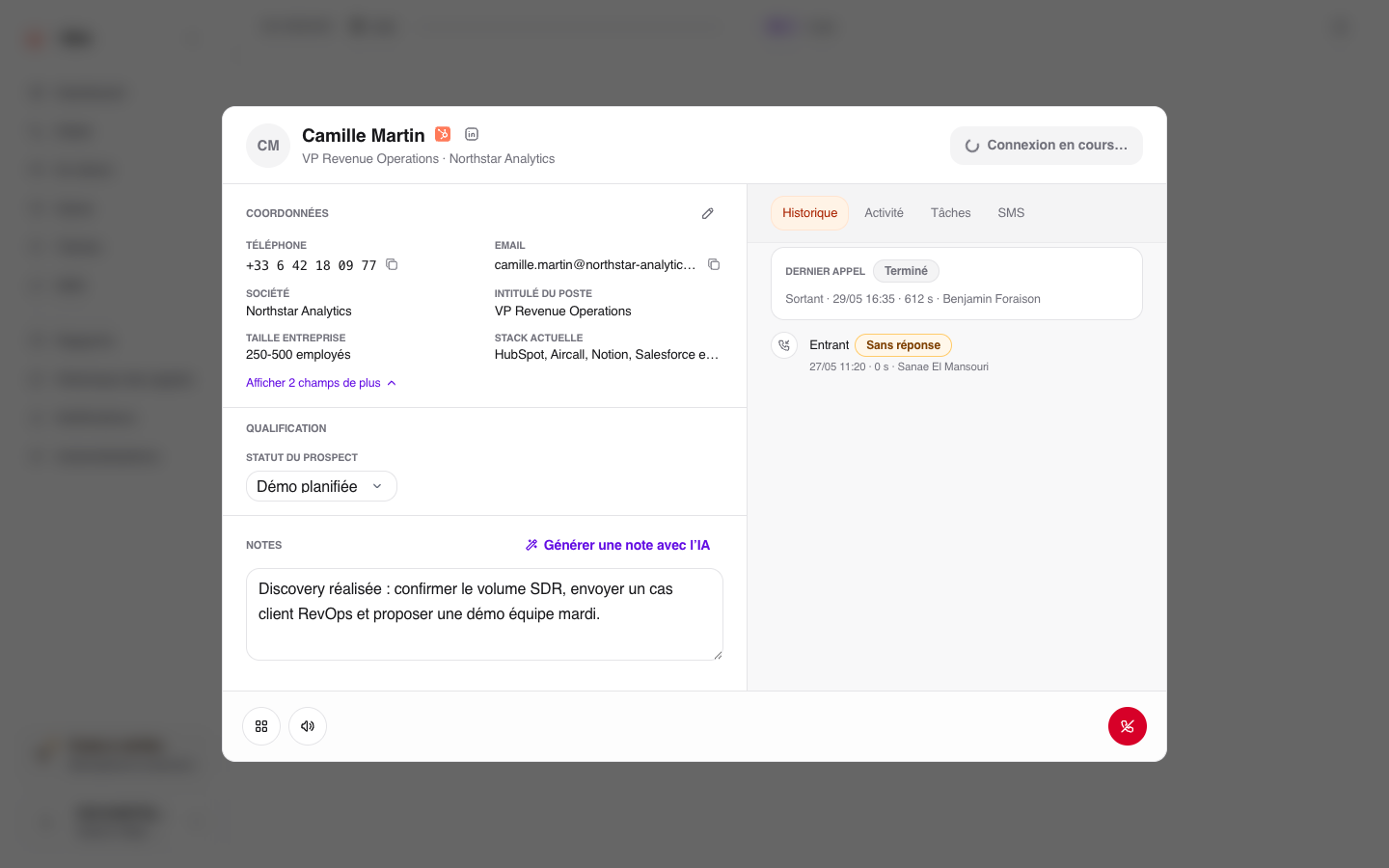
The prospect record opens. Write a note and choose a status, just like after a real call.
Click Hang up, then Save: the prospect is updated in the list and the next calls ring. Replay the demo starts it again from the beginning.
What the demo does not do
Nobody is called, no credit is used, and no data is added to your workspace. The numbers shown belong to a range reserved for fiction. The demo does not use CRM integrations either.
The step is ticked when the simulated session ends, after saving and the second wave of calls, in this browser. Skipping the bubbles does not complete the demo. It is ticked everywhere as soon as you qualify your first real call.
Troubleshooting
Reload the page if the session does not start. If a window asks you to allow the microphone and notifications, confirm it first: the bubbles appear afterwards. To make a real call next, check that a list and a calling number are assigned to you.