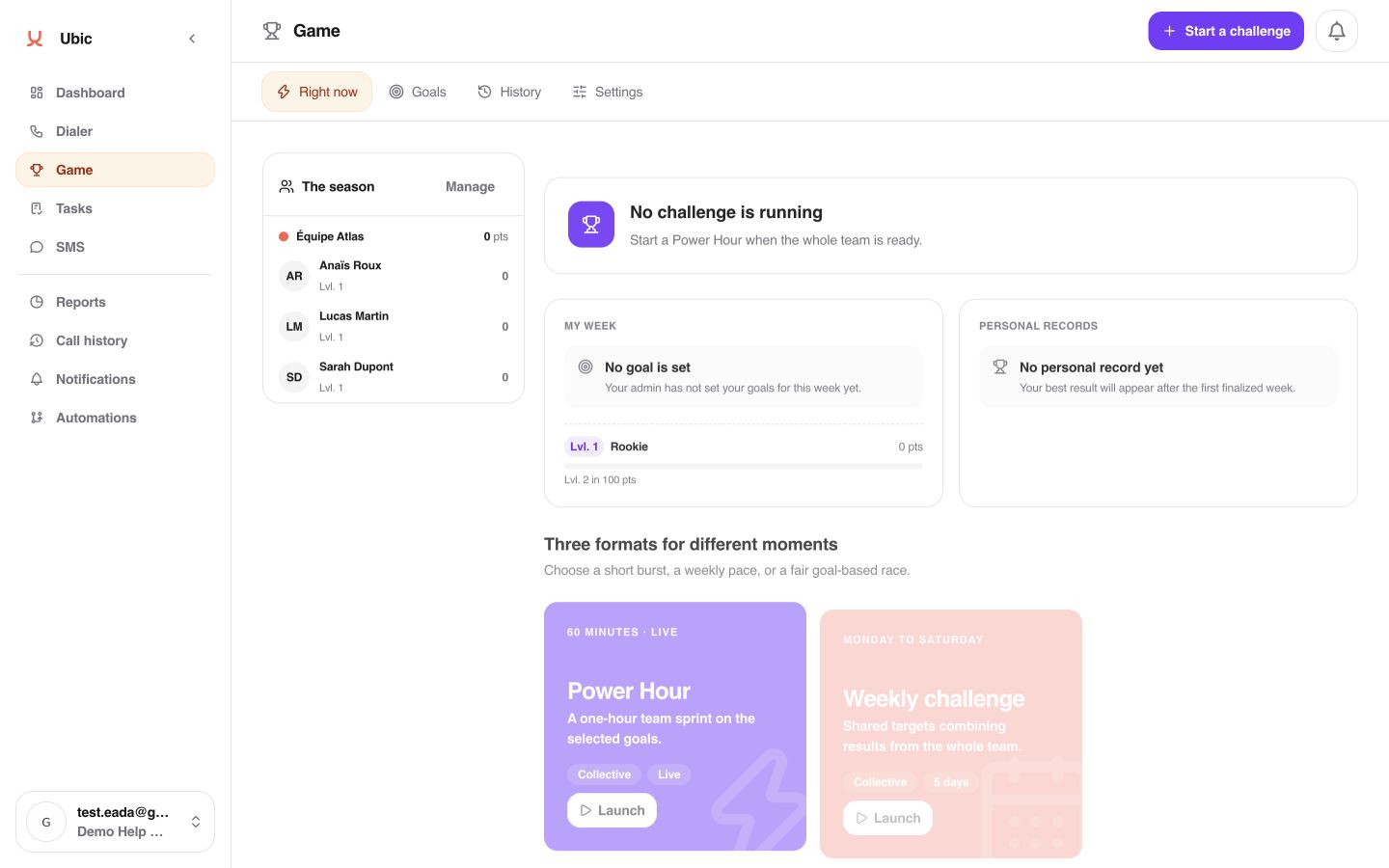
Right now brings together the active challenge, your weekly goal, your level, and personal records. It is also where an admin starts a challenge.
Goals shows your personal progress toward this week’s targets. An admin sets them for the relevant members, for this week or next week.
History keeps finalized results and personal records. A completed challenge’s result does not change.
Leaderboard shows season points when you are allowed to see team statistics. Settings lets admins manage the season, scoring, and teams.
Each member sees their own goals and contribution. Other members’ detailed performance remains protected by Reports permissions.
Open Game from the sidebar.
In Right now, choose the right format: Power Hour for a 60-minute team sprint, Weekly challenge for a five-day shared target from Monday through Friday, or The Race to compare each participant’s progress against their own goal.
Open Goals to track your target and milestones. If you are an admin, use This week or Next week to set goals for verified members.
Open History to learn from completed challenges. Open Leaderboard when the tab is available to follow season points.
If Game is missing, ask an admin to check that it is enabled in Settings > Permissions. If Leaderboard is missing, a season must be running and team statistics must be visible to you. The Race stays unavailable until the selected participants have goals for the chosen period.
