
Open the portal
In Ubic, open Settings > Billing.
Click Manage subscription.
The Hyperline portal opens with your team's subscription.
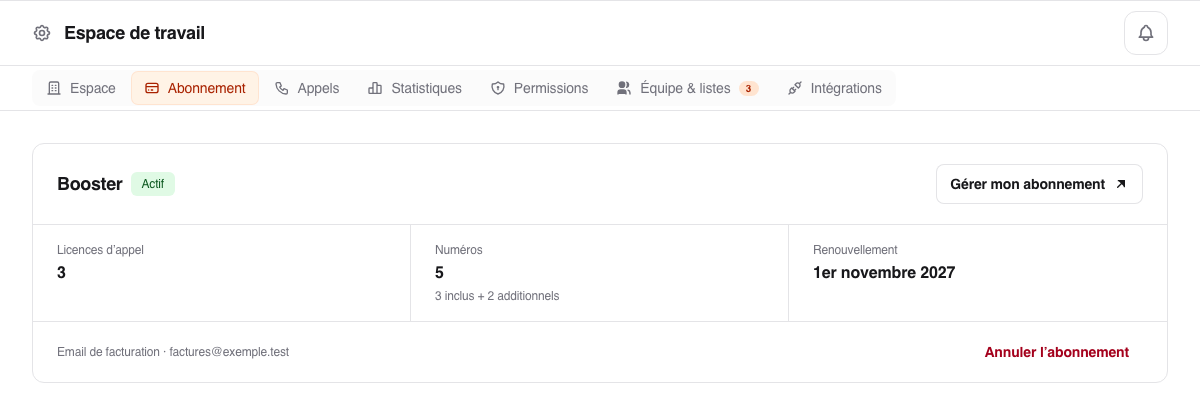
You can update the card and billing address, download a PDF, cancel the trial, or schedule a cancellation. A cancellation takes effect at the end of the paid period.
Cancel from Ubic
In Settings > Billing, click Cancel trial or Cancel subscription, then confirm in the window that opens. Cancelling the trial stops calls right away and prevents the paid subscription from starting: no payment is taken. For an already paid subscription, cancellation stops the renewal: access stays active until the end of the paid period, which is not refunded.
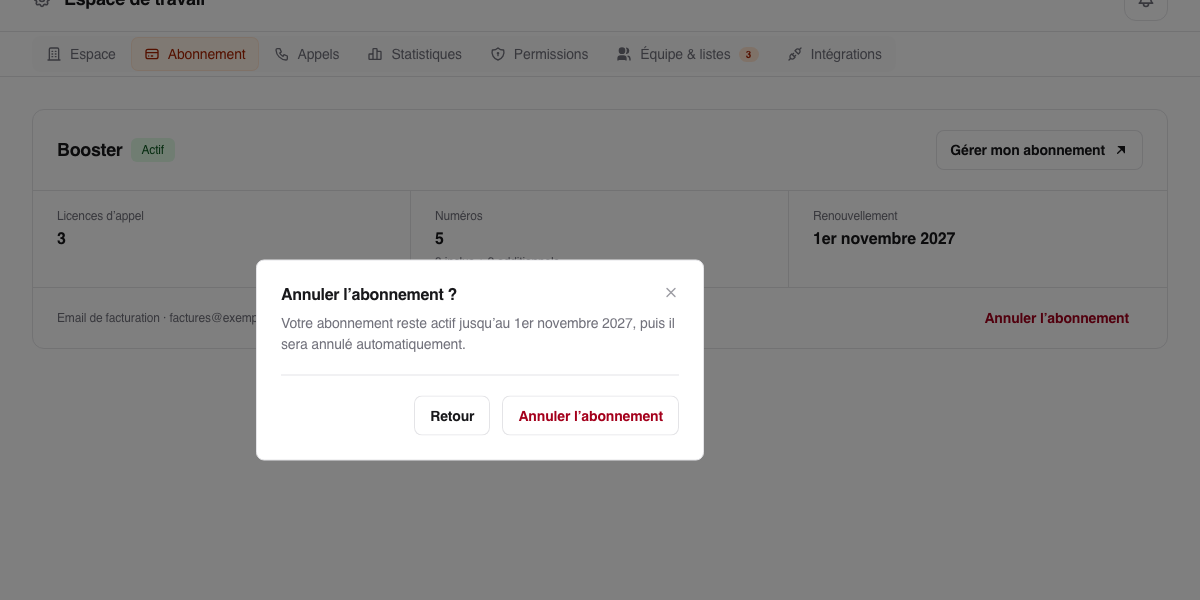
If the button is missing
Manage subscription is available when a trial with a payment method or a subscription already exists. Otherwise, the tab offers Start my trial, Resume activation, or the plan picker itself with Continue to payment, depending on the situation. If your subscription is managed with the Ubic team, the tab says so and offers no payment: click Contact the team to change it. After a failed payment, the button is Update card and opens the same portal.
Invoice and payment emails are sent to the saved billing address.