Period: today, current week, current month, or a custom period.
User: one team member, several members, or the whole team.
List: one or more lead lists.
You can combine filters. For example, you can view one sales rep's activity on a specific HubSpot list for a given month.
Open Reports.
Set the period using the quick options or date picker.
Choose a user from the dropdown.
Select one or more lists if needed.
The view updates with the filtered metrics.
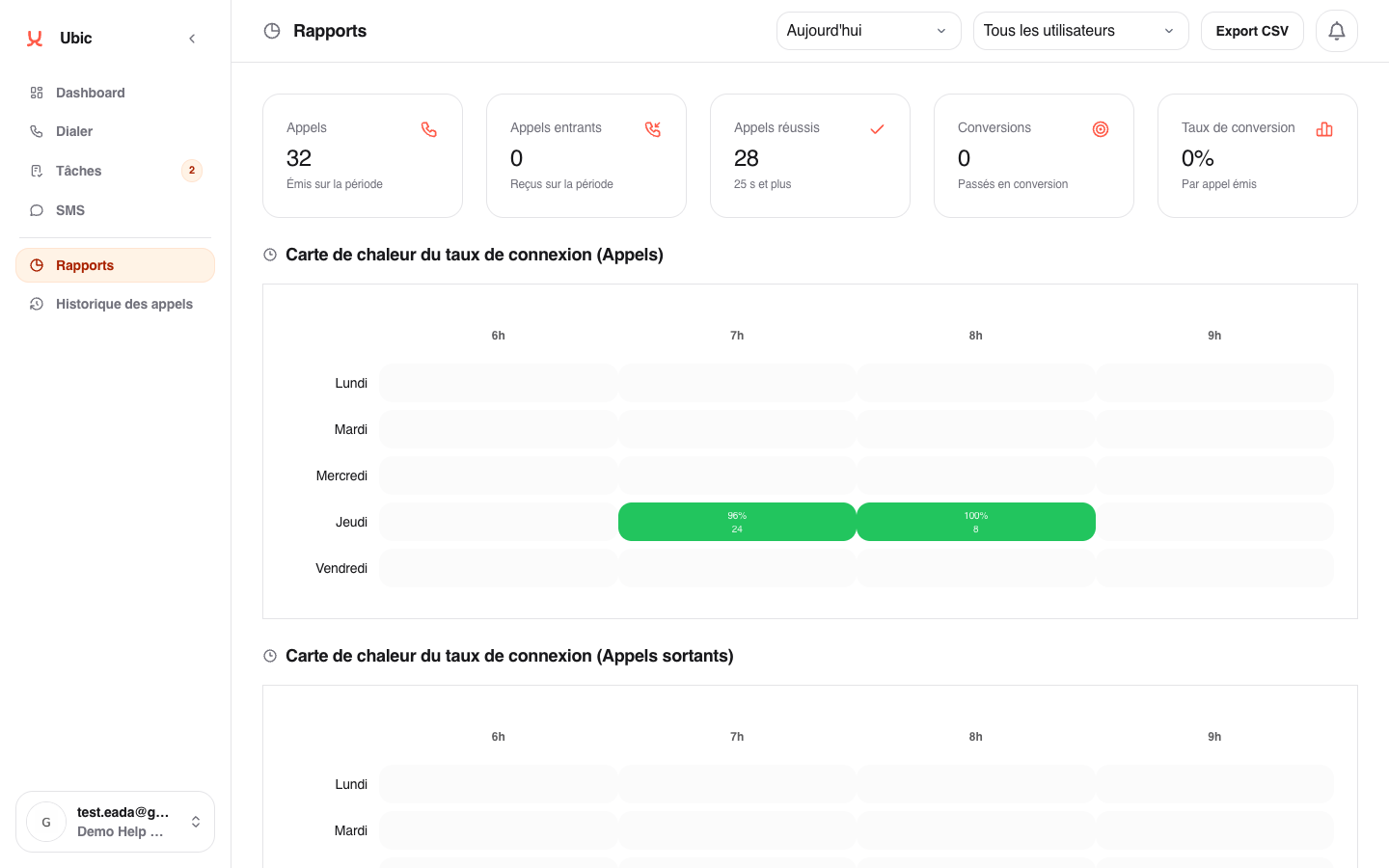
The main table details calls, useful conversations, success rate, conversions, and average duration. The totals at the top show the combined results for the filtered period.
Breakdowns by user and by user and month show how activity changes over time.
When assistant, screener, or call-filtering signals are detected, the report also shows a dedicated section with:
calls identified as assistants or screeners;
candidates protected by beta mode before the other calls are ended;
1-to-1 callbacks started from a suspicious call;
breakdowns by category, user, and calling number.
These metrics use the same filters as the rest of the report. They help you understand the balance between parallel dialer speed and caution around unusable answered calls. They do not confirm that a specific phone uses iOS.
A custom period spanning several weeks may take longer to load. If the report is slow, shorten the date range.
Reports use call history data. If a list is deleted, calls previously placed from that list remain included.
