Prepare a sales review with clear metrics.
Add Ubic data to an internal report combining several tools.
Keep a dated snapshot of a period before changing a setting.
Open Reports.
Apply the filters you need for the period, user, and list.
Click Export CSV.
The file downloads in your browser.
The file name includes the date range, so you can identify the relevant export easily.
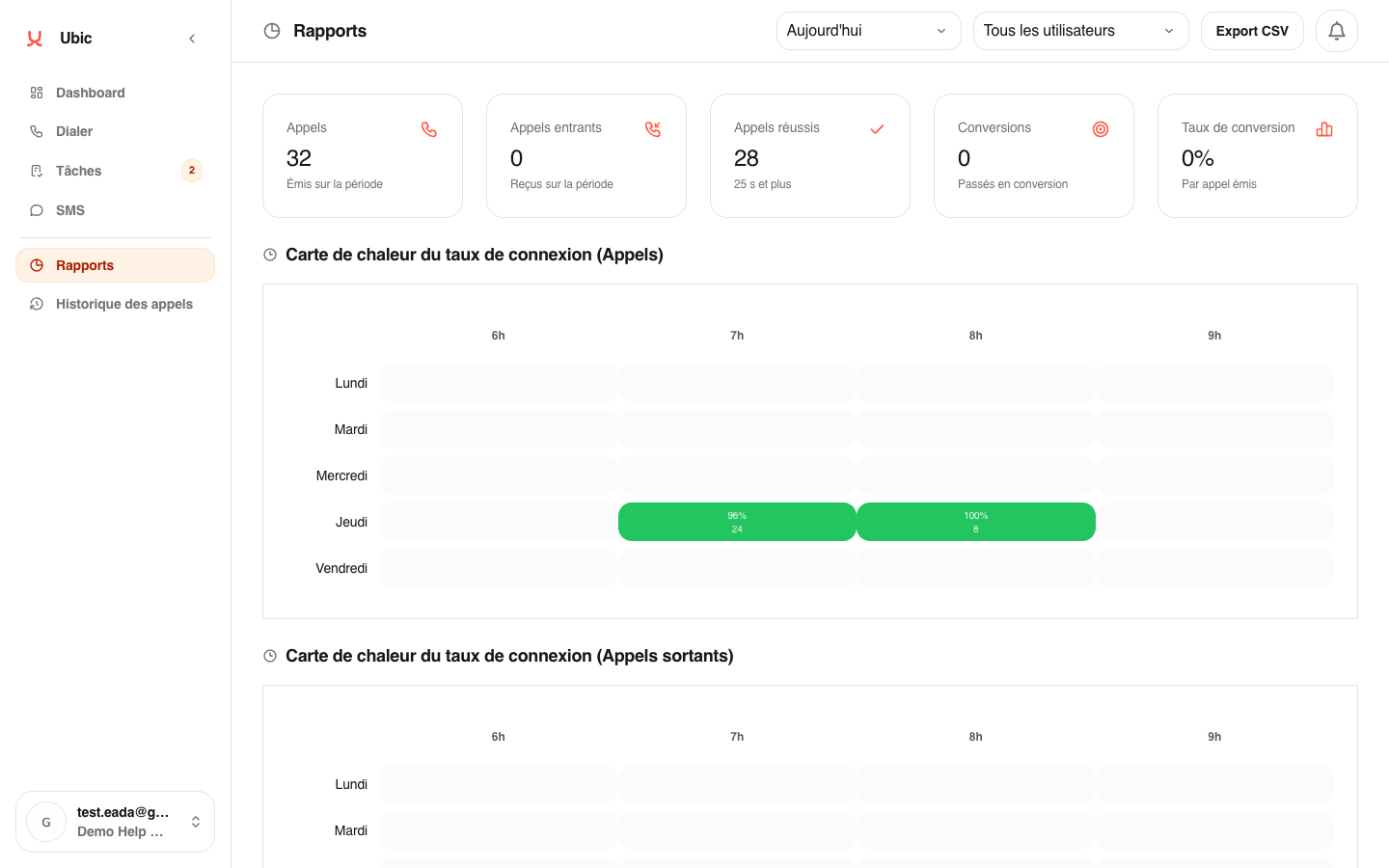
The CSV exports the main report sections by user and aggregated period:
number of calls and calls that led to a useful conversation
success rate
number of conversions, including inbound conversions
conversion rate
average duration of a useful conversation
If assistant, screener, or call-filtering signals exist for the period, the file adds dedicated sections:
`screening_summary` for summary totals;
`screening_by_category` for the breakdown by signal;
`screening_by_user` to compare signals by user;
`screening_by_number` to identify the most affected calling numbers.
The export uses the filters currently applied on screen. Check the period and filters before exporting.
Only admins can export reports. Team members who need an extract can ask an admin or use the metrics displayed on screen.
