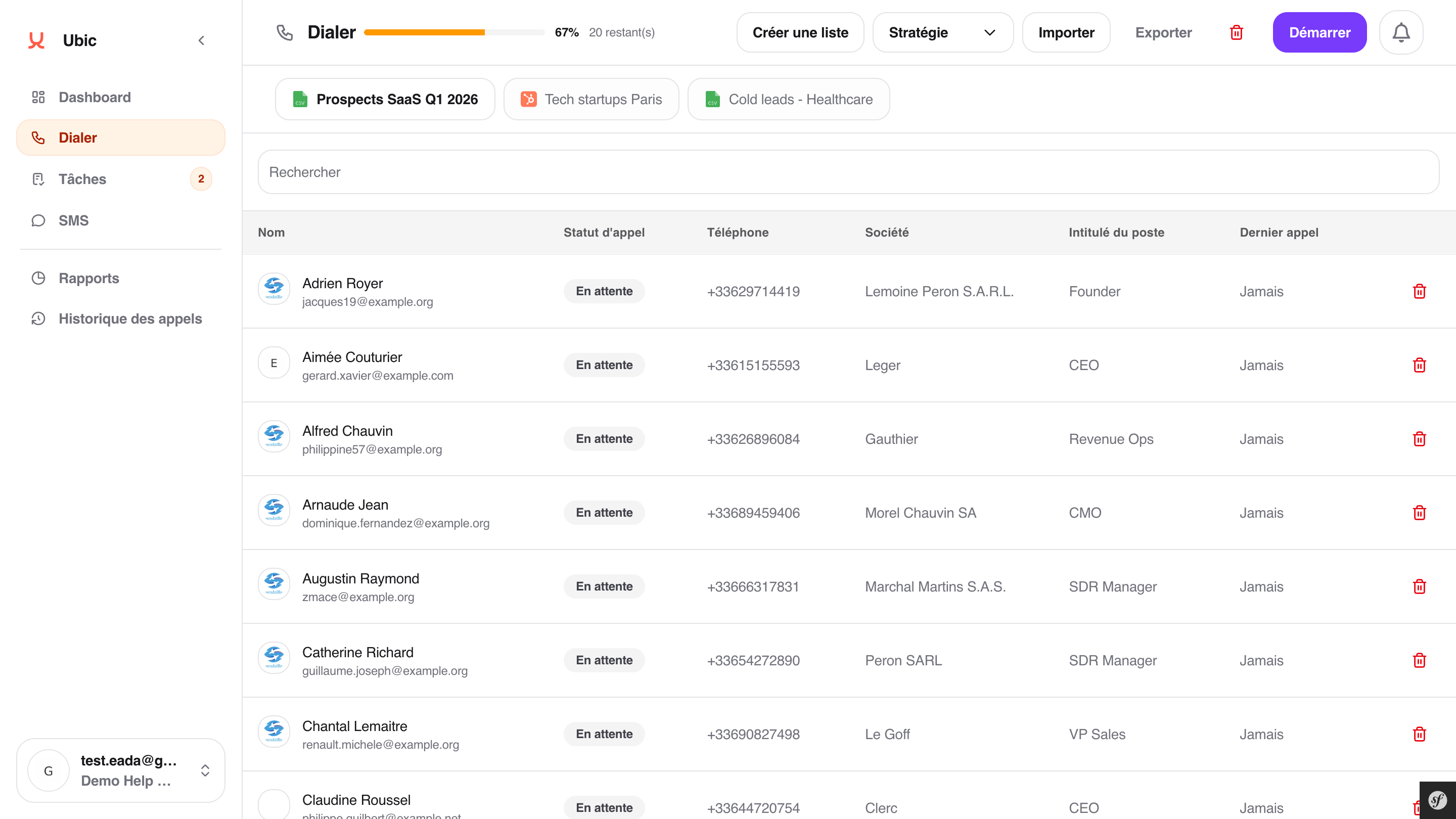
Open the Dialer with the correct list selected. Also check that no session is already running and that at least one call number is available for this list.
This setting applies to the current list, not the entire workspace.
Open the list to call in the Dialer.
Click Strategy.
Select the Call number if several numbers are available.
Set Concurrent calls between 1 and 3 based on the pace you want.
Select the Transcription language if it must be set for this list.
Enable Keep calling automatically if the Dialer should continue until a call connects.
Click Save.
With 1 concurrent call, the pace is simpler. This is useful for sensitive campaigns or longer conversations.
With 2 or 3 concurrent calls, the Dialer moves faster. This is useful for large lists when the goal is to increase the number of conversations during the calling window.
The list strategy controls the pace, call number, transcription language, and automatic continuation. On some pilot lists, Ubic may also enable beta assistant/screener detection to test a more cautious mode before closing the other lines.
If a session is already running on this list, stop it before changing the strategy.
