You need an SMS-enabled calling number assigned to your account. Not all numbers support SMS. Check with your workspace admin if needed.
Open the profile of the lead you want to contact, or open SMS from the sidebar.
Click New SMS or the SMS icon on the lead profile.
Select the sender number if several numbers are available.
Write your message.
Click Send.
Ubic automatically creates an SMS conversation when you send the first message. The lead's replies appear in the same conversation.
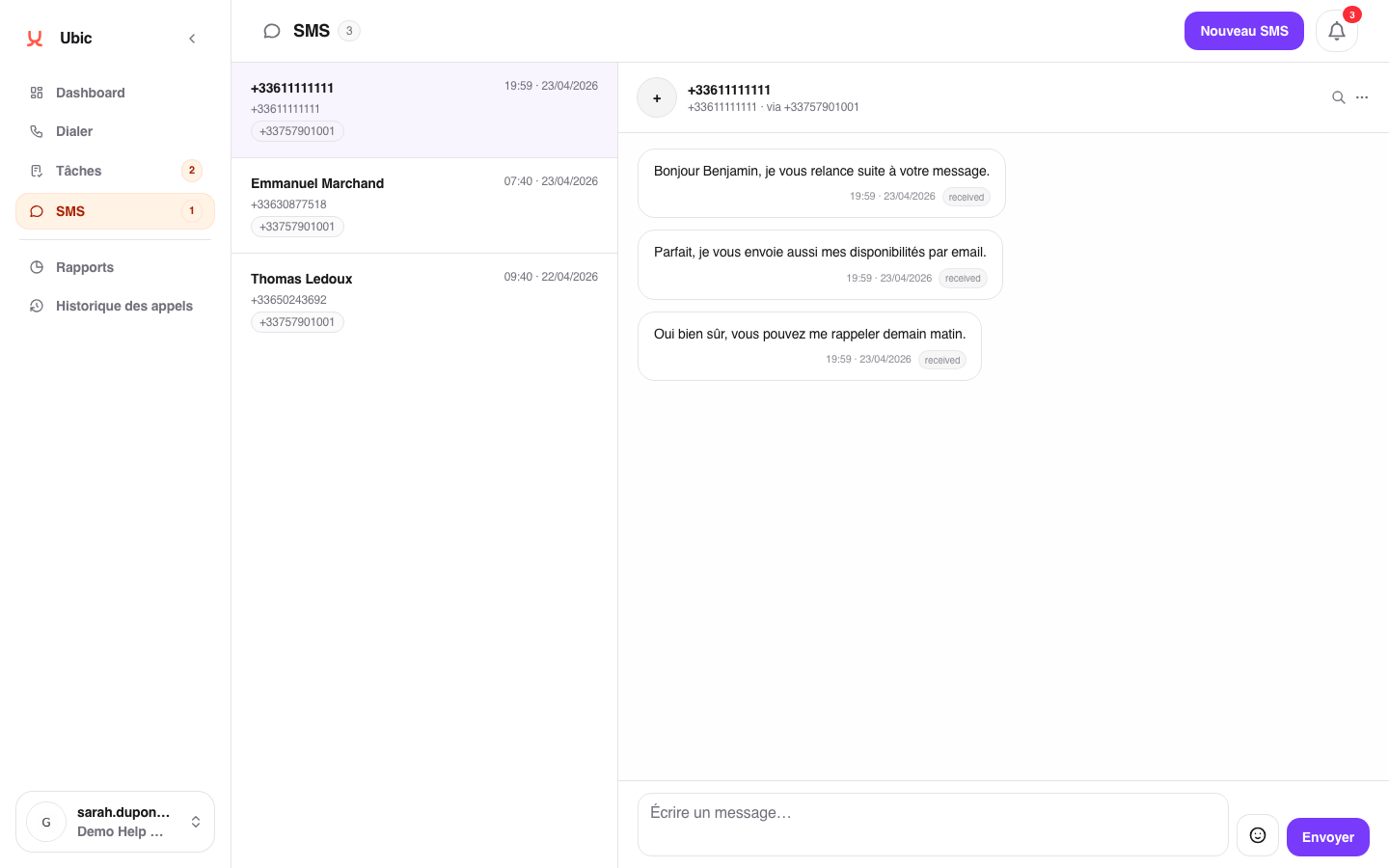
The sent message is stored in the conversation. The history includes its timestamp, sender number, and delivery status.
SMS messages use the sender number's quota, not a calling license. SMS pricing is separate.
To receive replies, the Twilio webhook must be configured for the number. The admin completes this step once when purchasing the number.
