Open the task from Tasks or from the lead record.
Click Done.
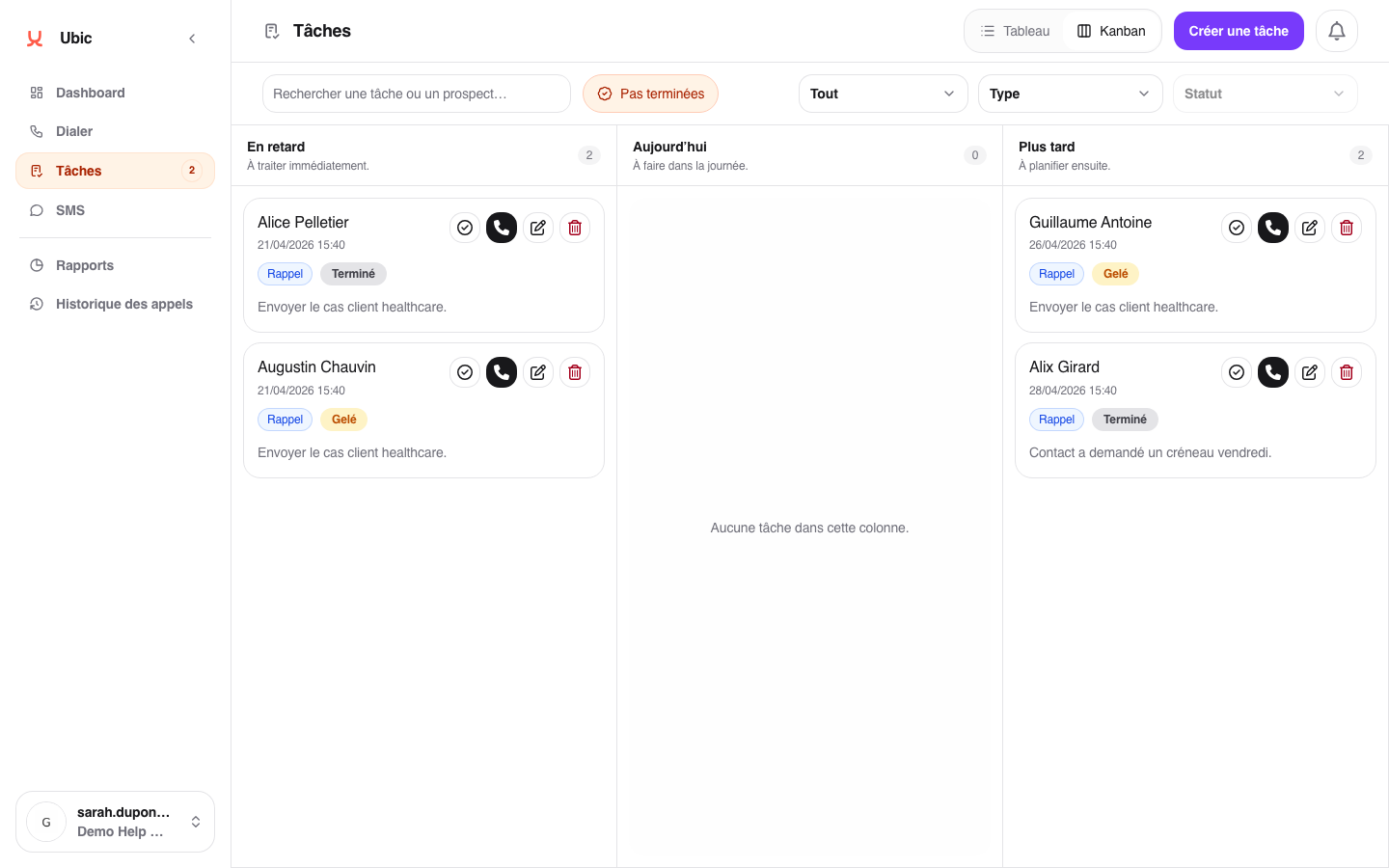
The task disappears from all three buckets.
The completion date is recorded automatically.
Find the completed task from the lead record or by using the filters.
Click Reopen.
The task returns to the bucket that matches its due date.
If a task is no longer relevant on its original date but still needs to be handled later, reschedule it instead of marking it as done. This keeps the reminder active.
To reschedule it, drag the task to another bucket or change the due date from its details.
A task completed by mistake can be reopened at any time without losing its context, including its note, type, and linked lead.
Ubic does not automatically delete completed tasks. They remain available in the lead history, so you can keep track of what was done.
