
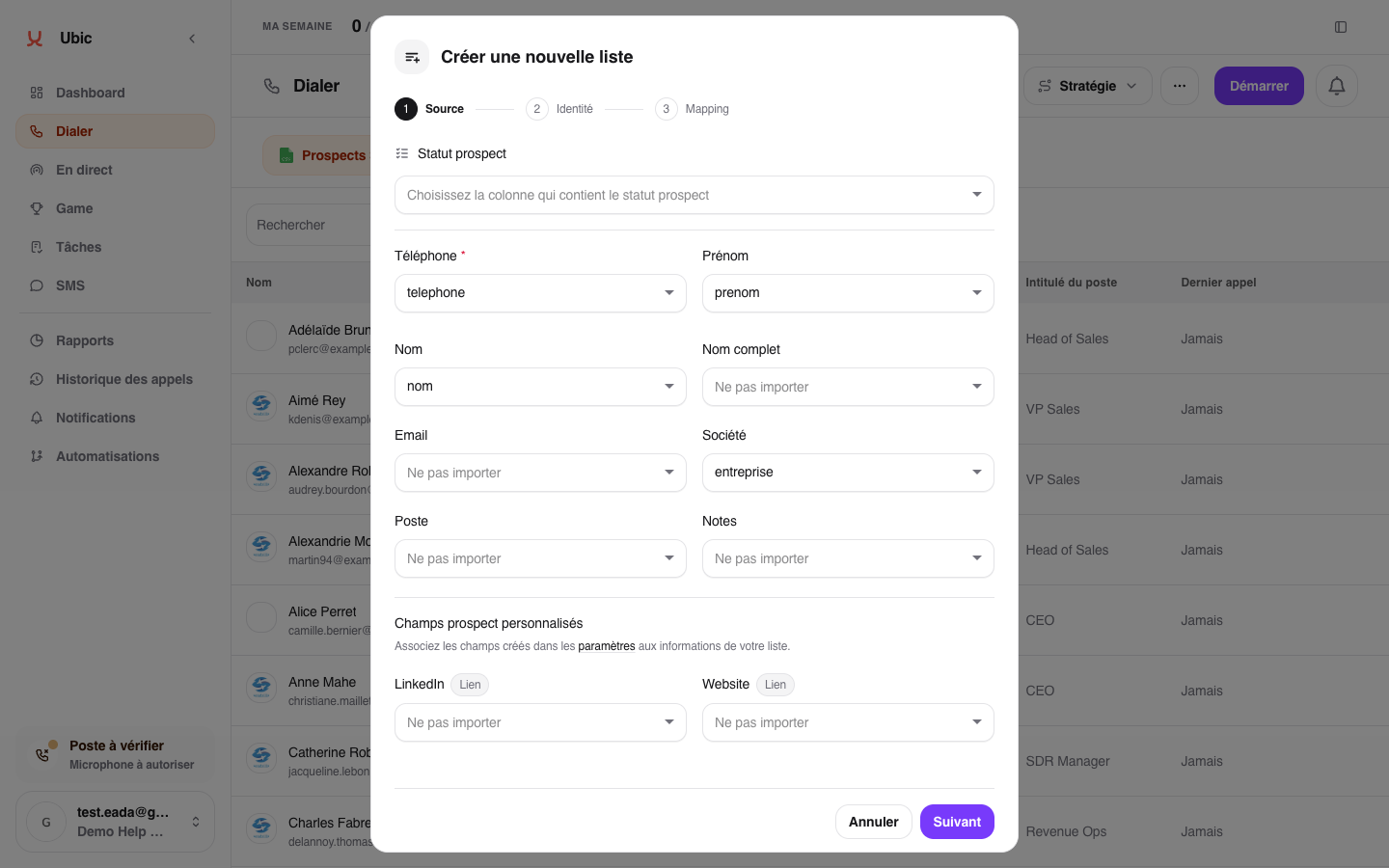
Match the columns
For each Ubic field (Phone, First name, Company…), choose the file or CRM column that holds it. Ubic pre-fills what it recognises: check these choices.
Match at least one column with Phone. The import cannot be completed without a number.
When available, match First name, Last name, Email, Company, and Job title to provide useful context during calls.
Use the available custom information to keep data specific to your business.
Leave the fields you do not need on Do not import, then click Create list.
You can match several columns with Phone. Ubic will try the available numbers in order.
Keep information distinct
The lead status is the business qualification selected after a call. Custom information with a similar name remains separate, so check its mapping for every list.
An ignored column does not appear on the lead record or in a future export.