
Configure Game
Open Game > Settings.
Under Season and scoring, name the season, choose its end date, and check the points awarded for each action.
Under Teams, create one group for each sales team you want to compare, assign members, then save.
Under Goals, set individual targets for this week or the next one.
Return to Now when you want to start a team challenge.
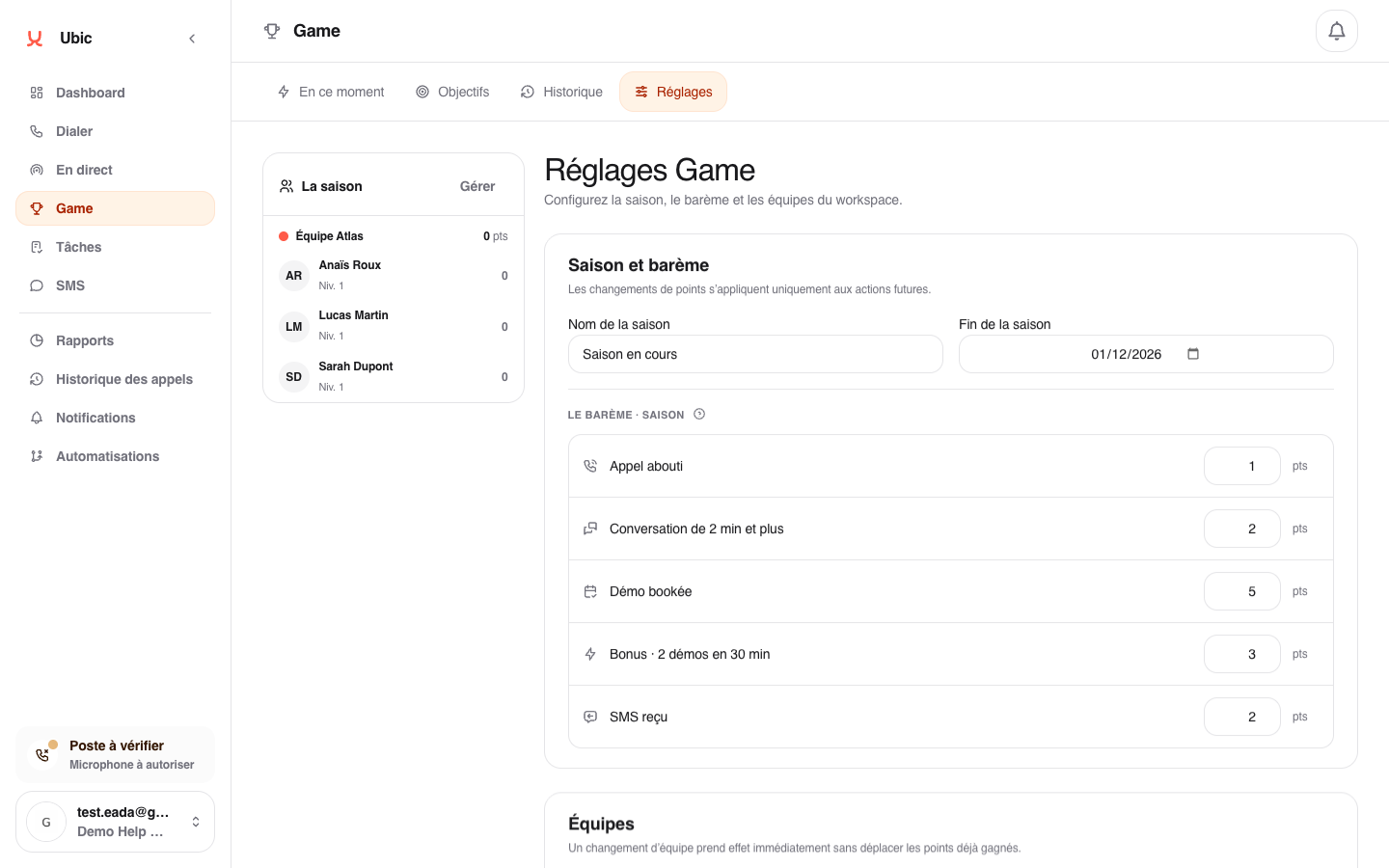
A scoring change applies to future actions without recalculating points already earned. Likewise, moving someone to another team does not move their previous points.
If settings are missing
Check your administrator role and that Game is enabled under Settings > Permissions.