When you create a workspace, Ubic may first offer a 7-day trial. The trial starts when you are ready to make your first real calls, not when you create the account.
You need an Admin role and a valid billing email. Payments are handled by Hyperline, Ubic's billing partner.
A card is required to start a trial. There is no charge during the 7 days. Cancel before the conversion date shown to avoid starting the paid subscription.
Prepare the workspace: check your prospects, lists, and relevant settings.
Click Activate your trial to make calls, or start a calling action that is still locked.
Choose the Ubic number type you want: Mobile number or Local number.
Click Start trial.
Complete the secure card setup in Hyperline.
Ubic then assigns an available number and starts the trial. The calls and SMS included in the trial become available as soon as the number is ready.
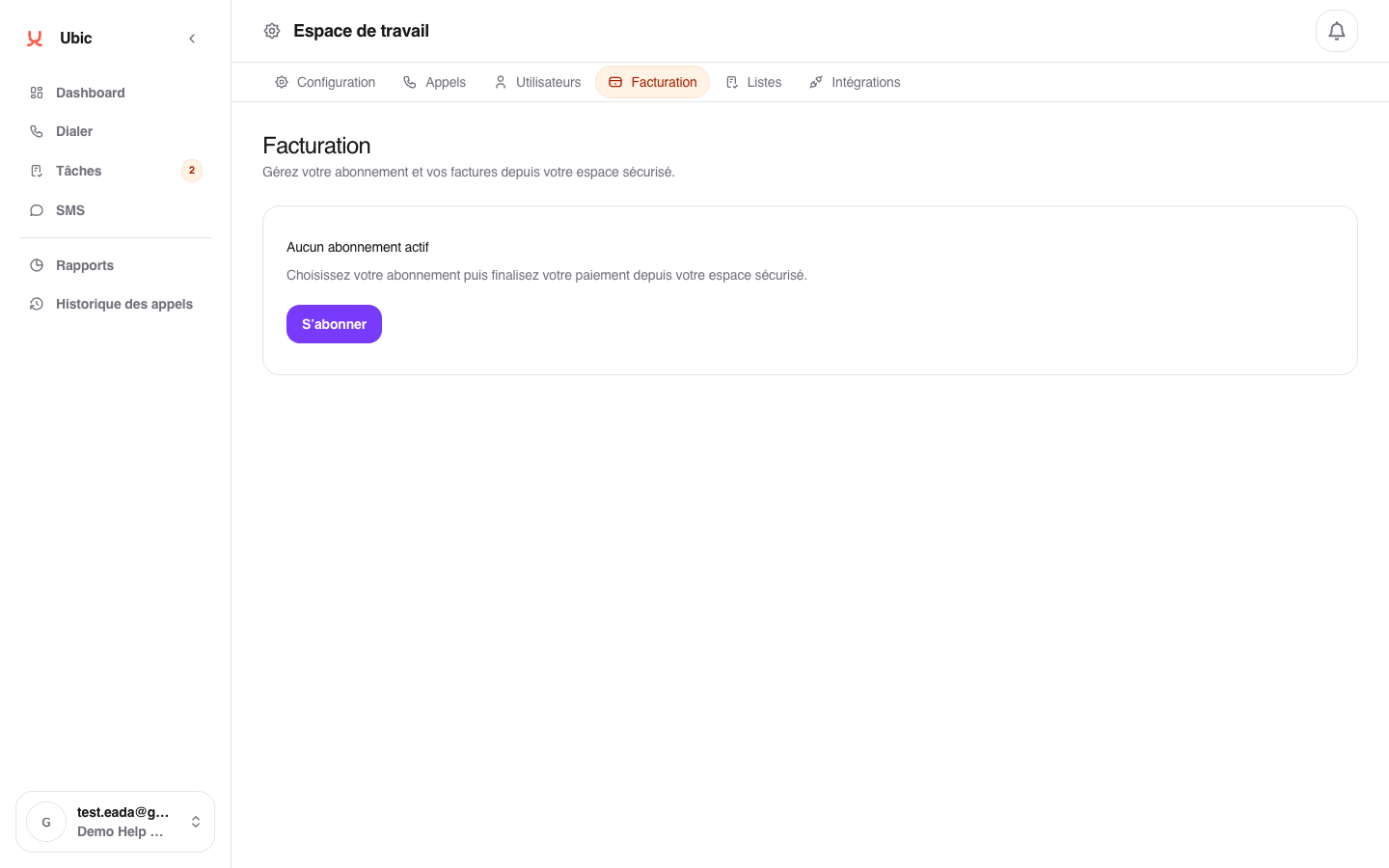
Open Settings > Billing.
Click Subscribe for a first subscription, or Change plan if a subscription is already active.
Choose the billing frequency: Monthly, Quarterly, or Yearly.
Set the number of calling licenses and additional phone numbers.
Enter the billing email.
Click Continue to payment.
Ubic redirects you to Hyperline to complete the payment session.
Once payment is confirmed, the licenses are available immediately. Phone numbers are provisioned in the workspace and can be assigned to members.
You can change plans during a billing period. Hyperline applies a prorated adjustment at the next renewal.
Calls, call time, and SMS are limited during the trial. Once any quota is reached, you need to subscribe to continue calling or sending SMS.
To cancel, use the Hyperline subscription portal under Settings > Billing > Manage subscription.
