
Choose the right role
Member: calls leads, manages their tasks, and uses tools that are already configured.
Administrator: has the same day-to-day access and can also manage the team, integrations, call settings, and billing.
Only give the administrator role to people who genuinely need to change these settings.
Invite someone
Open Settings > Users.
Click Invite a user.
Enter their email address and choose their role.
Confirm the invitation.
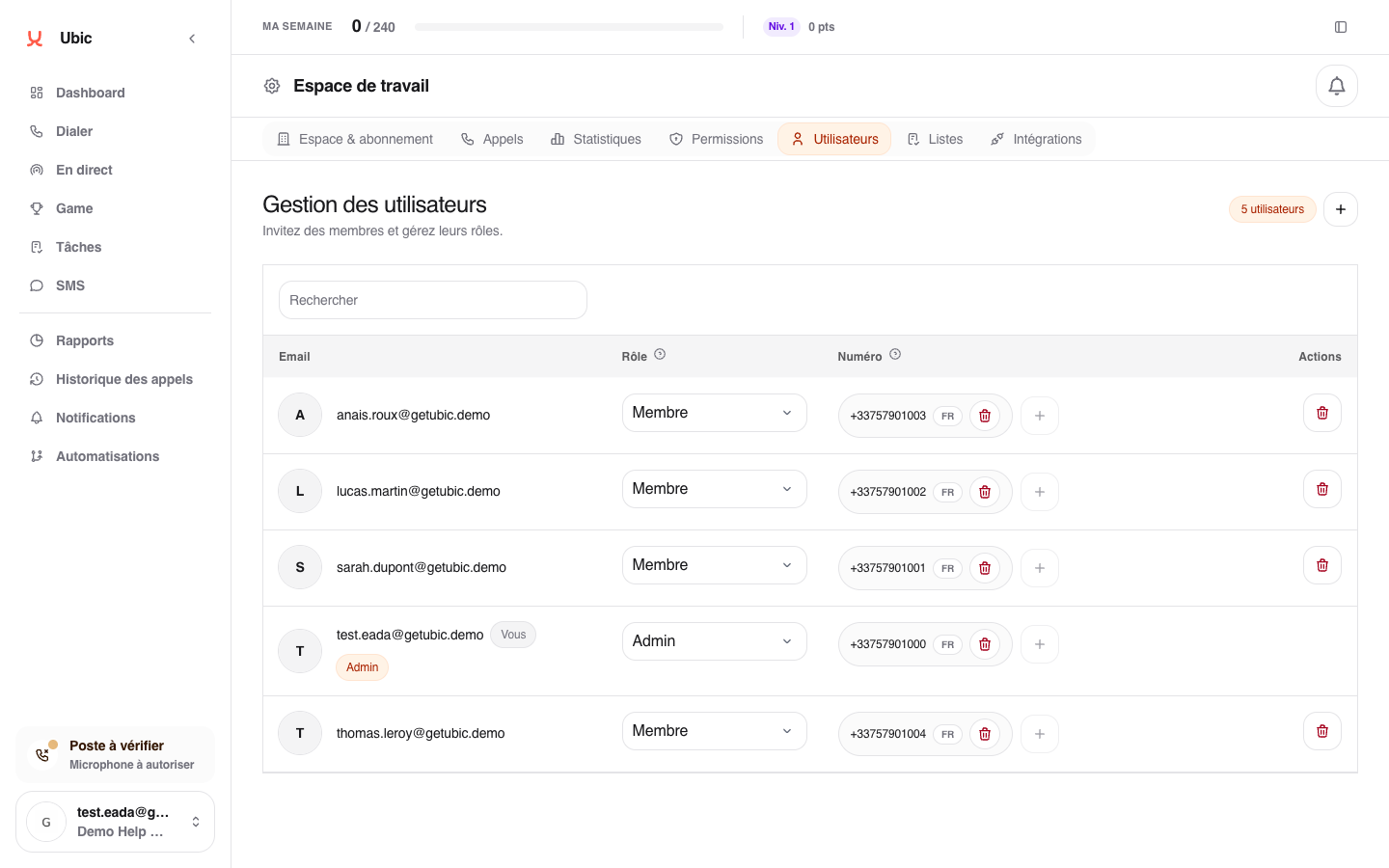
The person receives an email to join the team. Until they confirm it, Invitation pending remains visible. Their role can then be changed from the same page.