
1. Before you start
You need an active Salesloft account and an API key with access to people. Generate the key from Salesloft Account > Your Applications > API Keys > Create New in Salesloft.
Salesloft guide: create an API key.
2. Connect Salesloft
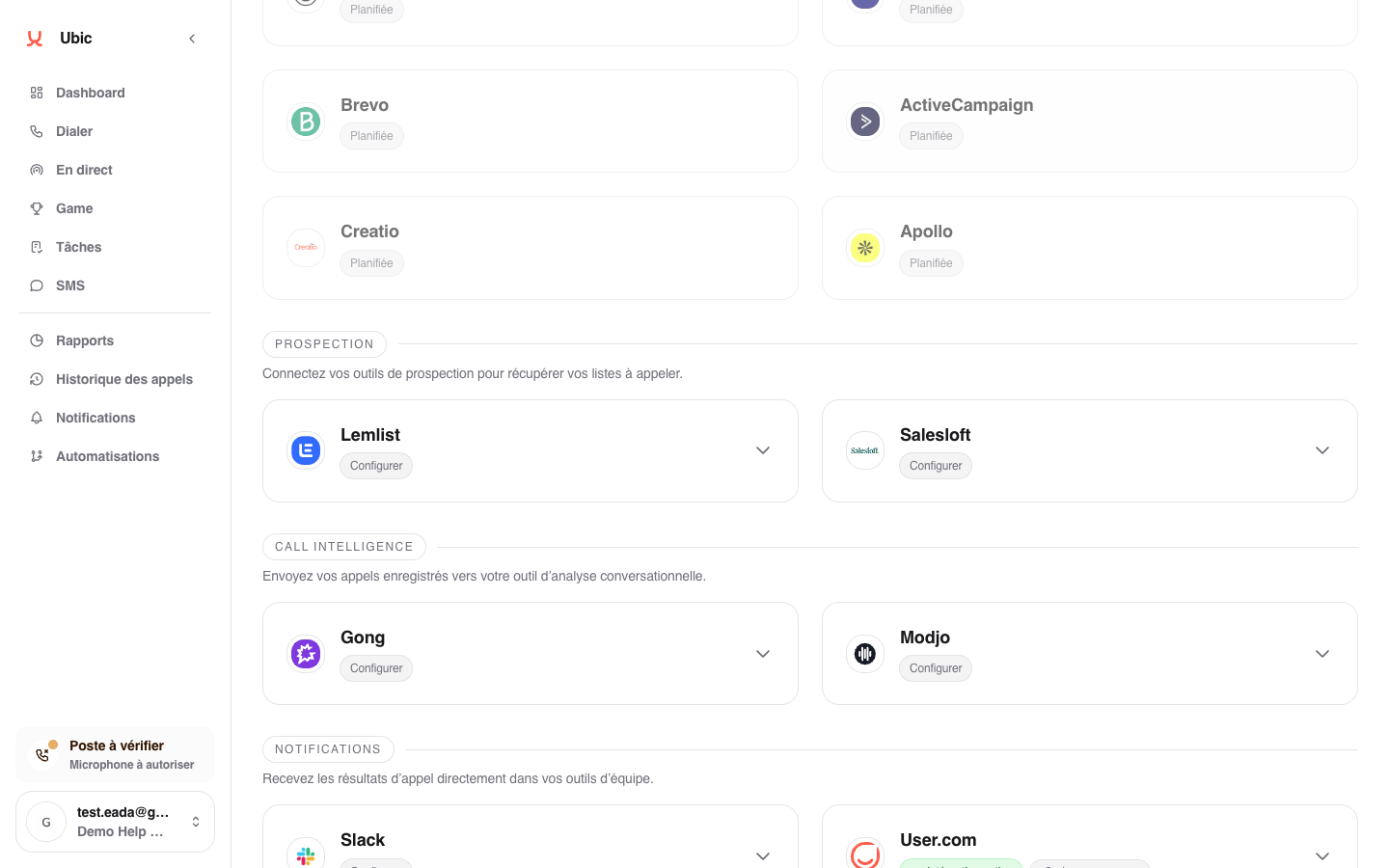
Open Settings > Integrations > Salesloft in Ubic.
Paste the API key into Salesloft API key.
Click Save.
Create a list in Ubic and choose Salesloft as the source.
3. What is synced
Salesloft stages become Ubic list sources.
Person fields are imported according to the selected mapping.
The lead status selected after a call can update the Salesloft stage or a field chosen for the list.
Call notes can be added to Salesloft.
OAuth connection, when available in your workspace
If the Salesloft card shows Connect Salesloft, you can authorize access in Salesloft without copying an API key. Approve access, then return to Ubic to create your list.
If an API key is already connected, switching to OAuth requires an explicit action and keeps the same Salesloft team, lists and mappings. Existing API connections continue to work.
When authorization needs renewing, reconnect the same team. Disconnect removes the connection in Ubic; to also revoke the provider authorization, check your authorized applications in Salesloft. If no OAuth button appears, use the API-key method above.
Call summaries are added as notes; they are not native Salesloft call activities and do not advance cadences. When a note’s outcome is uncertain, Ubic does not automatically send it again, to avoid a duplicate.
Notes
Salesloft stages must be managed in Salesloft. Ubic reads them but does not create new stages.
The status field is selected when creating or configuring the Salesloft list in Ubic. Labels displayed to sales reps can then be renamed under Settings > Calls.