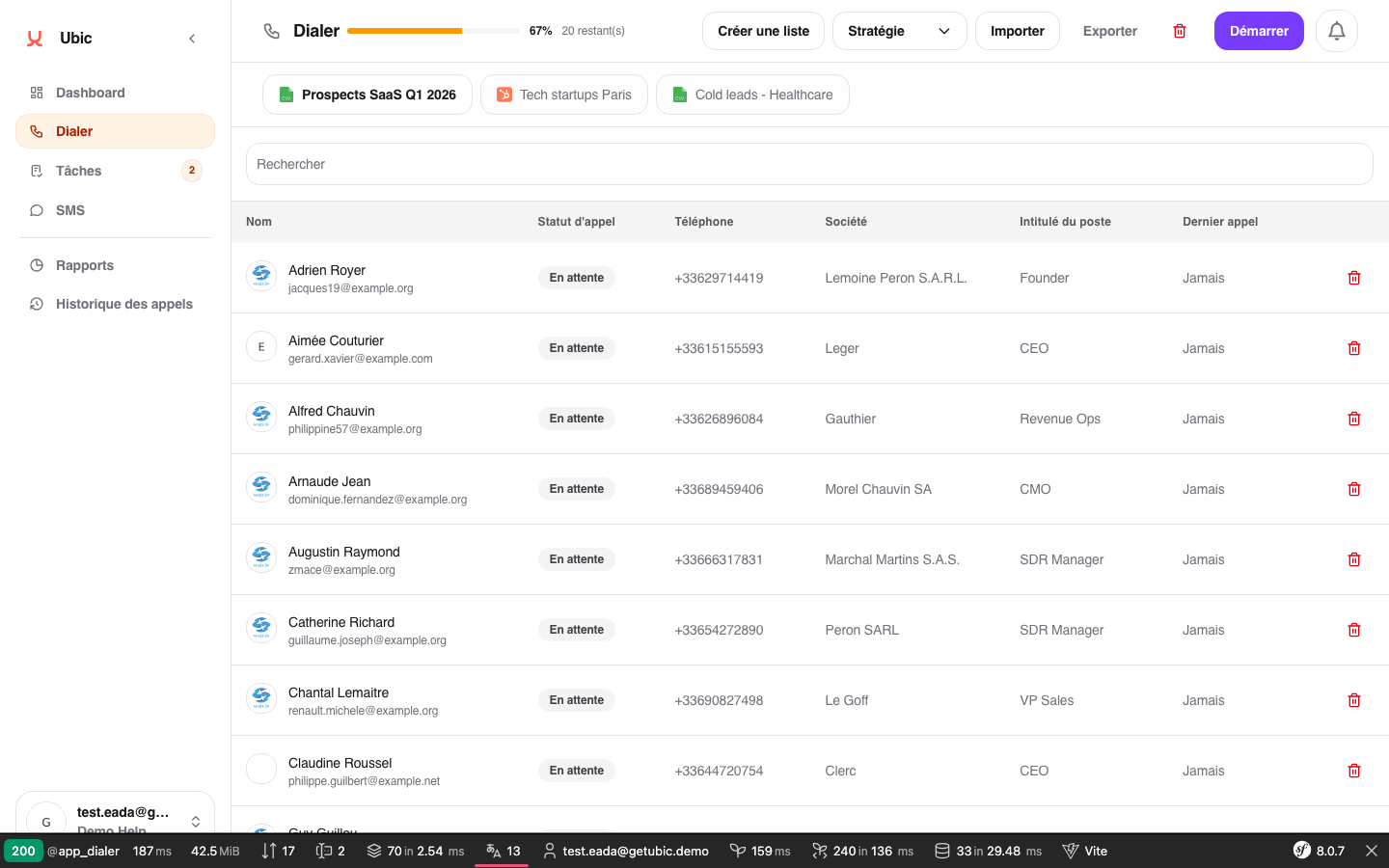
The export creates a CSV file containing the list's leads and the values entered during calls, including lead status, notes, and completed custom fields.
Open the list in the Dialer.
Click the list menu (three-dot icon).
Select Export.
The download starts in your browser.
Export is only available for lists imported from CSV files. Lists synchronized from a CRM cannot be exported from Ubic because they remain managed by the CRM.
Open the list in the Dialer.
Click the list menu.
Select Delete.
Confirm the deletion.
Deletion is immediate. Personal lead data is anonymized and associated tasks are deleted. The history needed for reporting remains available without being linked to the list.
To keep lead data outside Ubic, export the list before deleting it. Anonymized data cannot be restored after confirmation.
Reports and the Dashboard continue to include past figures after a list is deleted because call history is stored at workspace level.
