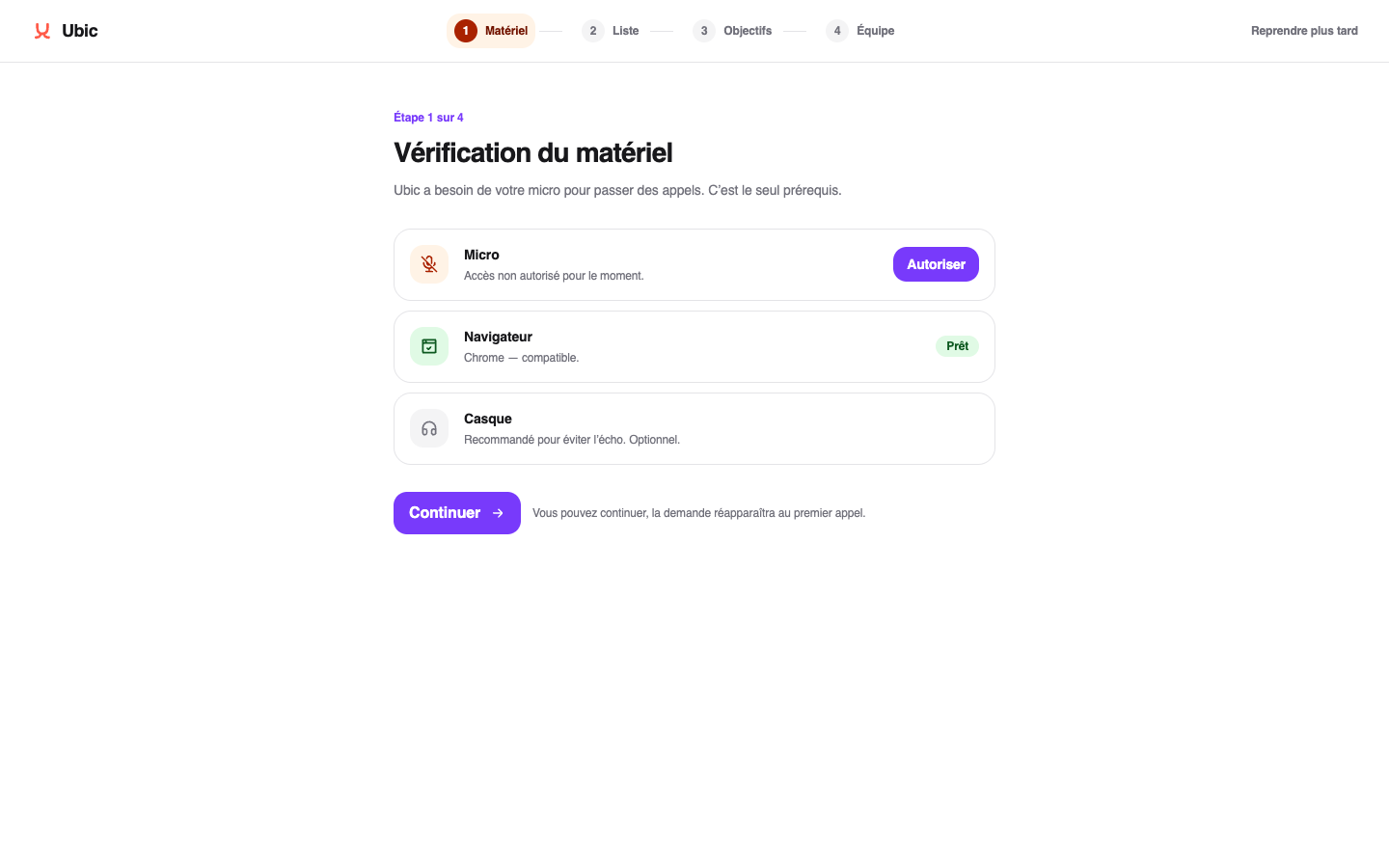
Under Equipment, allow microphone access and check the browser used for calls.
Under List, import leads or connect the team's CRM. You can also finish this step later.
Under Reporting, choose the lead statuses that count as conversions and set the suggested weekly goal.
Under Team, invite the people who should join the workspace.
Click Finish when the team is ready to start.
You can change these choices later under Settings. The flow does not start calls or import data without your confirmation.
If the microphone is blocked, allow Ubic in your browser settings and run the check again.
If no status is available under Reporting, first create lead statuses under Settings > Calls.
If an invitation remains pending, check the address and ask the invited person to open the email they received.
