
Create the connection
Open Settings, then Integrations.
Under Ubic API, click Create a key.
Click Copy, then add the key to the tool you want to connect.
Close the window after saving the key in your tool.
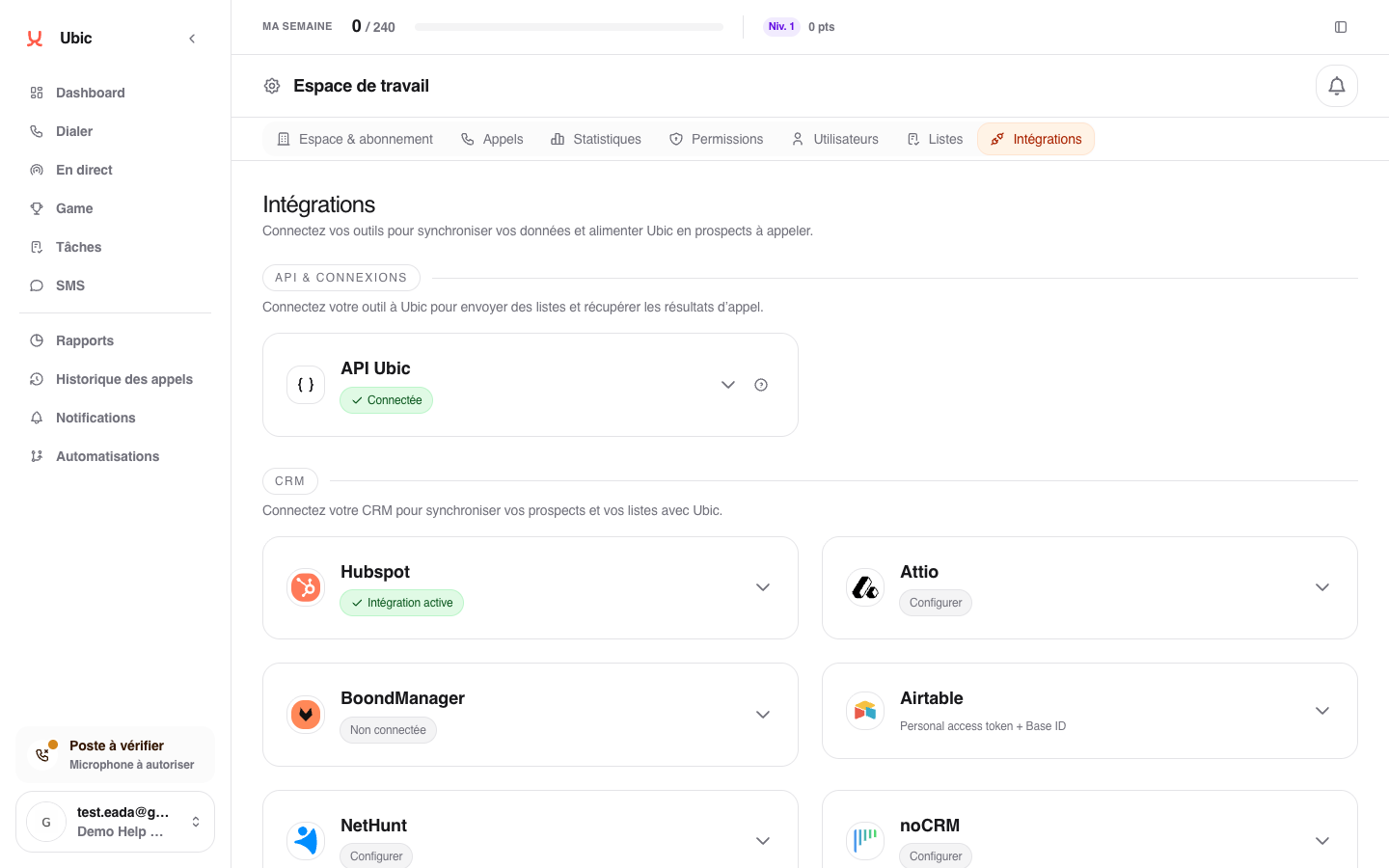
The full key is shown only once. Ubic displays the latest successful connection directly on the Ubic API card.
The technical setup for requests, sessions, and results is covered in Integrate Ubic with the Partner API.
Replace or disable the key
To change the key, click Replace key. The previous key is disabled immediately and the new one is shown once.
To remove access completely, click Disable. Connected tools can no longer send lists or retrieve results.
Troubleshooting
If you closed the window before copying the key, simply create another key.