Lead statuses: statuses created in Ubic or imported from CSV, and the labels shown for statuses imported from CRM lists.
Task types: categories used for reminders, such as Callback, Follow-up, and To do.
Conversion statuses: statuses included in the conversion rate shown in reports, including statuses imported from CRM lists.
Note template: reusable content for writing call notes faster.
Call recording and transcription: automatically records calls placed from Ubic and creates the related transcript.
AI-generated notes: enables or disables note generation from a call transcript.
Open Workspace Settings > Calls.
Edit a section such as Lead statuses or Task types.
Add a manual status, rename a label shown in Ubic, or delete an option as needed.
Click Save.
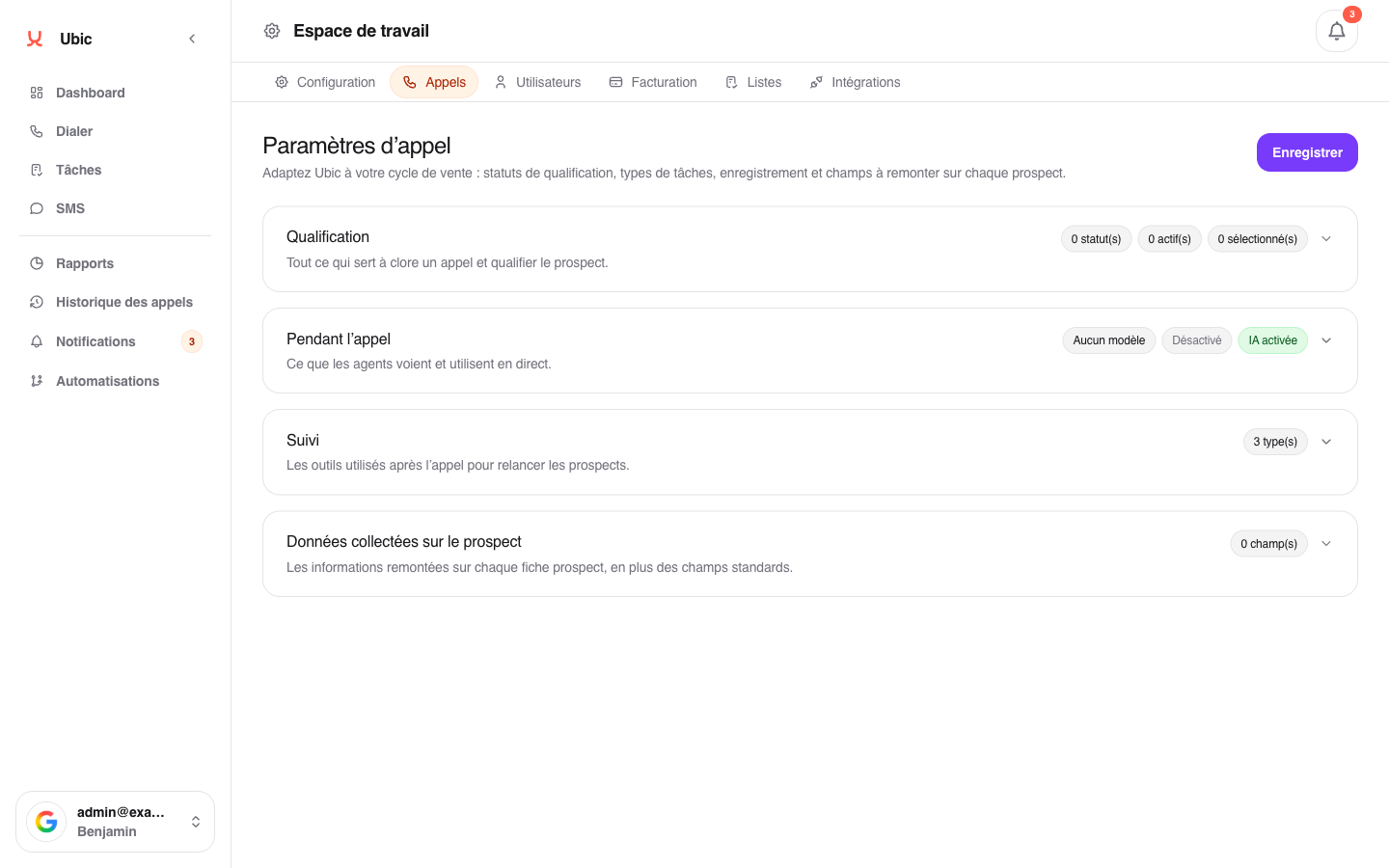
Changes apply immediately to all members. A deleted status is no longer available for new calls but remains recorded on past calls.
CRM statuses are added from CRM lists and carry a CRM source label. You cannot create them manually on this page. You can change the label shown in Ubic, but the value sent to the CRM remains unchanged.
A manual status is a qualification used by Ubic or CSV imports. It remains saved in Ubic when selected for a lead from a CRM, but it is not sent to a CRM field that does not accept that value. To sync the qualification, enable the value provided by the CRM and only adapt its display label when needed.
If AI-generated notes is disabled, the magic wand is not available in call notes. If Call recording and transcription is disabled, Ubic does not create new call transcripts.
Some system statuses, such as wrong number or voicemail detected, are protected and cannot be deleted.
For each list, select the CRM field to update while importing or configuring the list. For User.com, this setting lets you choose between an attribute and tags.
The parallel dialer setting, from 1 to 3 lines, is configured in the Dialer, not here. Call assistant tests and call filters, when enabled by Ubic, are configured for each list so the same compromise is not imposed on the whole team.
Automations are configured in Automations. They can use the Frozen call status, which temporarily sets aside a lead whose call did not result in a conversation, but they do not replace the lead statuses configured here.
