
1. Before you start
An active Modjo account.
A Modjo API key.
A CRM connected to Ubic if you want to help Modjo match the call to the correct CRM lead.
Create the key from Settings > Integrations in Modjo, then copy it immediately. Modjo guide: generate a Modjo API key.
2. Connect Modjo
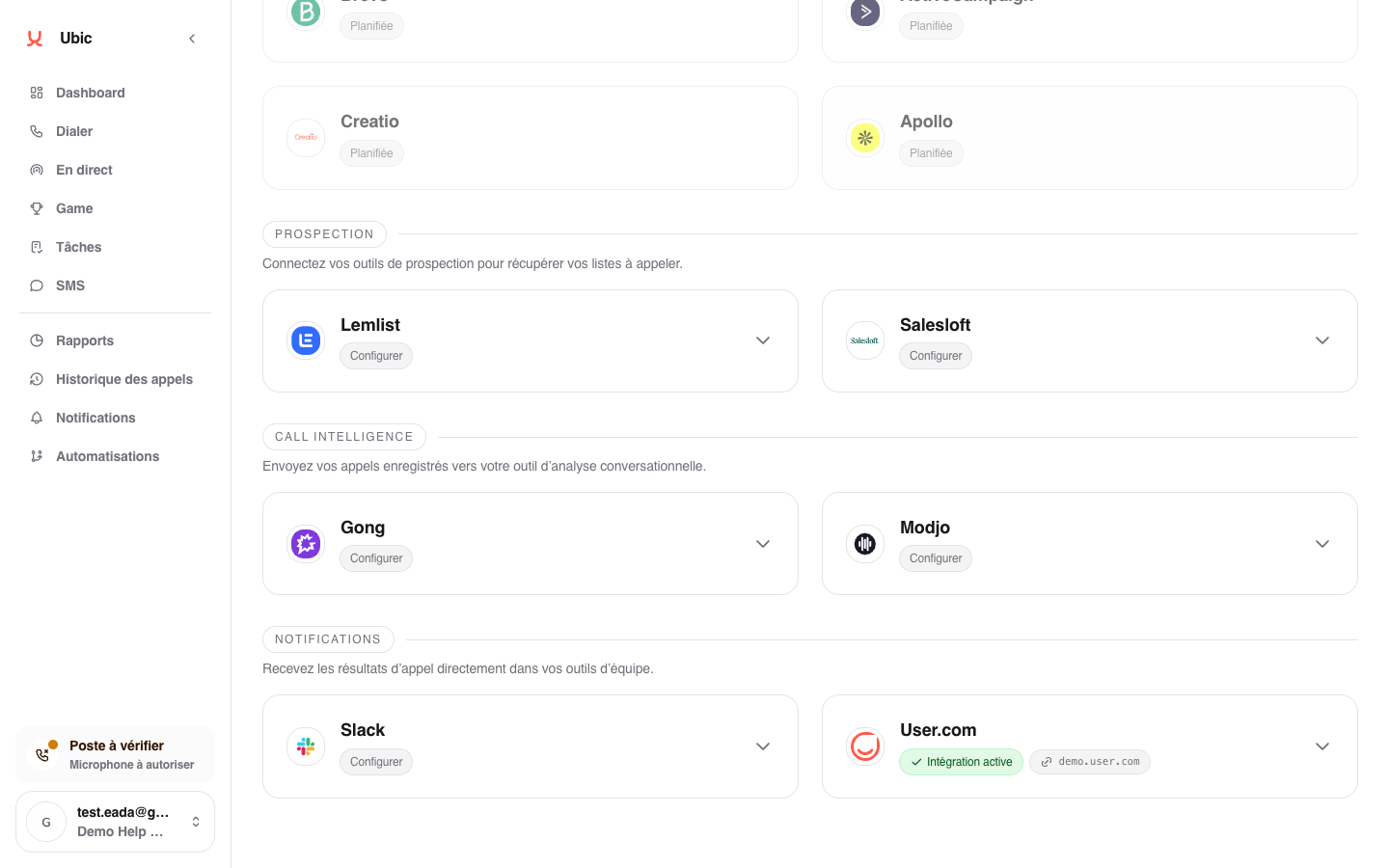
Open Settings > Integrations > Modjo in Ubic.
Paste the API key into Modjo API key.
Click Save.
When a compatible CRM is connected, Ubic includes its context in the data sent to Modjo.
3. What is sent
Each call recorded in Ubic is sent to Modjo with:
the recording URL
the call duration and participants
the lead's CRM ID, when available
The call is sent automatically when it ends.
Notes
If no CRM is connected to Ubic, calls can still be sent to Modjo, but Modjo cannot automatically match them to CRM records. Connect your team's CRM first, then Modjo.
The CRMs supported by Modjo are HubSpot, Pipedrive, Salesforce, and Zoho. A CRM that Modjo does not recognize is not used for matching.