
1. Before you start
A Gong account with API access.
Your Gong credentials: Gong API base URL (which depends on your region), Gong access key, and Gong access key secret.
The email address of each sales representative making calls must exist in Gong so Ubic can match the Ubic user to the Gong user.
Create the credentials from Admin center > Settings > Ecosystem > API in Gong, then copy the access key and access key secret. Gong guide: get API access.
2. Connect Gong
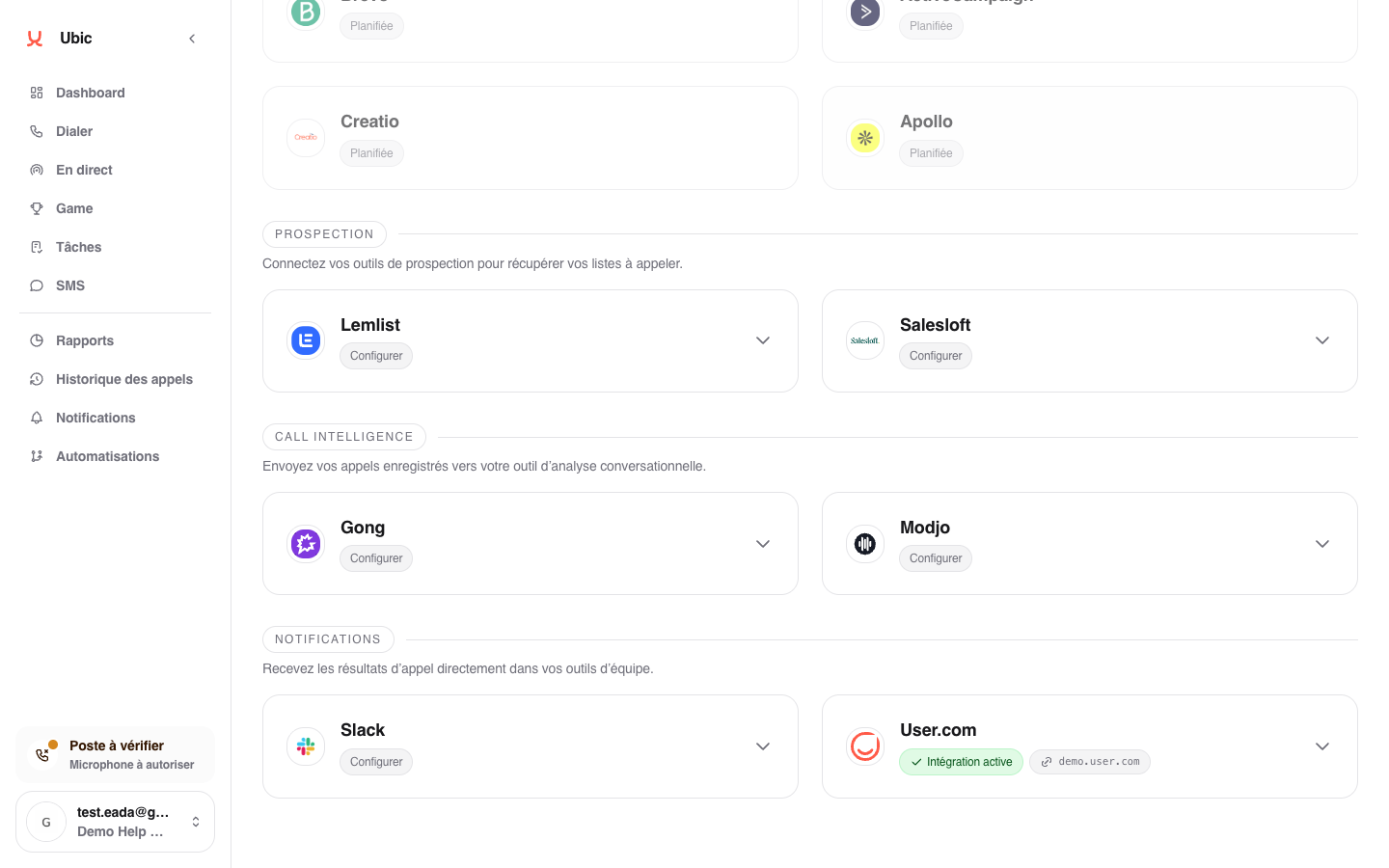
Open Settings > Integrations > Gong in Ubic.
Enter the Gong API base URL, Gong access key, and Gong access key secret.
Click Save.
3. What is sent
For each call recorded in Ubic, the recording link is sent to Gong with the call context: lead, sales rep, and duration. Gong then retrieves the audio.
Synchronization is one-way, from Ubic to Gong. Nothing is sent back from Gong to Ubic.
Notes
If Gong cannot find the Ubic sales representative's email address, the call is not sent. Check that email addresses match on both platforms.
Only recorded calls are included. Calls without a recording are not sent.