
1. Before you start
You need an active Lemlist account and a valid API key. Generate the key from Settings > Integrations in Lemlist.
Lemlist guide: find and create an API key.
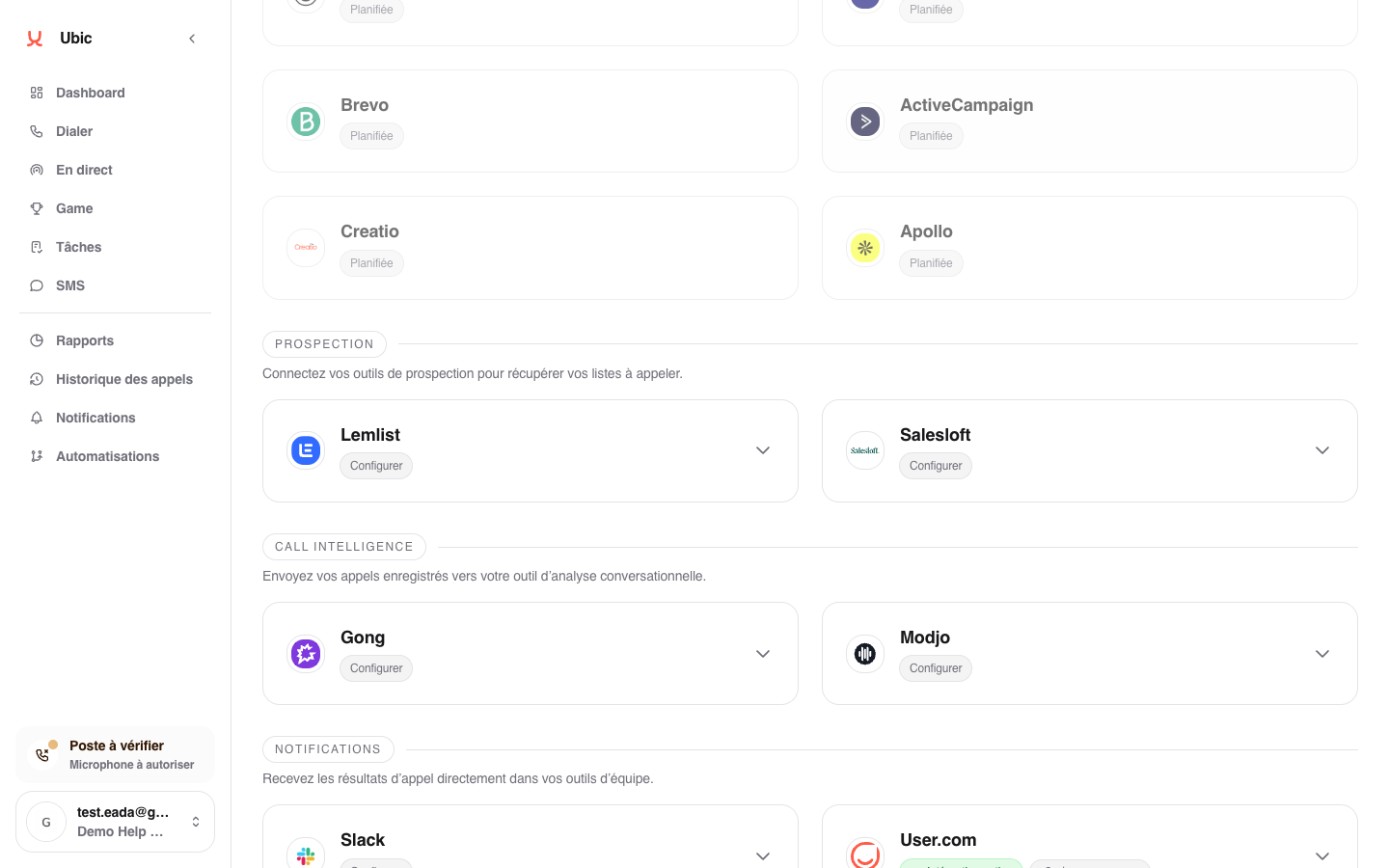
2. Connect Lemlist
Open Settings > Integrations > Lemlist in Ubic.
Paste the API key into Lemlist API key.
Click Save.
Lemlist campaigns are retrieved automatically and become available as list sources.
3. What is synced
Leads from a Lemlist campaign are imported with their email and phone fields. You can then call leads from an email campaign directly in Ubic.
When a lead is qualified after a call, Ubic automatically fills the Lemlist variables ubicLeadStatus with its status and ubicLeadNote with the sales rep’s note. You do not choose variable names in Ubic. Statuses recognized as interested, meeting booked or not interested can also update the lead’s interest in the campaign; a custom status does not necessarily trigger this action.
Good to know
The Lemlist integration is mainly used to retrieve an outbound list enriched through email before making calls. Email engagement tracking remains in Lemlist.
For two-way email and call tracking, use a third-party CRM such as HubSpot or Pipedrive as the primary source.