
1. Before you start
You need an active Close account and an API key with access to contacts. Create the key from Settings > Developer > API Keys in Close.
Close guide: create and manage an API key.
2. Connect Close
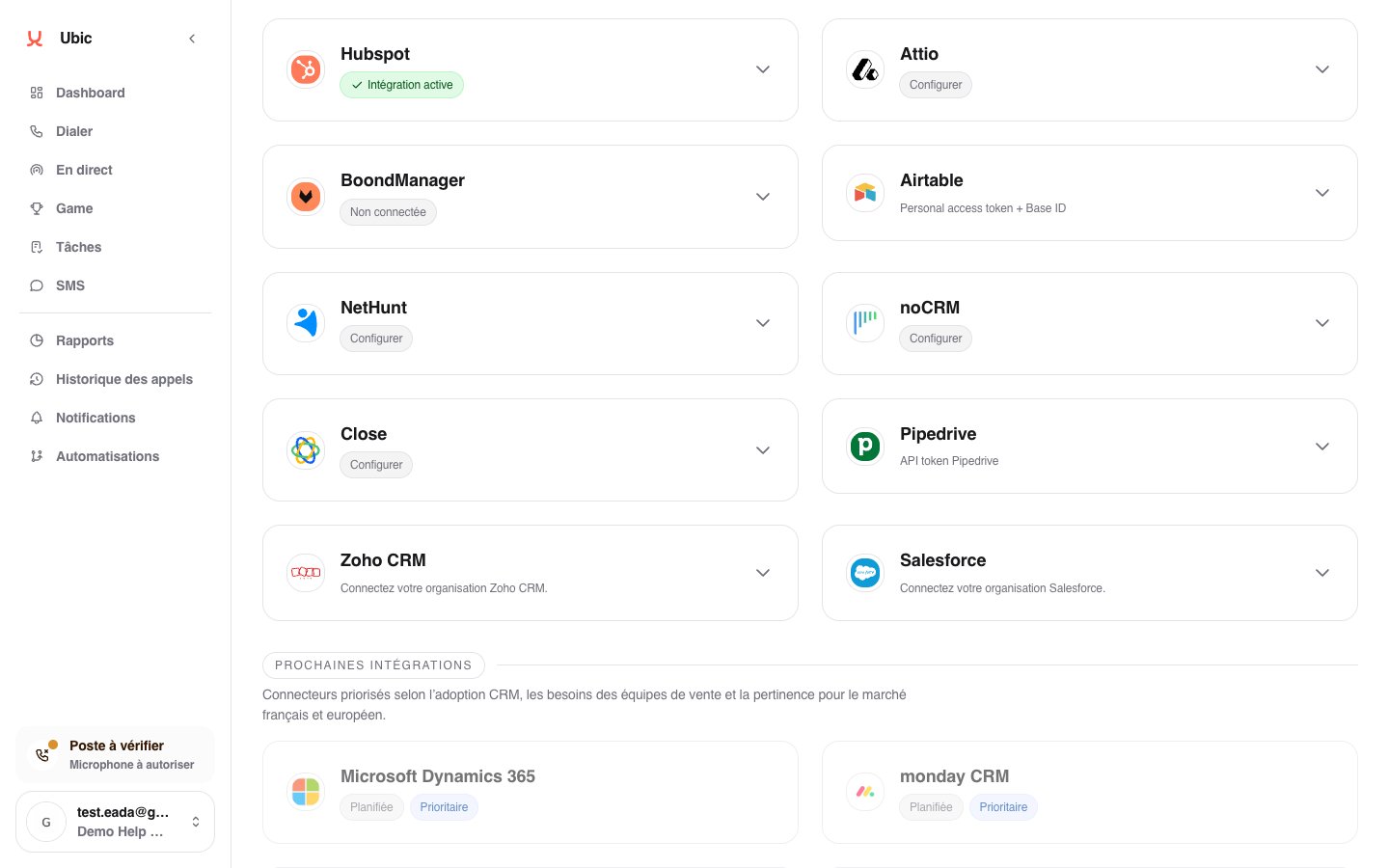
Open Settings > Integrations > Close in Ubic.
Paste the API key into Close API key.
Click Save.
To keep SMS messages sent from Ubic in Close, click Configure and enable outbound SMS logging.
Connect with your Close account
If Connect with Close is available, you can authorize your account instead of entering an API key. Select the correct organization on the Close screen, then return to Ubic.
When switching from an API key to OAuth, use the same Close organization to preserve the links to your prospects. Your current connection stays in place if you cancel or verification fails. API key connections remain supported.
To remove OAuth authorization, click Disconnect Close. Previously imported prospects and list settings are kept; future imports and updates require a new connection.
3. What is synced
Close Smart Views become Ubic list sources. Each Smart View includes the leads filtered in Close.
Standard Close fields are available for mapping. Custom fields can also be used.
The lead status selected after a call can update the native Close status or a custom field chosen for the list. Call notes and outbound SMS messages can be added to Close when the option is enabled.
Notes
The status field is selected when creating or configuring the Close list in Ubic. Without a selected field, Ubic imports leads but does not update their status in Close.