You must be an administrator of your Ubic workspace and have an active Pipedrive account with access to the people and filters you want to use.
There are two ways to connect:
Pipedrive account: if Connect with Pipedrive is available, authorize Ubic in Pipedrive without copying an API key.
Personal API key: use a key with full API access. Find it under Settings > Personal preferences > API in Pipedrive.
Pipedrive guide: find your personal API key.
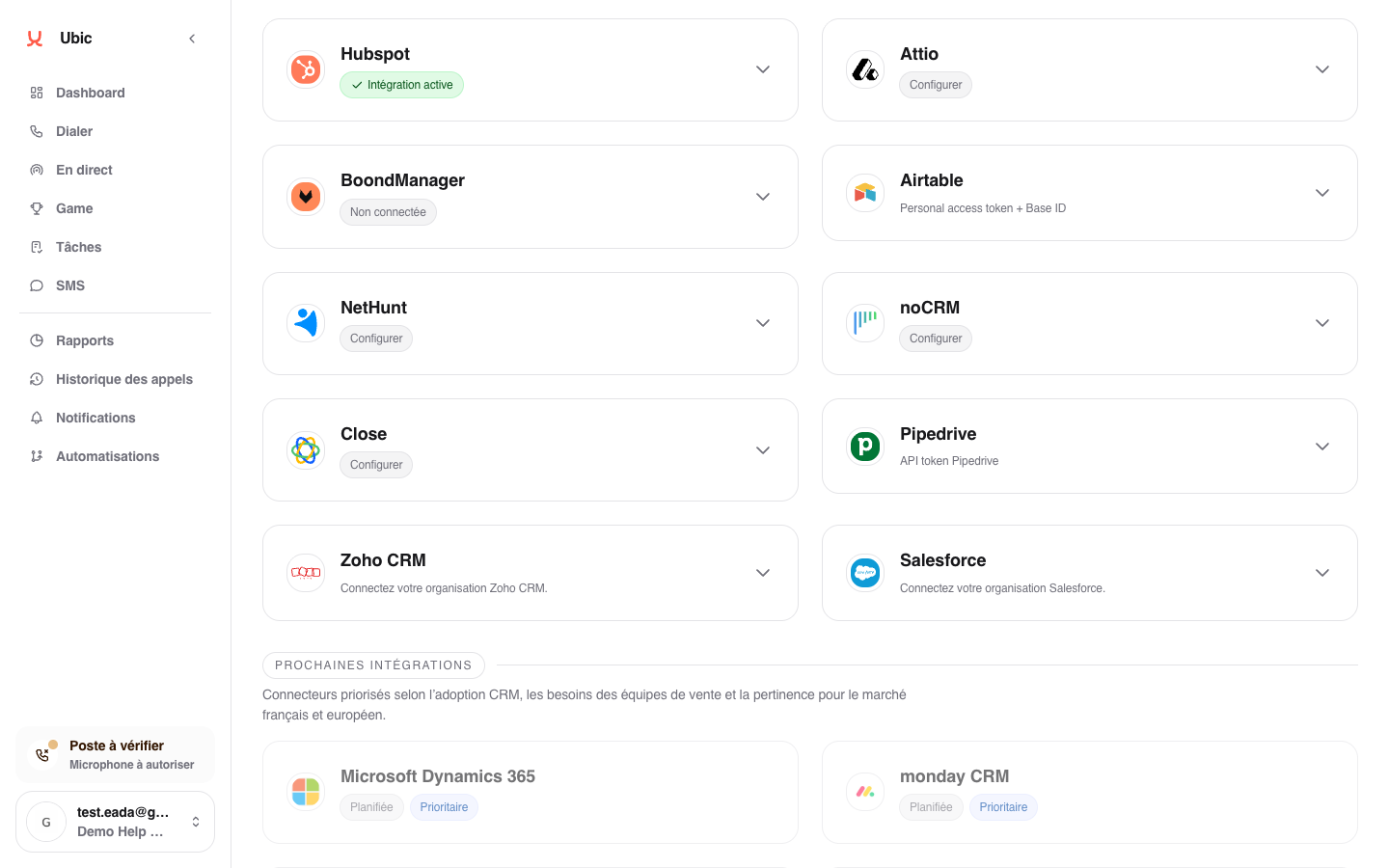
Open Settings > Integrations > Pipedrive in Ubic, then choose the available connection method that suits you.
Click Connect with Pipedrive, if this button is available.
Sign in to the Pipedrive account you want to use and review the access requested by Ubic.
Authorize the connection and wait to return to Ubic.
Check that the card shows Integration active and Authorized Pipedrive account.
Start this connection from Ubic. If you already use an API key, you can click Connect with Pipedrive without removing it first. Your key stays active if you cancel or if authorization fails. The new connection replaces it only after authorization succeeds.
To renew an existing authorization, click Reconnect Pipedrive without disconnecting the account first. Both migration from an API key and reconnection must use the same Pipedrive company as your current connection. Ubic rejects a different company to protect your lists and their CRM associations. Cancellation or failure keeps the current connection. If its authorization has expired, a successful reconnection is still needed to resume data exchanges.
If your previous API key is no longer valid and prevents migration, contact Ubic support.
Paste the API key into Pipedrive API key.
Click Save.
Check that the card shows Integration active and Pipedrive API token.
This method remains available when account authorization is not offered. An existing API key connection continues to work without a mandatory change.
Once Pipedrive is connected, click Configure to adjust sync options. To keep SMS messages sent from Ubic in Pipedrive, enable outbound SMS logging.
Pipedrive person filters become Ubic list sources.
Standard fields (name, email, phone, company, job title) are added to the lead profile.
Pipedrive custom fields are detected and can be mapped.
The lead status selected after a call can update the Pipedrive field chosen for the list.
Call notes and outbound SMS messages can be added to Pipedrive when the option is enabled.
Use a Pipedrive filter, not a view or Kanban board. A poorly defined filter can return an empty or overly broad list.
The status field is selected when creating or configuring the Pipedrive list in Ubic. Without a selected field, Ubic imports leads but does not update their status in Pipedrive.
Updates made in Pipedrive are not reflected in Ubic in real time. The list reflects the filter when it is created or resynchronized in Ubic.
Under Settings > Integrations > Pipedrive, click Disconnect Pipedrive if you authorized your account, or Delete for an API key connection. This removes the connection from the Ubic workspace. Further imports and exchanges with Pipedrive require a new connection.
After disconnecting, you can choose either available method again. Cancelling an account authorization attempt does not disconnect an API key that is already active.
