
Before deleting
For a CSV list, export it first if you need to keep the lead information.
Let the affected sales reps know: the list will disappear from their calling page.
Open Automations and check whether an active rule still applies to this list. Deleting the list will remove any waiting leads from that automation.
Delete the list
Open the list from the calling page.
Click its ••• menu, then Delete.
Read the confirmation message and confirm the deletion.
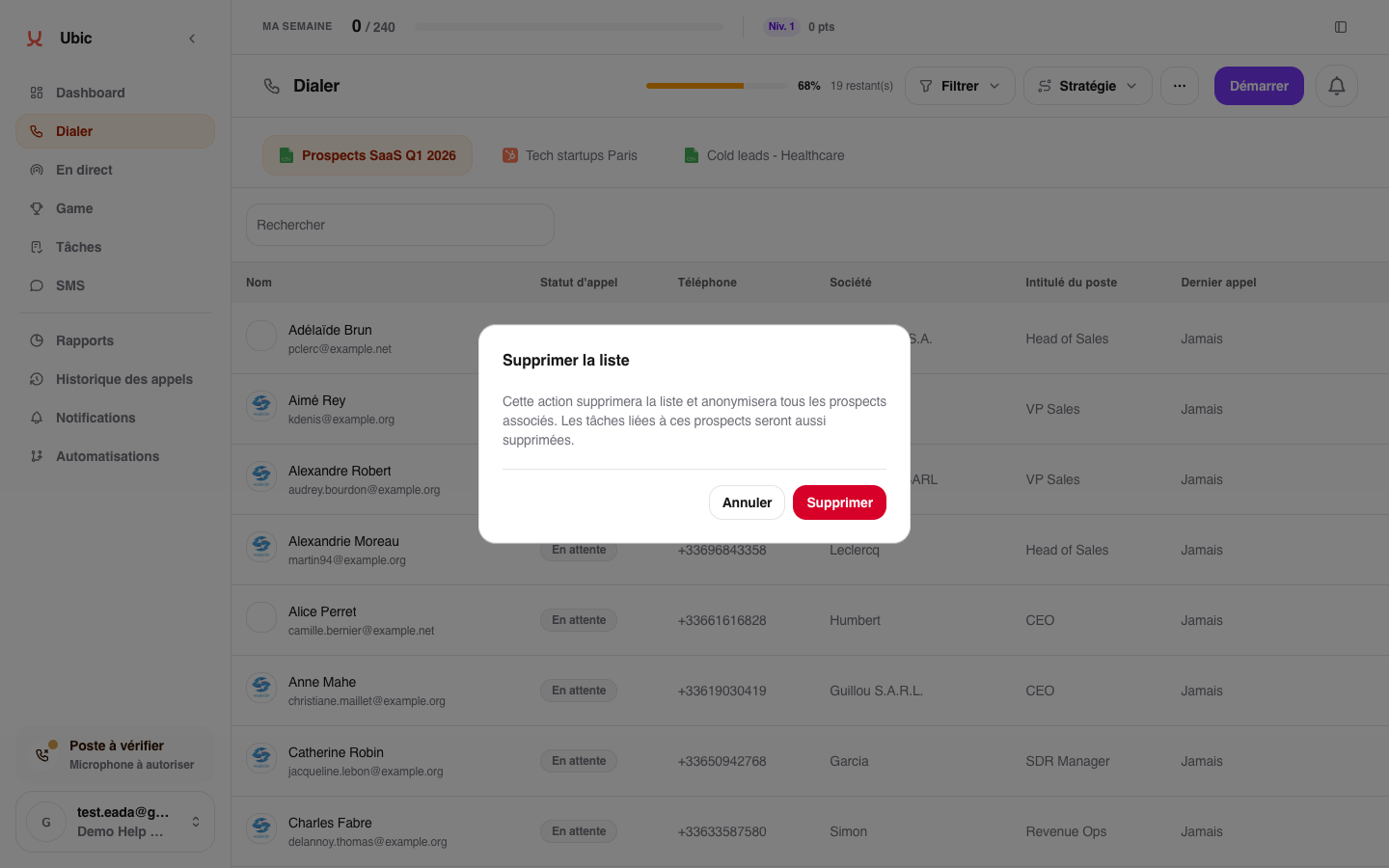
This action is permanent. Personal lead data is anonymized and their tasks are deleted. Historical figures remain available in reports without making it possible to identify the deleted people.