
Prepare the challenge
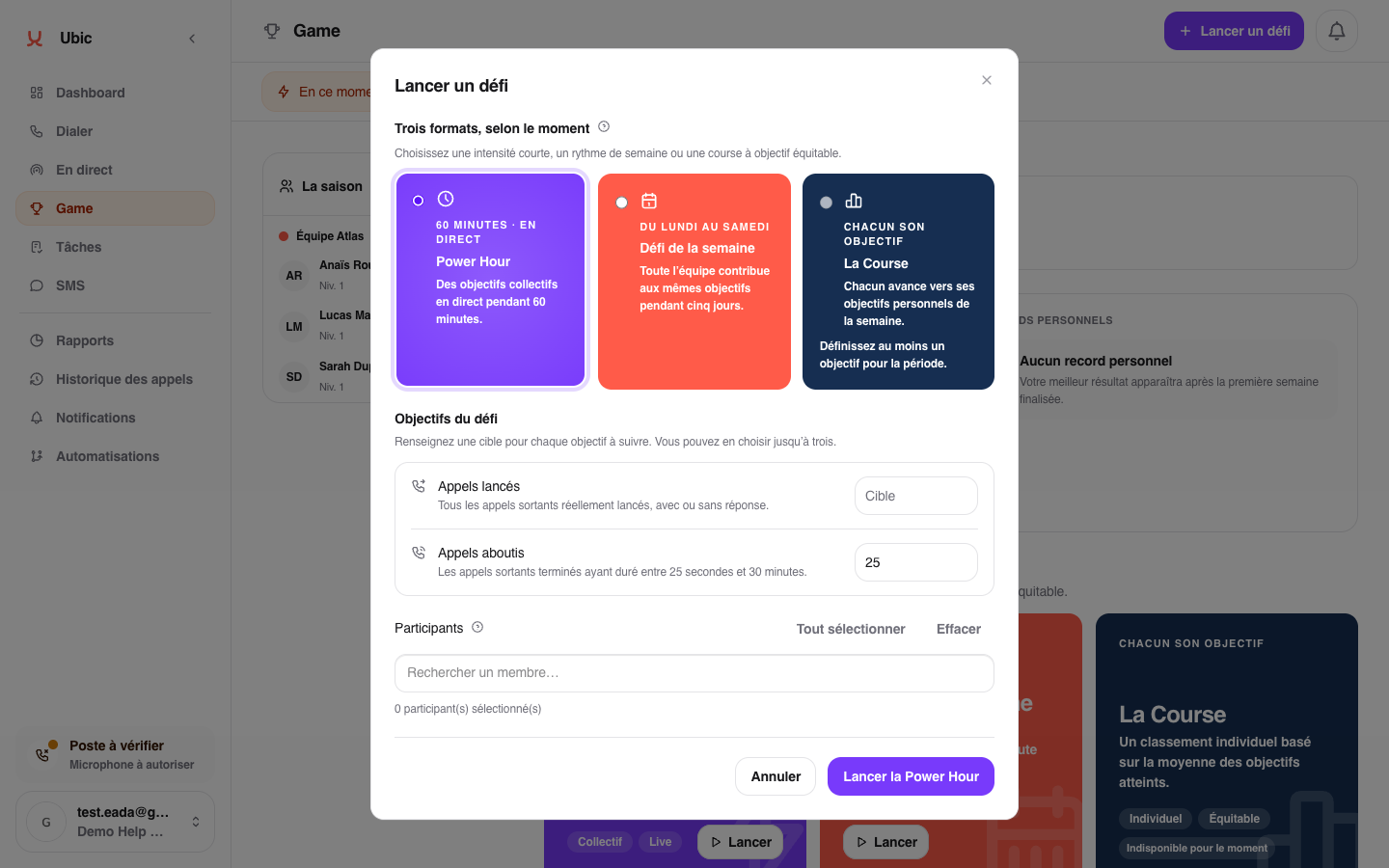
Open Game > Now.
Click Start a challenge, then choose Power Hour.
Select up to three metrics: calls started, connected calls, or conversions.
Set a target for each metric.
Select the participants, then click Start Power Hour.
Participants see team progress and their own contribution live in Game. A compact indicator also remains visible while they call.
Before starting
Game must be enabled, participants must have joined the workspace, and no other Power Hour can be active. If you stop the challenge early, it is cancelled.