
Prepare the list
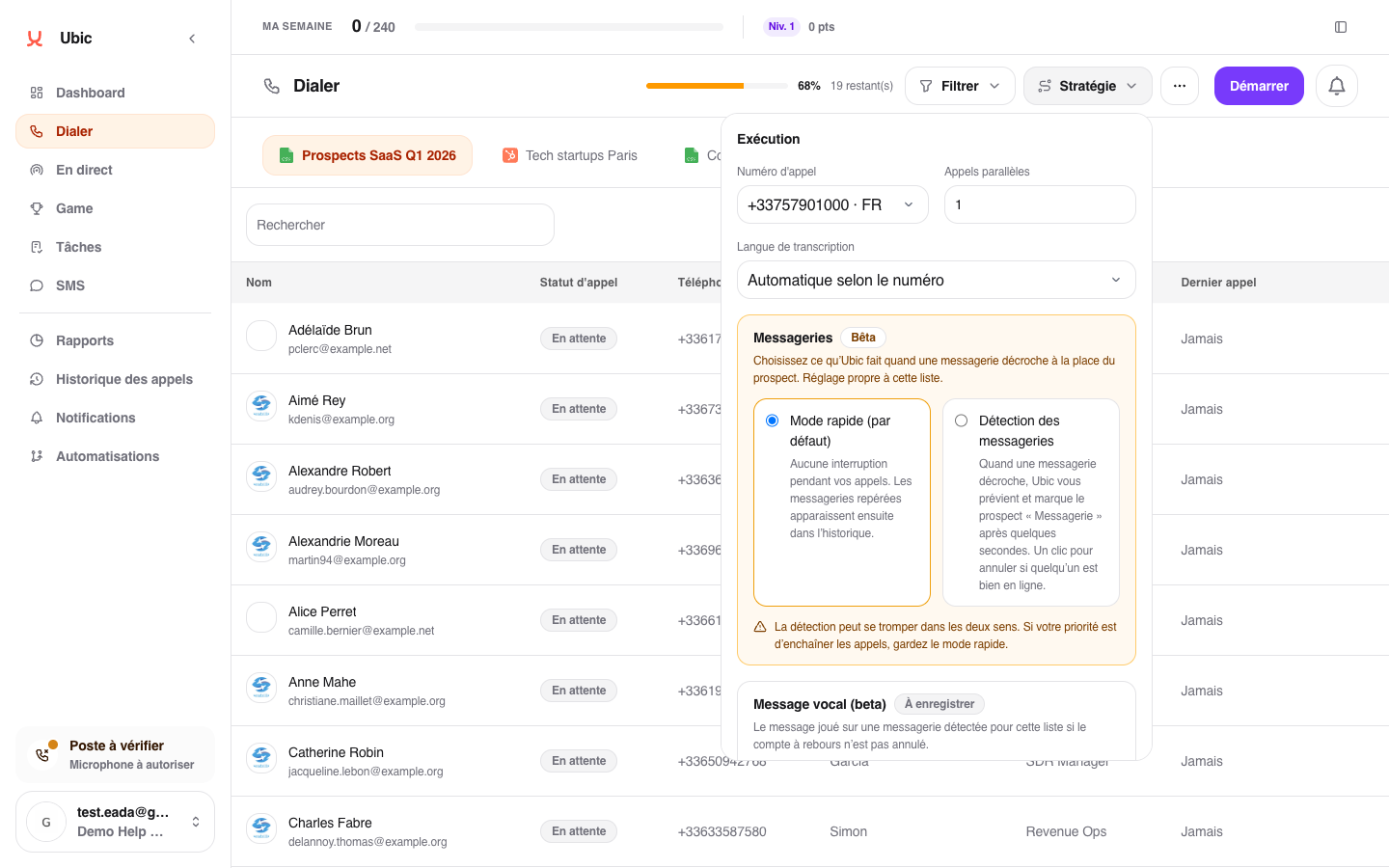
In Calls, select the list and open Strategy.
Under Voicemail, enable Voicemail detection.
To leave a message, record one or import an MP3 or WAV file up to 5 MB.
Listen to the preview, click Use this message, then save the strategy.
During a call, the Voicemail detected banner shows a three-second countdown. If a person is actually on the line, click Cancel immediately. Otherwise, Ubic marks the lead as Voicemail and plays the configured message.
If the connection slows down during confirmation, Ubic shows that it is checking the result. If the result cannot be confirmed, use the usual controls to hang up and qualify the call. Cancelling detection prevents the countdown from starting again for that same call.
Limits to keep in mind
Phone detection can occasionally be wrong; Cancel is your safeguard.
A lead receives at most one automated voicemail message.
The setting and message are specific to each list.
The automatic Voicemail status stays in Ubic, while call activity may be recorded in the connected CRM.