Use the portal to:
view or download invoices
change your card or payment method
update the billing address
cancel a trial before it becomes a paid subscription
schedule a subscription cancellation
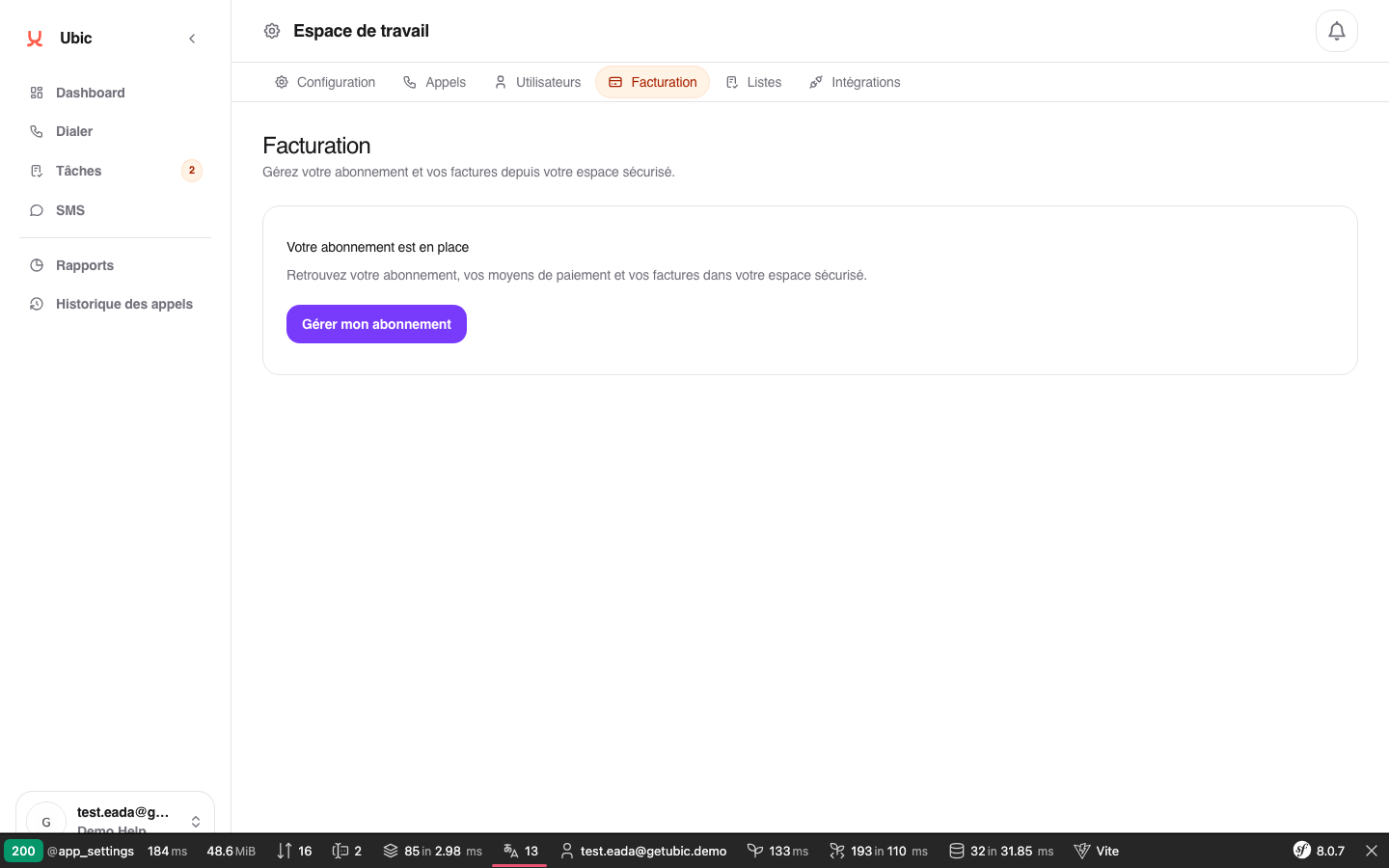
Open Settings > Billing in Ubic.
Click Manage subscription.
Ubic opens the Hyperline portal in a new page.
The portal is secure and automatically linked to your workspace.
Update your card: open Payment methods, add the new card, then remove the old one.
Download an invoice: open Invoices, then click the PDF for the relevant period.
Cancel a trial: open Subscription, then use the cancellation option. You will not be charged if you cancel before the conversion date shown.
Cancel a subscription: open Subscription, then click Cancel subscription. The cancellation takes effect at the end of the paid period.
Manage subscription is available when the workspace has a subscription or a trial with a payment method. Otherwise, start with Subscribe or Start trial.
Hyperline transactional emails, including payment reminders and invoices, are sent to the billing email address. This may be different from the email of the user who opened the portal.
