
Filter and open the call
Open Call history.
Narrow the list by date, calling list, sales rep, or call direction.
Find the relevant lead.
Click Play to listen to the recording.
Click the Document icon to open the transcript.
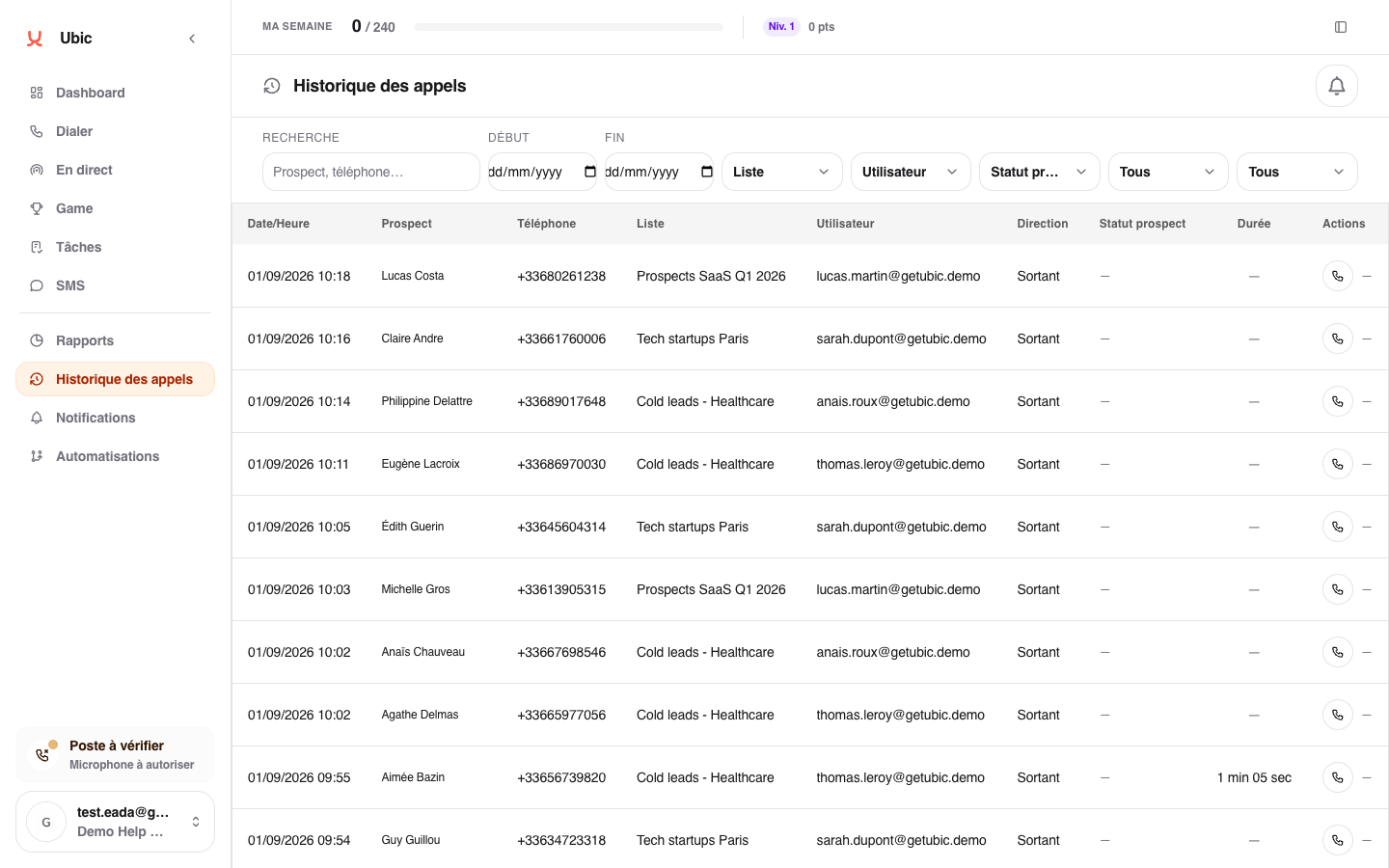
The Lead status filter can help you find calls that resulted in a demo or a rejection, for example.
If no action is available
Recording or transcription may have been disabled, unavailable for that call, or still processing. AI notes are generated from the call follow-up, not from the history.
Calls from a withheld or unavailable number
Withheld number means the caller’s number was not shared. Unavailable number means Ubic did not receive a usable number. Each call remains available separately; these calls do not represent a shared contact.
Open the call details to see its date, sales rep, result, and available media. The rep who received the call can save a note and result for that individual call. Callback and SMS actions are unavailable without a usable number.