A list assigned to a user:
appears by default in their Dialer the next time they log in
uses the calling number configured for that list
keeps their activity figures clear in reports filtered by user
A list without an owner remains available to admins but is not assigned to anyone by default.
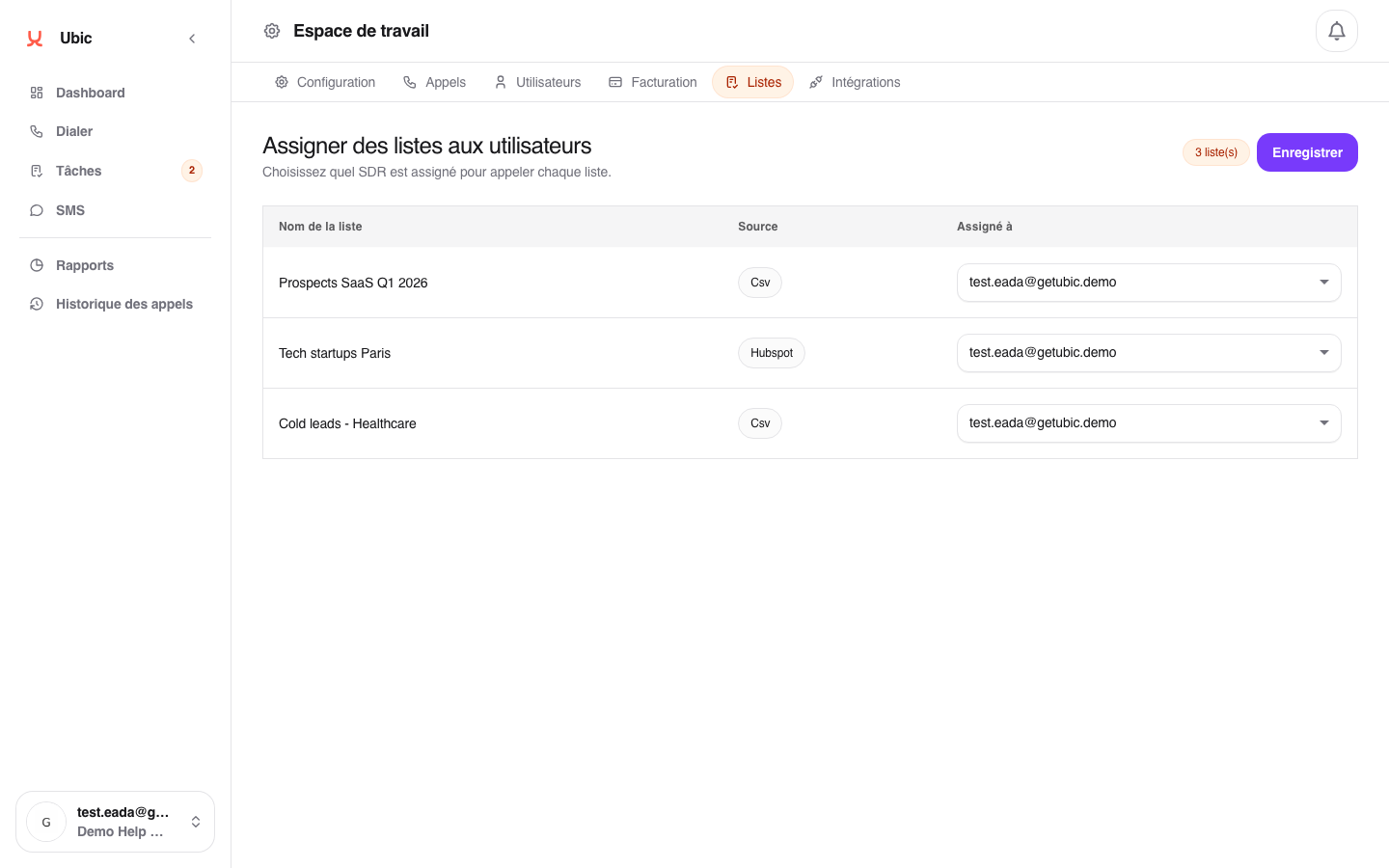
Open Workspace Settings > Lists.
Each row shows the list name, its source such as CSV or Hubspot, and its current owner.
Select a user from the Assigned to dropdown menu.
Click Save.
Former sales rep has left: reassign all their lists to a replacement or an admin.
Shared list: leave Assigned to empty and use the parallel calling strategy so several members can call leads from the list.
Changing a list owner also syncs its calling number. If the previous number is not assigned to the new owner, Ubic replaces it with one of that user's numbers when possible.
