The workspace must have at least one purchased number. Numbers are purchased with a calling license, either when subscribing or from the billing portal.
Open Workspace Settings > Users.
Find the user who needs the number.
Click Add number.
Select an available number from the dropdown menu.
Click Assign.
The number now appears in the user's list of numbers with its country flag.
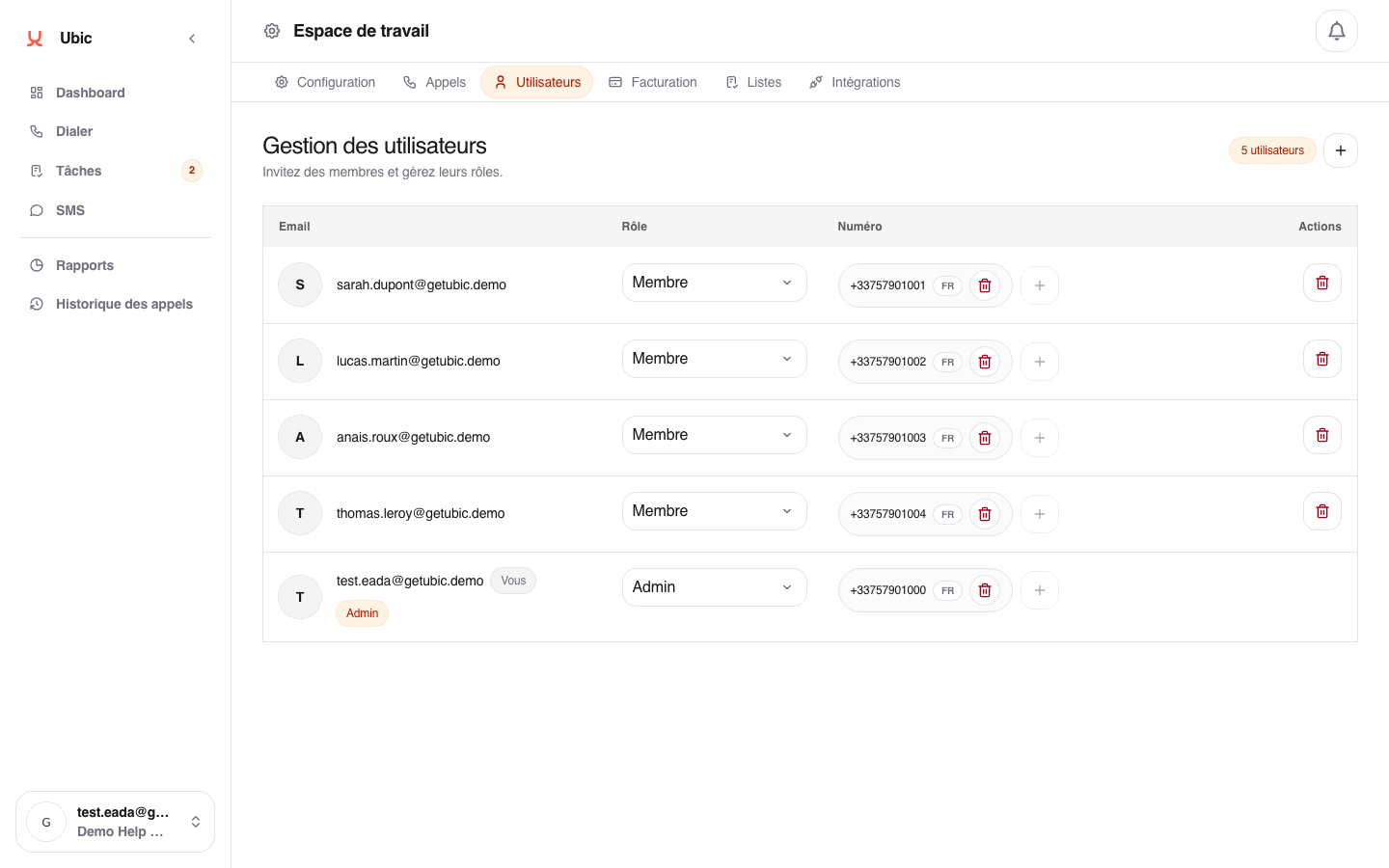
You can remove a number from one user and assign it to another. Open the user's row and click Remove next to the number.
The number becomes available again and can be reassigned immediately.
A user can have several numbers, for example one per country. During a calling session, the list settings determine which number is used.
Changing a user's number automatically updates prospect lists that use it as their main calling number.
