
Assign the number
Open Settings > Team & lists > Members.
Click the person to open their panel.
Choose an available number.
Click Assign.
If No number available appears, there is no free number eligible for outbound calling to assign.
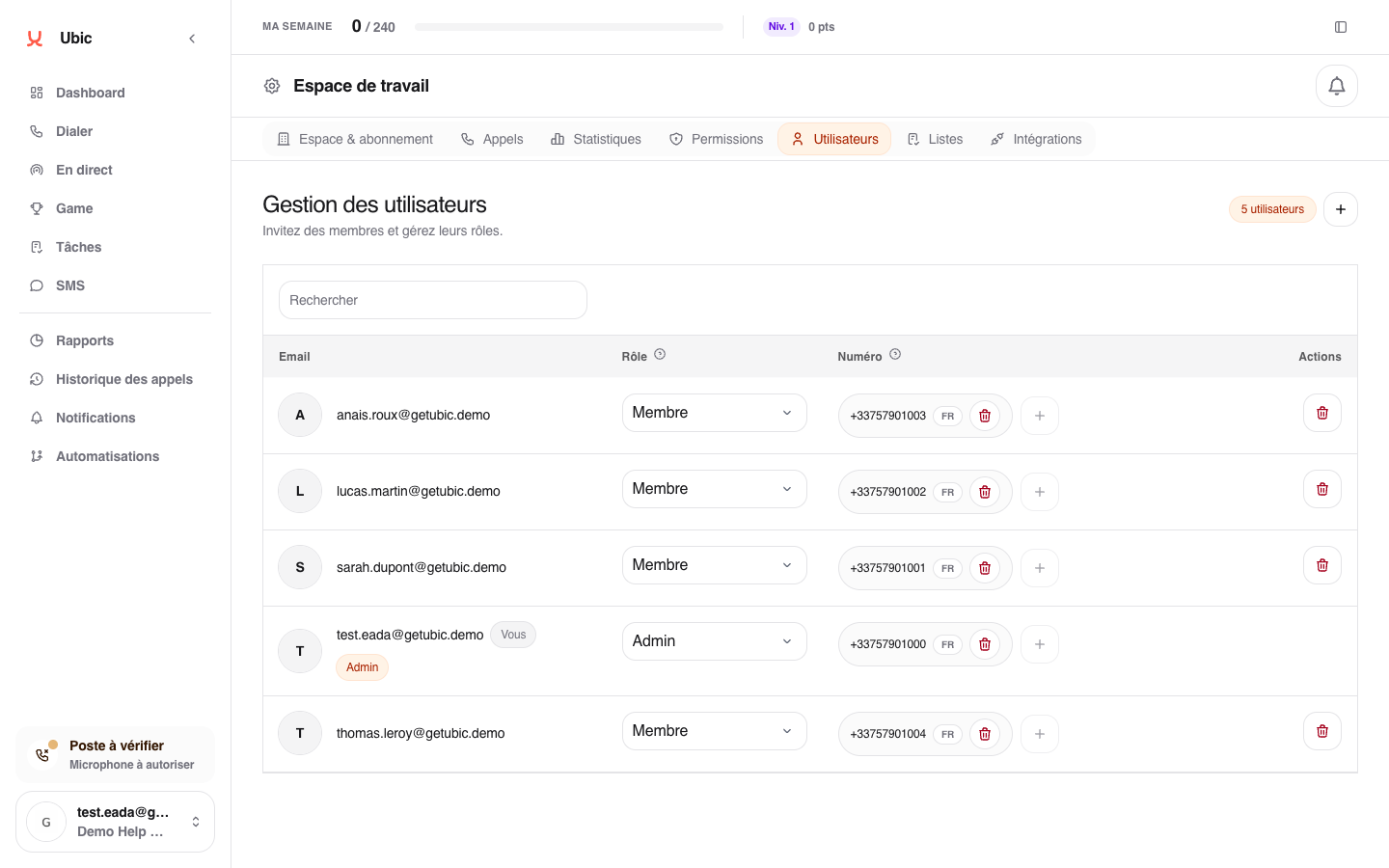
The number immediately appears on the sales rep's row. If they work in several countries, you can assign several numbers; the calling list then determines which one is used.
Reassign a number
Click Remove next to the current number. It becomes available and can be assigned to someone else. Ubic adjusts lists that used this number when possible.