Admin: can invite users, configure integrations and call settings, manage billing, and remove users.
Member: can make calls, manage their tasks, use configured integrations, and view reports.
An Admin can do everything a Member can. A Member does not have an Admin's permissions.
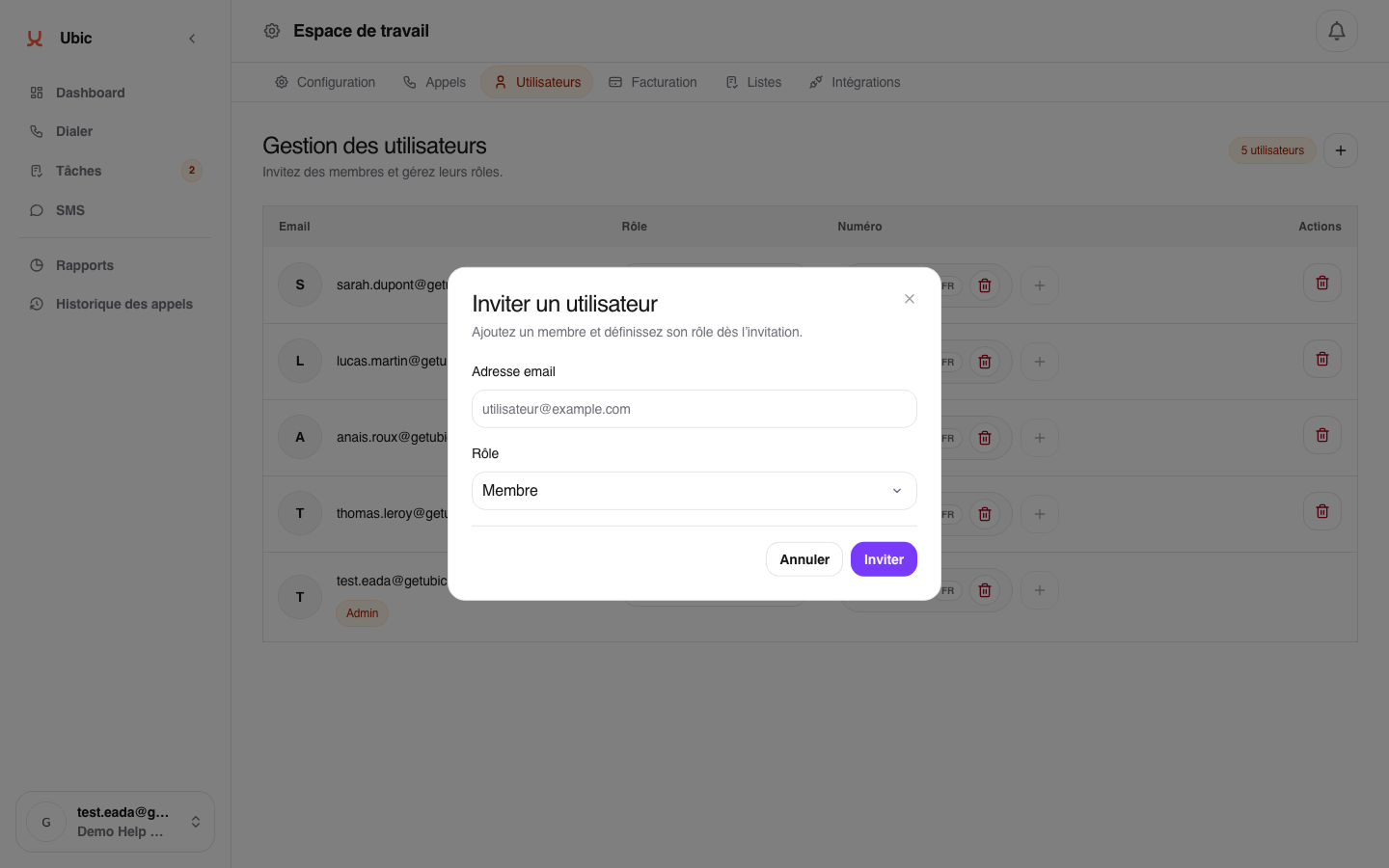
Open Workspace Settings > Users.
Click Invite a user.
Enter the email address and select a role: Member or Admin.
Click Invite.
The invited user receives an email with an invitation link. They join the workspace after confirming with an OTP code.
In the user list, use the dropdown menu next to a user to change their role. The change takes effect immediately.
An invited user who has not confirmed the invitation yet appears in the list with the Invitation pending status.
Removing a user frees their calling license when applicable. Their previous calls remain in the call history and reports.
