
1. Before you start
You need an active Lemlist account and a valid API key. Generate the key from Settings > Integrations in Lemlist.
Lemlist guide: find and create an API key.
2. Connect Lemlist
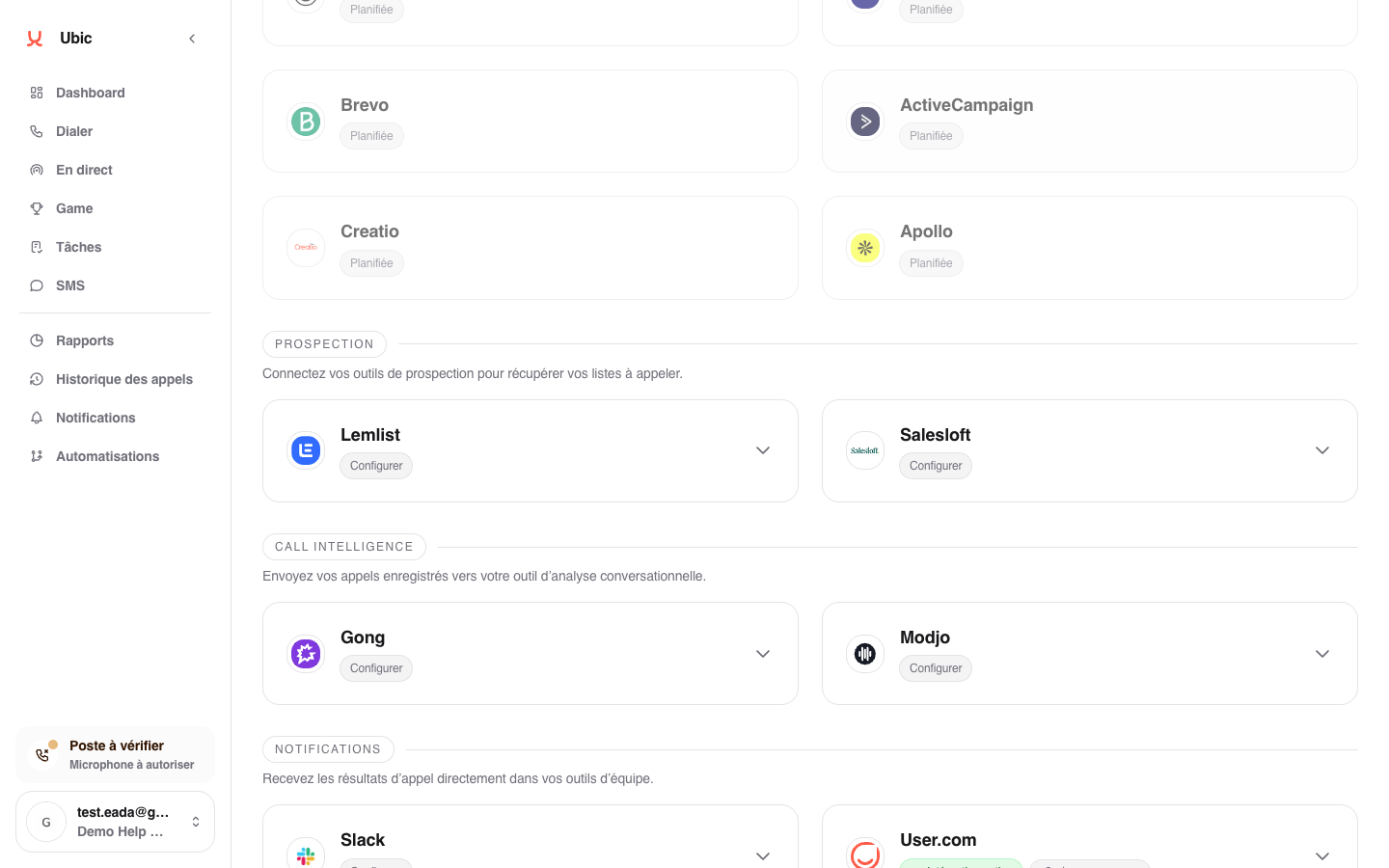
Open Settings > Integrations > Lemlist in Ubic.
Paste the API key into Lemlist API key.
Click Save.
Lemlist campaigns are retrieved automatically and become available as list sources.
3. What is synced
Leads from a Lemlist campaign are imported with their email and phone fields. You can then call leads from an email campaign directly in Ubic.
When a lead is qualified after a call, Ubic can add Lemlist variables containing the lead status, the sales rep's note, and the required follow-up. Some statuses can also mark the lead as interested or not interested in the campaign.
Notes
The Lemlist integration is mainly used to retrieve an outbound list enriched through email before making calls. Email engagement tracking remains in Lemlist.
For two-way email and call tracking, use a third-party CRM such as HubSpot or Pipedrive as the primary source.